
Understanding Temperature Rise Notifications on Smart Displays
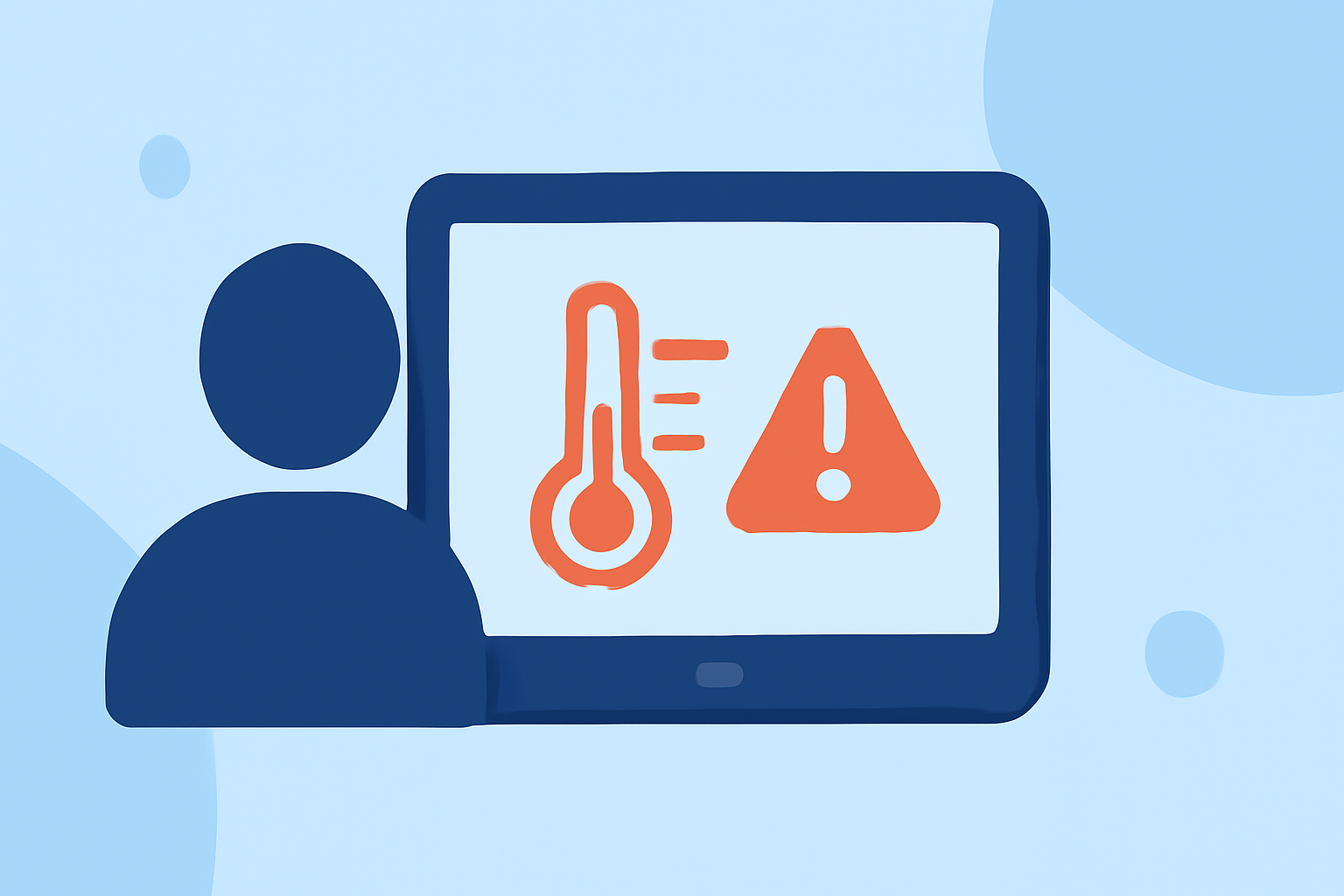
Smart displays have become integral to modern homes, offering functionalities that extend beyond basic information display. One such feature is the ability to notify users of temperature increases, which can be crucial for maintaining comfort and safety.
What Are Temperature Rise Notifications?
Temperature rise notifications are alerts that inform users when the ambient temperature exceeds a predefined threshold. These notifications can be triggered by various factors, including weather changes, HVAC system malfunctions, or other environmental conditions.
How Do Smart Displays Deliver These Notifications?
Smart displays utilize integrated sensors and connectivity to monitor and respond to temperature changes. When a temperature rise is detected, the device can send notifications through various channels:
-
Visual Alerts: Displaying a message or icon on the screen indicating a temperature increase.
-
Auditory Alerts: Emitting sounds or tones to draw attention to the change.
-
Integration with Other Smart Devices: Triggering actions in connected devices, such as adjusting thermostats or activating fans.
Why Are Temperature Rise Notifications Important?
Receiving timely alerts about temperature increases can help users:
-
Maintain Comfort: Ensure that living spaces remain within a comfortable temperature range.
-
Prevent Damage: Protect sensitive equipment or materials that may be affected by excessive heat.
-
Enhance Safety: Identify potential issues with heating systems or other appliances that could pose safety risks.
How Does Clime Enhance Temperature Monitoring?
Clime offers advanced temperature monitoring capabilities that integrate seamlessly with smart displays. By leveraging Clime's technology, users can receive accurate and timely temperature rise notifications, ensuring optimal comfort and safety in their homes.
Setting Up Temperature Rise Notifications with Clime
To configure temperature rise notifications using Clime:
-
Install Clime-Compatible Sensors: Place temperature sensors in key areas of your home to monitor ambient temperatures.
-
Connect Sensors to Your Smart Display: Ensure that the sensors are properly linked to your smart display system.
-
Configure Notification Settings: Set your desired temperature thresholds and choose your preferred notification methods (visual, auditory, or device integration).
-
Monitor Alerts: Regularly check your smart display for any temperature rise notifications and take appropriate action as needed.
Best Practices for Temperature Monitoring
-
Regular Calibration: Periodically calibrate your temperature sensors to maintain accuracy.
-
Strategic Placement: Position sensors in areas prone to temperature fluctuations, such as near windows or heating sources.
-
Threshold Adjustments: Review and adjust temperature thresholds periodically to align with seasonal changes and personal comfort preferences.
By effectively utilizing temperature rise notifications on smart displays, users can proactively manage their home environments, ensuring both comfort and safety.