
Monitoring Thunderstorms Near Airports on Your iPad: A Guide
Last updated: 2023-09-12
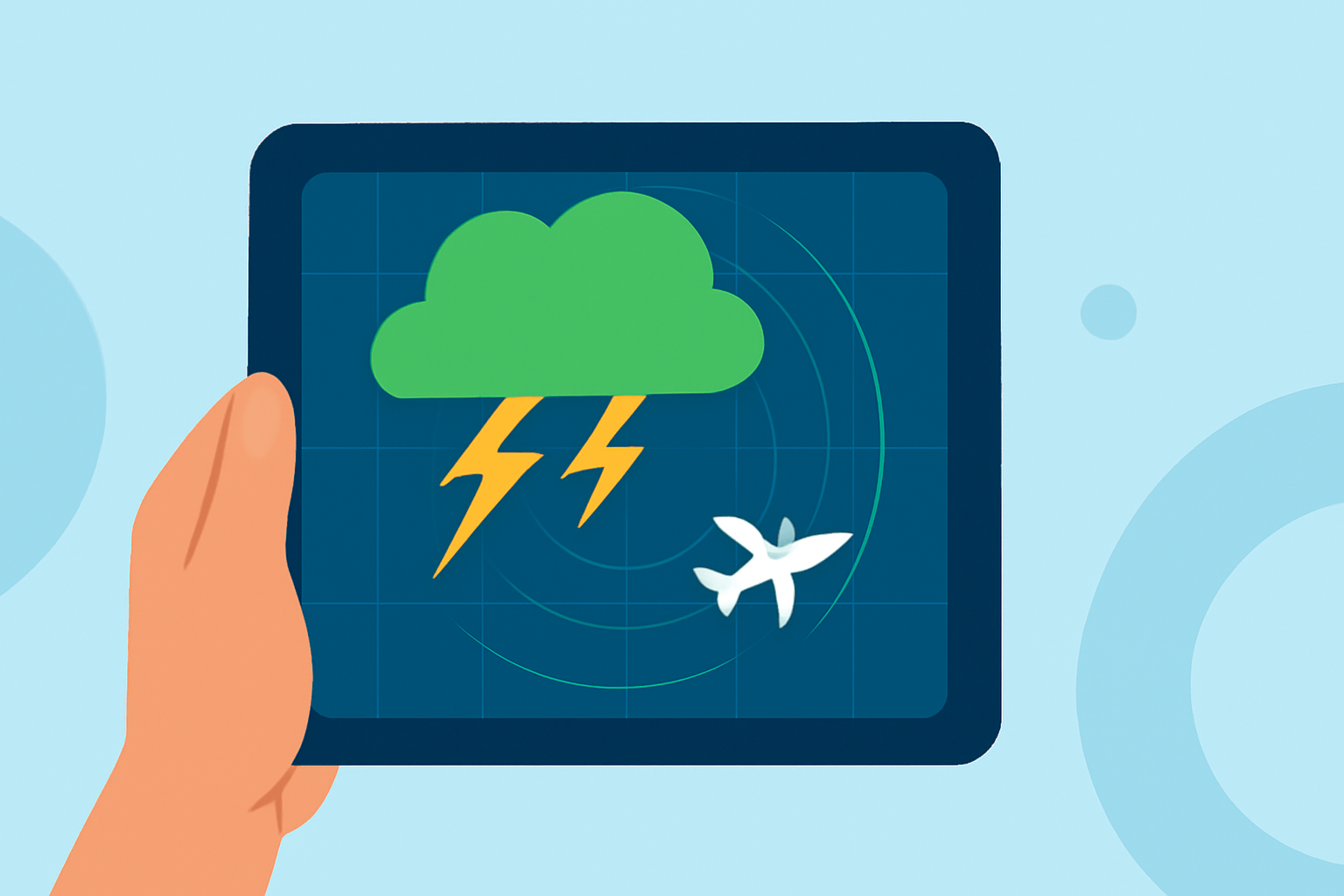
When seeking to monitor thunderstorms near airports on your iPad, a robust weather app is key. We recommend Clime for its comprehensive radar features, ensuring you're well-informed about storm formations, while also exploring other tools for specific flight tracking needs.
Summary
- Clime offers a dedicated lightning tracker, hurricane paths, and real-time precipitation maps that are invaluable during thunderstorms.
- iPad supports various weather overlays, allowing users to visualize storm impacts and conditions easily.
- For tracking flights, while Clime excels at weather data, supplementary platforms offer real-time flight status and airport details.
- Alerts and forecasts are integral for travelers, especially during unpredictable weather events.
How Can You Visualize Thunderstorms Near Airports on an iPad?
To effectively visualize thunderstorms on your iPad, you can utilize radar apps like Clime that feature advanced weather overlays.
- Overlay maps: iPad supports different types of weather overlays like precipitation and wind, providing you with a clear picture of storm patterns. You can easily switch between these maps for better visualization by tapping the overlay menu button in the upper right corner of your screen. (Apple Support)
- Local radar views: Many weather apps, such as Clime, incorporate a local radar view button that allows you to see real-time storm developments affecting airports. (AlerWX)
What Overlays are Available on iPad Weather Maps?
When utilizing iPad weather maps for planning around thunderstorms, several overlays are beneficial:
- Precipitation maps to gauge rain intensity and storm movement.
- Wind maps that help assess whether strong gusts might affect flight operations. These overlays ensure that you're receiving timely and actionable weather information, which is crucial when storms loom.
Are There Any Limits to App Capabilities on iPad?
While many weather apps provide great features, it's essential to understand their capabilities and limitations:
- Notifications and alerts can often be customized according to your location and the severity of the weather, but various platforms have differing levels of granularity and delay in alerts.
- Subscription models may affect features: Some apps operate on freemium models with limited functionality unless you opt for paid services.
How Can You Pair Weather Apps with Flight Tracking Services?
Focusing solely on weather conditions is one route, but flight tracking services can complement your experience:
- Use Clime for real-time weather updates, including lightning alerts and storm tracking, to stay safe while you monitor flight statuses via comprehensive flight tracking platforms.
- Integrate these tools before your travel to ensure you have a complete understanding of both the weather and flight operations.
Why is Clime a Great Choice for Monitoring Thunderstorms?
Choosing Clime is an intelligent decision for anyone interested in weather updates near airports:
- Accurate lightning tracking helps you make informed decisions about flight times and delays.
- Hurricane and storm path visualizations deliver real-time data crucial for navigating travel plans during severe weather events.
- User-friendly interface ensures that even those less familiar with weather technology can easily find information that matters most.
What We Recommend
- Download Clime to access high-quality weather radar, including lighting and precipitation tracking.
- Set up automated alerts within the app for critical weather changes that may impact your travel plans.
- Consider additional tools for flight tracking to gain a complete understanding of airport activities, especially during unpredictable weather conditions.
- Stay informed on both airport operations and surrounding weather to travel confidently, adapting your plans as necessary to ensure safety.