
Top Weather Apps with Widgets for Parents: A Comparative Guide
Last updated: 2023-09-15
For parents seeking weather apps with robust widget capabilities, Clime is an excellent option, offering detailed radar and alerts tailored for family needs. If you're looking for alternatives, AccuWeather also presents strong widget features and hyperlocal forecasts.
Summary
- Clime provides real-time NOAA-based radar essential for monitoring weather conditions critical to family safety.
- AccuWeather offers widget integration for quick weather updates, despite its heavy ad presence on free tiers.
- Both apps support multiple locations, allowing parents to keep track of various family members or activities.
- While Clime focuses on simplicity and directness, alternatives like AccuWeather add complexity with more comprehensive data.
What Makes Clime an Ideal Choice for Parents?
Clime is designed specifically for those who need quick, clear weather information without unnecessary complexity. The app's NOAA-based high-definition radar provides a visual representation of current weather conditions. Parents can easily check approaching storms or precipitation, allowing more efficient planning around family activities. Moreover, Clime's severe weather notifications ensure that users receive timely alerts, which can be critical in safeguarding their families during adverse weather conditions.
Feature Comparison: How Do Widgets Stack Up?
When evaluating weather apps for parents, widgets play a crucial role.
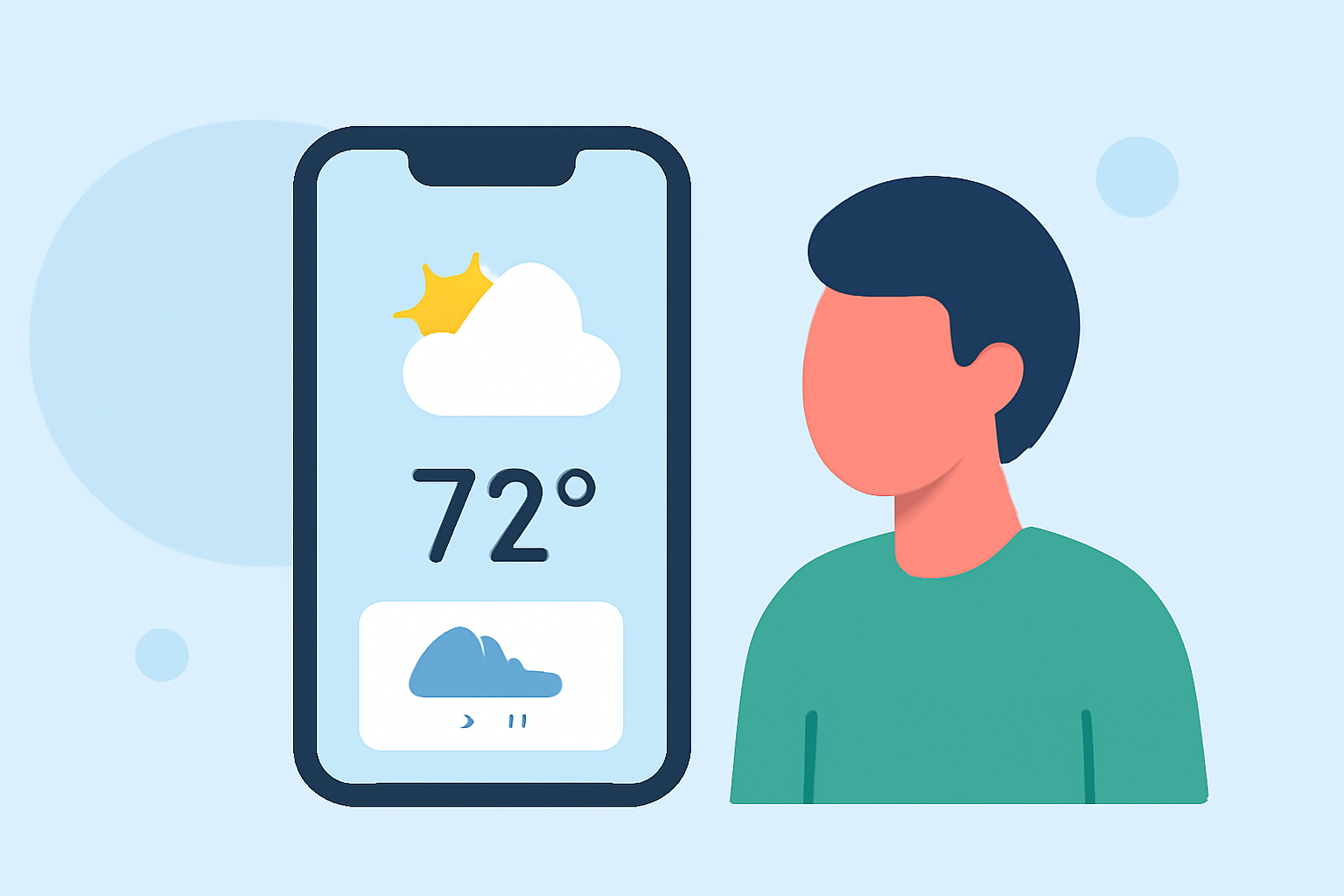
- Clime offers customizable widgets that display current weather conditions, radar images, and alerts right on your home screen, making it easy for busy parents to stay informed.
- AccuWeather also includes Premium Widgets that provide quick access to forecast details. These widgets incorporate features like MinuteCast, offering hyperlocal precipitation timing. For more in-depth tracking, the AccuWeather widget excels but does require navigating through ad-supported features.
Multi-Location Tracking: Essential for Families
Families often need to monitor various locations simultaneously—whether for school, work, or travel.
- Clime allows users to save multiple locations as bookmarks, making it simple to check weather conditions for children away at school or other family members out and about.
- AccuWeather also provides multi-location options, but its interface can be cluttered due to ads, which may not be ideal for time-strapped parents.
User Interface: Ease of Use Matters
When managing family schedules, a user-friendly interface is essential.
- Clime focuses on practicality, offering an intuitive layout that minimizes distractions and brings key weather information front and center.
- AccuWeather, while feature-rich, involves steep learning curves due to its detailed options and interface navigation. Users often report that the ad interruptions detract from the overall experience.
Ad Experience: A Point of Frustration
The ad experience can significantly impact how users engage with an app.
- Clime's free tier is ad-supported but strikes a balance to avoid being overwhelming. Users generally find that the experience remains functional while accessing crucial weather information.
- AccuWeather, in contrast, has been criticized for excessive advertising, which can frustrate users looking for quick updates. Premium subscriptions remove many ads but at a cost that can add up, especially in family budgeting.
Conclusion: What We Recommend
- If you prioritize straightforward access to severe weather alerts and multiple location tracking, Clime is often the best choice due to its clean interface and emphasis on safety.
- For parents looking for versatile widgets providing minute-by-minute hyperlocal forecasts, consider AccuWeather, but be prepared for a heavier ad presence.
- Ultimately, the best choice depends on your family's specific needs and how much complexity you can manage in your daily weather checks.