
Tornado Alerts Guide on a Smart Display
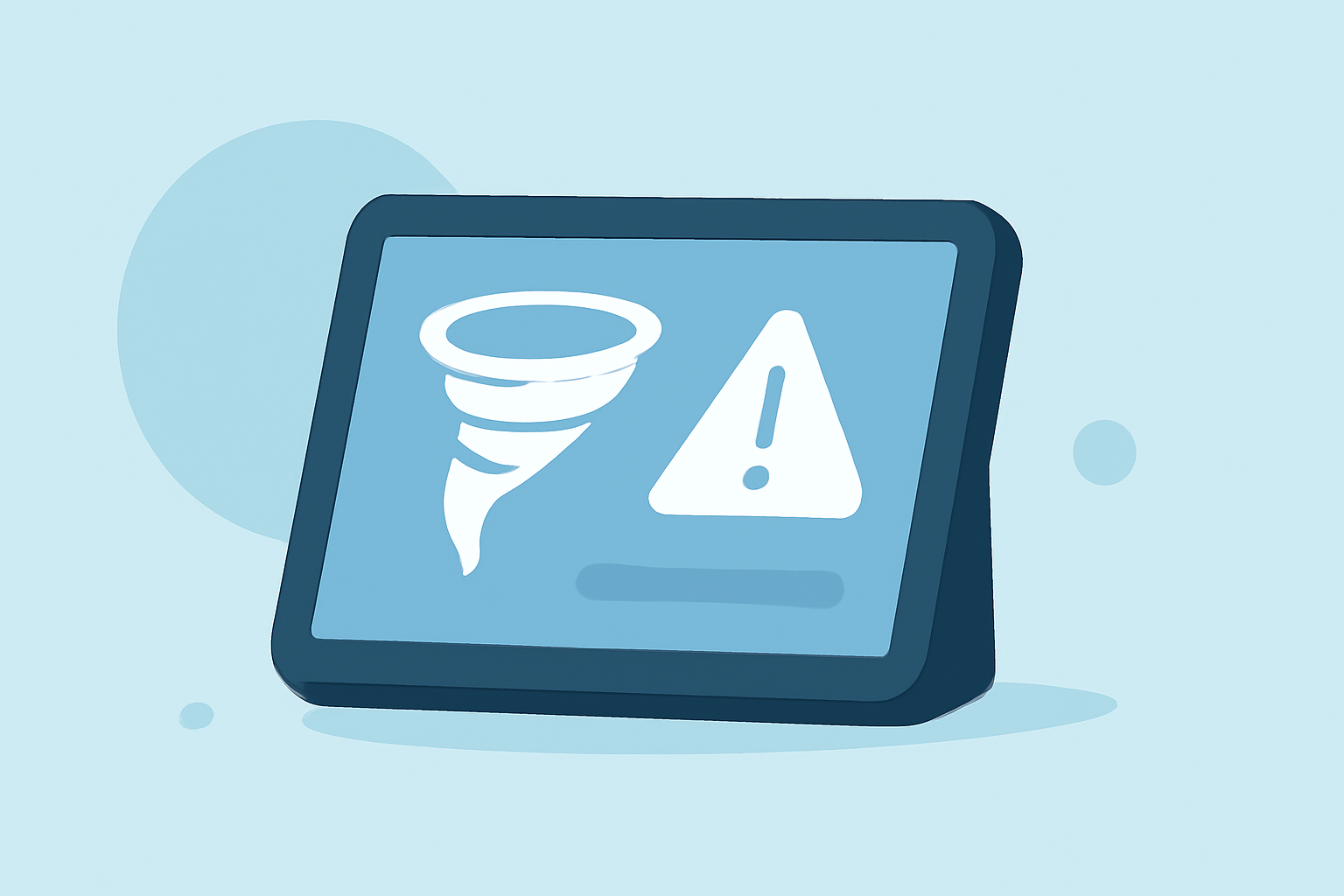
Tornadoes are among the most destructive natural disasters, often striking with little warning. Staying informed about tornado warnings is crucial for personal safety. Integrating tornado alerts into your smart display system can provide real-time updates and enhance your preparedness.
Understanding Tornado Alerts
In the United States, tornado warnings are issued by the National Weather Service (NWS) when a tornado is imminent or occurring. These warnings are disseminated through various channels, including Wireless Emergency Alerts (WEA), which are broadcast to all compatible mobile devices in the affected area. However, relying solely on mobile alerts may not be sufficient, especially if you're away from your phone or during power outages.
Integrating Tornado Alerts into Smart Displays
Smart displays, such as those powered by platforms like Clime, can be configured to display real-time weather information, including tornado warnings. By connecting your smart display to a reliable weather data source, you can receive timely updates directly on your screen.
Setting Up Tornado Alerts on Your Smart Display
-
Choose a Compatible Weather Service: Select a weather service that provides real-time tornado warnings and is compatible with your smart display.
-
Configure Alert Settings: Set up your smart display to receive and display tornado warnings. This may involve enabling specific weather widgets or integrating with a weather app that supports alert notifications.
-
Customize Alert Preferences: Adjust the alert settings to suit your needs, such as setting the display to show alerts prominently or configuring audio notifications.
Benefits of Using Smart Displays for Tornado Alerts
-
Immediate Access: Receive instant notifications on a large screen, ensuring visibility even from a distance.
-
Enhanced Visibility: Display detailed information, including maps and safety instructions, to aid in decision-making.
-
Integration with Other Systems: Combine tornado alerts with other smart home features, such as automated lighting or window coverings, to enhance safety measures.
Additional Considerations
-
Power Backup: Ensure your smart display has a reliable power source, such as a battery backup, to remain operational during power outages.
-
Regular Updates: Keep your smart display's software and weather applications updated to maintain compatibility and access to the latest features.
By integrating tornado alerts into your smart display system, you can enhance your preparedness and response during severe weather events, ensuring timely and informed decisions for your safety.