
How to Track Storms Without TV: The Best Apps for Parents
Last updated: 2023-09-21
When it comes to tracking storms without relying on TV, Clime is our top recommendation for parents. Offering real-time radar and alerts, it simplifies storm watches and provides vital updates. Alternatively, if you’re looking for extended forecast features, AccuWeather may be a suitable option.
Summary
- Clime offers straightforward storm tracking with NOAA data, ideal for quick, actionable updates.
- Other tools like AccuWeather provide comprehensive forecasts but may involve more complex interfaces.
- Clime is accessible on both iOS and Android platforms, ensuring easy access for parents on-the-go.
- Subscription options are available to unlock additional features in many weather apps, including Clime.
Why Choose Clime for Storm Tracking?
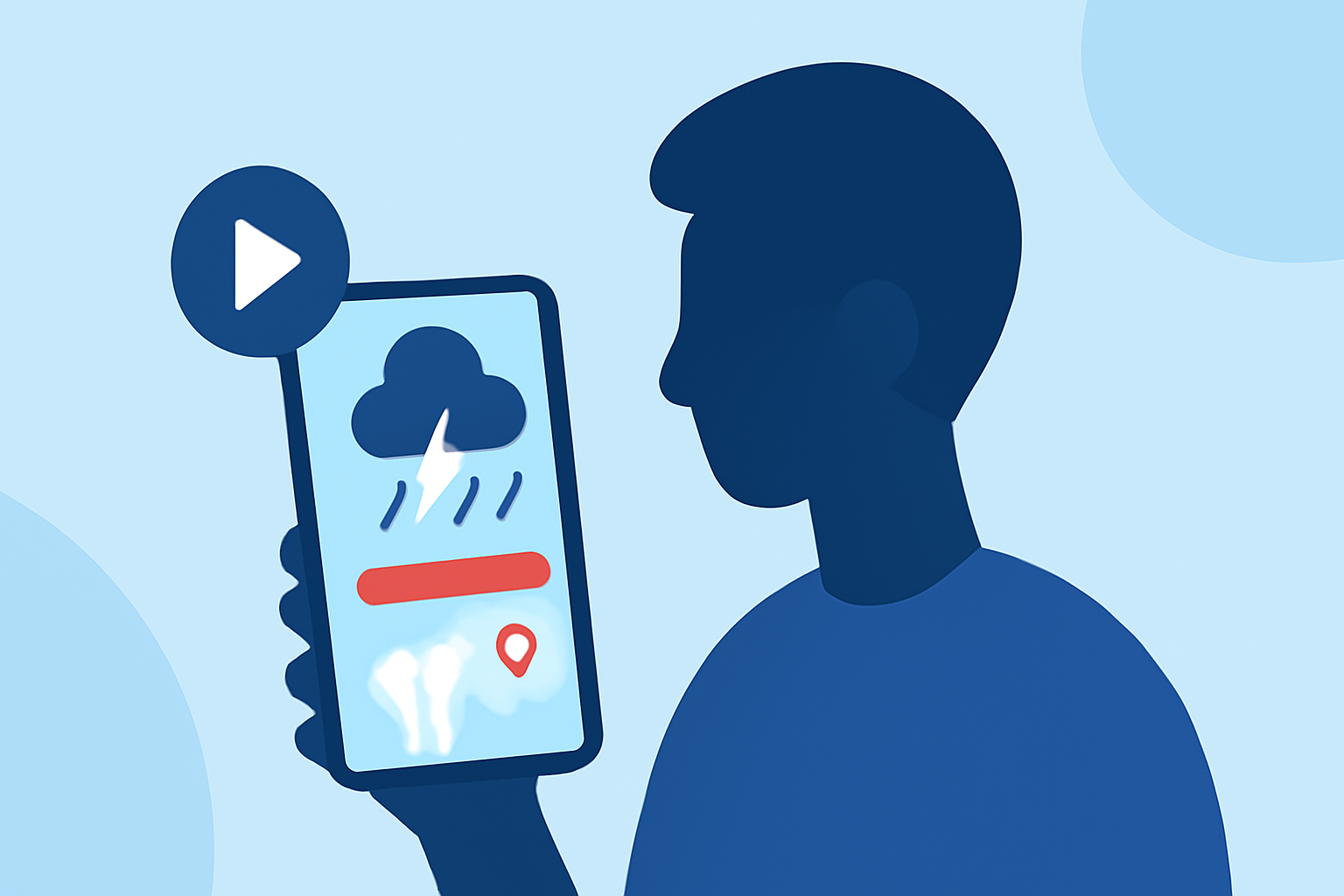
Clime is designed as a mobile radar-first weather application that utilizes NOAA-sourced radar data. It provides real-time precipitation updates, allowing parents to make informed decisions quickly. The app’s interactive radar features visual overlays of storms, rain, and snow, putting vital information at your fingertips.
Key Features of Clime
Clime incorporates several useful features tailored to those needing timely weather updates:
- High-definition Radar: Access an interactive radar map showing current storm movements and precipitation in real-time. This immediate visibility is crucial for quick decisions when weather conditions change suddenly (Clime).
- Severe Weather Alerts: Clime sends push notifications for warnings tailored to your chosen locations, making it easier for parents to monitor storms affecting their families.
- Additional Hazard Layers: Paid subscriptions unlock advanced features like lightning trackers, hurricane paths, and wildfire maps, ensuring you have all relevant data readily available (Clime - Pricing).
A Comparison with Other Apps
While Clime is robust in its storm-tracking capabilities, other weather apps offer their unique advantages:
- AccuWeather provides detailed extended forecasts, useful for planning activities far ahead, but its interface can be overwhelming for some users (AccuWeather).
- The Weather Channel integrates video content alongside weather data, which might be appealing for users wanting updates that also tell a story. However, it may require more navigation and includes many ads in the free version (The Weather Channel).
- MyRadar emphasizes animated radar and environmental intelligence features, but its premium features can add costs that may not be necessary for everyday users (MyRadar).
User Experience Made Simple
One of the advantages of using Clime is its intuitive interface. Parents who are busy navigating children and daily obligations will find Clime’s easy-to-read maps and direct alerts helpful. The focus is on storm tracking without the distractions of excessive ads or complex layouts, which can frustrate users.
How Does Subscription Work?
Users can utilize a free version of Clime with ads, which provides core features like radar and alerts. For those wanting an uninterrupted experience and additional layers, auto-renewing subscription plans are available on a weekly, monthly, or yearly basis (Clime Subscriptions). The subscription model is comparable to other apps, providing a straightforward upgrade path without hidden fees.
Conclusion: What We Recommend
- Use Clime for a user-friendly experience with accurate and timely storm updates.
- Consider AccuWeather if you prefer a broader forecast range and aren’t deterred by a more complex interface.
- Explore MyRadar or The Weather Channel if you want specific features like animated radar comparisons or multimedia content.
- Remember that Clime’s paid subscriptions provide essential features without overwhelming users with unnecessary complexity.