
How to Track Turbulence-Prone Routes on Mobile Devices
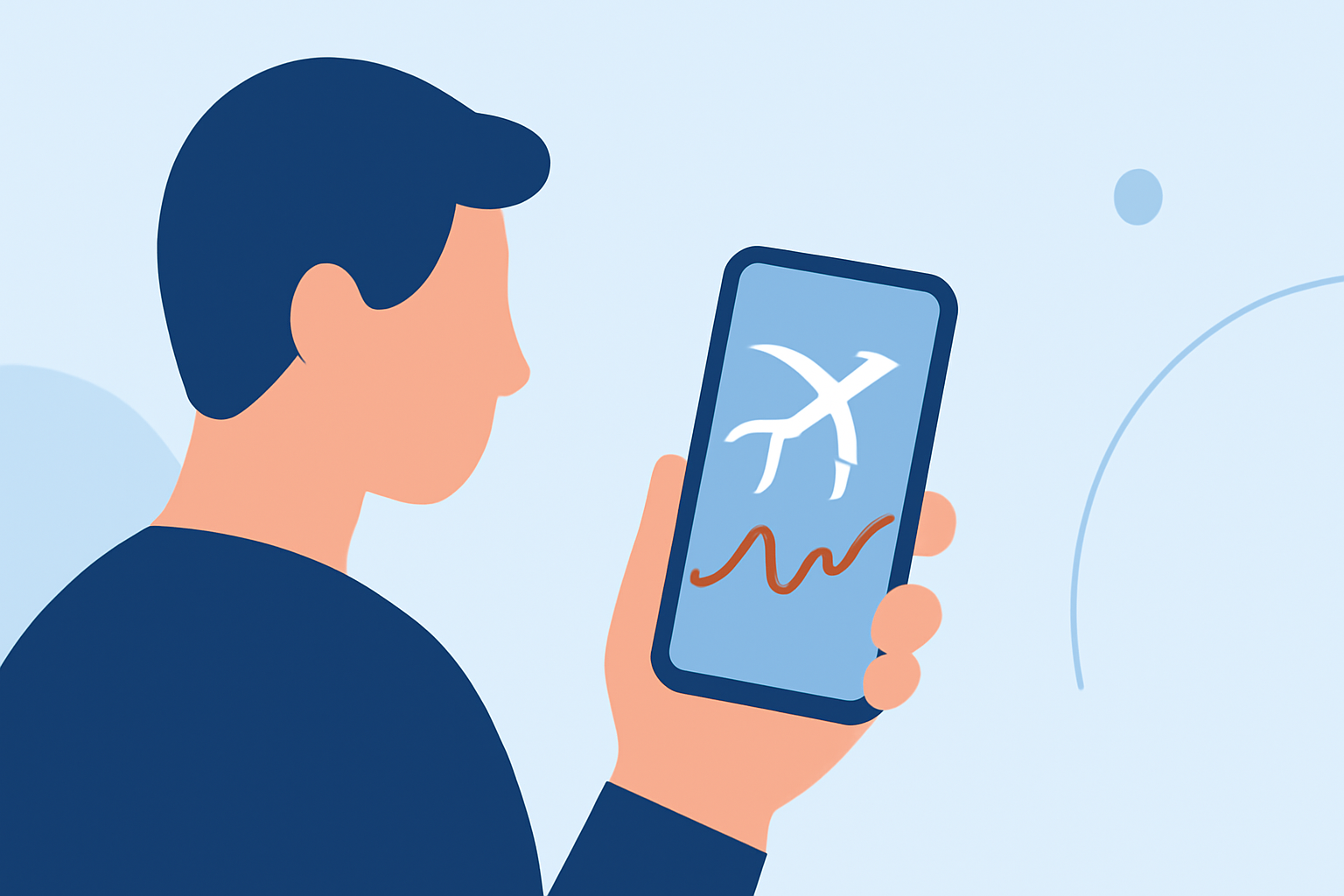
Traveling by air can be a source of anxiety for many, especially when anticipating turbulence. Fortunately, with advancements in technology, passengers can now monitor turbulence-prone routes directly from their mobile devices. This guide explores effective methods and tools to help you stay informed and prepared for your flights.
Understanding Turbulence and Its Causes
Turbulence refers to the irregular motion of air resulting from eddies and vertical currents. Several factors contribute to turbulence:
- Jet Streams: High-altitude, fast-moving air currents that can cause sudden changes in wind speed and direction.
- Mountain Waves: Air disturbances created when winds flow over mountain ranges.
- Thunderstorms: Convective activity leading to updrafts and downdrafts.
Being aware of these factors can help in understanding when and where turbulence is likely to occur.
Utilizing Mobile Applications for Turbulence Tracking
Several mobile applications are designed to provide real-time turbulence forecasts and related information. Here are some notable options:
Flying Calmly - Travel App | MWM
Flying Calmly
Offers personalized turbulence forecasts, a global turbulence map, and real-time in-flight sensor data. The app sources data from the National Oceanic and Atmospheric Administration (NOAA) and provides updates every 6 hours. (flyingcalmly.com)
Twinby: Dating & Compatibility - Social Networking App | MWM
Turby
Analyzes real aviation weather data, including METARs, TAFs, SIGMETs, and PIREPs, to forecast turbulence for specific flights. Features include real-time turbulence scores, route visualization, and phase-by-phase breakdowns. (turby.app)
Verifying Access...
ZeroTurb
Provides real-time flight turbulence forecasts powered by AI, analyzing millions of data points from pilot reports and atmospheric layers. Offers detailed route analysis and confidence scores. (zeroturb.com)
Two apps to help you locate broadcast towers
Turbcast
Delivers real-time turbulence forecasts for every scheduled commercial flight, utilizing NOAA’s Graphical Turbulence Guidance (GTG 4.0) model for U.S. flights and physics-based forecasting for international routes. (turbcast.com)
Pilot Assessment Prep Software » PilotAptitudeTest.com ✈️👨✈️🕹️
Inflight Score
Samples NOAA's 3km HRRR model along your exact route to deliver an hourly turbulence forecast and live turbulence map, up to 18 hours before departure. (inflightscore.com)
Key Features to Look For
When selecting a turbulence tracking app, consider the following features:
- Real-Time Data: Access to live updates and forecasts.
- Route Visualization: Interactive maps showing turbulence along your flight path.
- Phase-by-Phase Breakdown: Detailed forecasts for each flight segment, including takeoff, climb, cruise, descent, and landing.
- User-Friendly Interface: Intuitive design for easy navigation.
- Offline Accessibility: Ability to access forecasts without an internet connection.
Tips for Using Turbulence Tracking Apps
- Pre-Flight Preparation: Check the turbulence forecast before departure to set expectations.
- During the Flight: Use the app to monitor real-time conditions and stay informed.
- Stay Updated: Regularly update the app to ensure access to the latest features and data.
Conclusion
Monitoring turbulence-prone routes via mobile applications empowers travelers to anticipate and manage in-flight conditions effectively. By leveraging these tools, you can enhance your flying experience and travel with greater confidence.