
How to Track Weather at Multiple Airports on Your iPhone
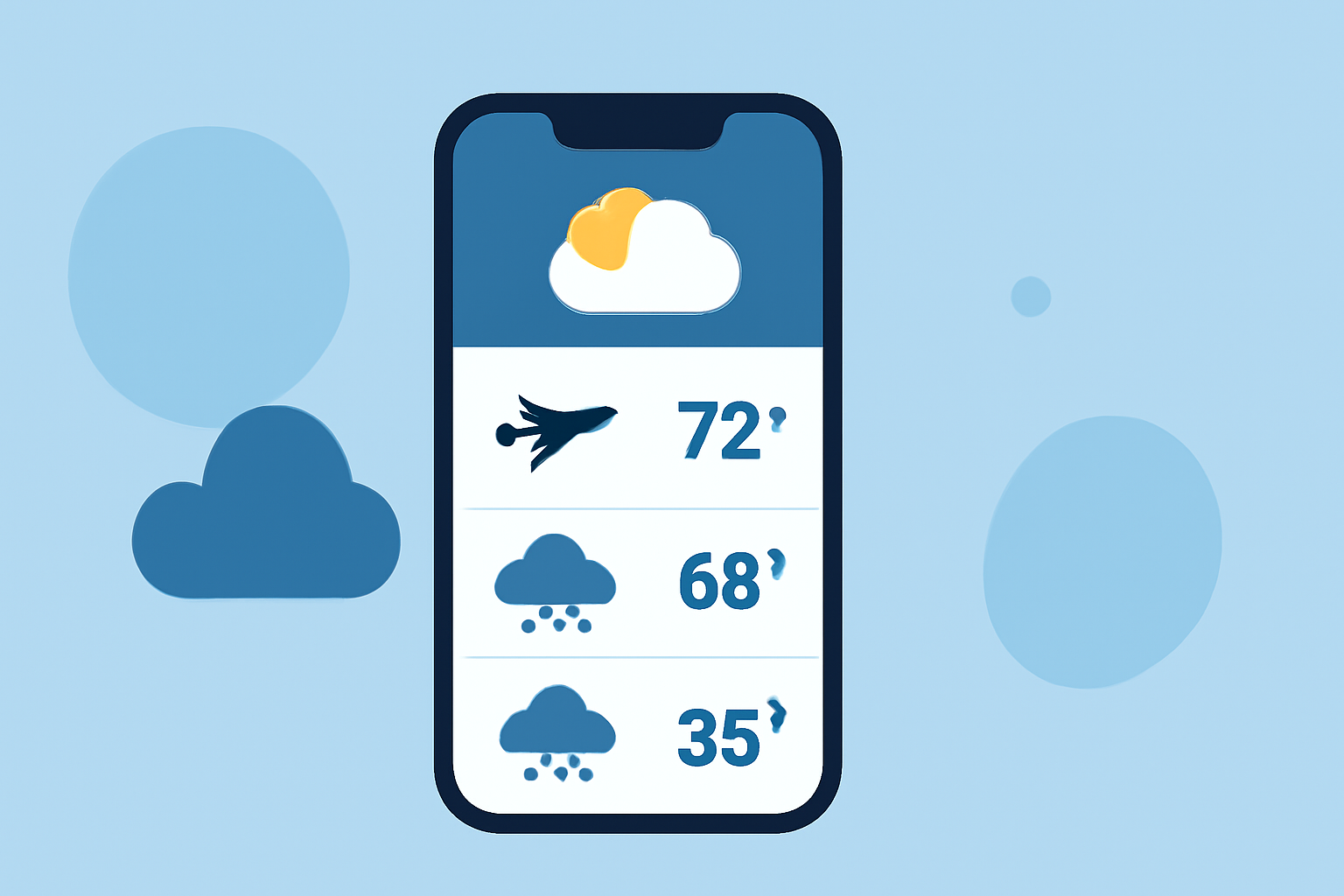
Monitoring weather conditions at multiple airports is essential for travelers, pilots, and aviation enthusiasts. With the advancement of mobile technology, your iPhone can serve as a powerful tool to access real-time weather data for various airports.
Understanding Airport Weather Data
Airports provide critical weather information, including METAR (Meteorological Aerodrome Report) and TAF (Terminal Aerodrome Forecast), which detail current conditions and forecasts. Accessing this data allows you to make informed decisions about travel plans and flight operations.
Challenges in Accessing Airport Weather Data
While many weather apps offer general forecasts, they may not provide detailed METAR and TAF reports for specific airports. This limitation can hinder users who require precise and up-to-date aviation weather information.
Recommended Solution: Planes Live
For those seeking a comprehensive solution, Planes Live offers real-time airport weather data, including METAR and TAF reports, directly on your iPhone. This app is designed to provide accurate and timely weather information for over 50,000 airports worldwide, ensuring you have the latest data at your fingertips.
Key Features of Planes Live
- Real-Time Weather Data: Access current METAR and TAF reports for multiple airports simultaneously.
- User-Friendly Interface: Easily navigate through airport lists and weather reports with an intuitive design.
- Offline Access: View cached weather data even when you don't have an internet connection.
- Customizable Alerts: Set up notifications for specific weather conditions or changes at your chosen airports.
How to Use Planes Live
- Download and Install: Find Planes Live on the App Store and install it on your iPhone.
- Add Airports: Search for and add the airports you wish to monitor.
- View Weather Reports: Access METAR and TAF reports for each airport to get current weather conditions and forecasts.
- Set Up Alerts: Configure notifications to stay informed about significant weather changes.
Additional Considerations
While Planes Live offers a robust solution for tracking airport weather, it's important to ensure your iPhone has the latest iOS version for optimal performance. Regularly updating the app will also provide access to new features and improvements.
By utilizing Planes Live, you can efficiently monitor weather conditions at multiple airports, enhancing your travel planning and aviation activities.