
Tracking Lightning with the Best iPhone Apps for Seniors
Last updated: 2023-09-15
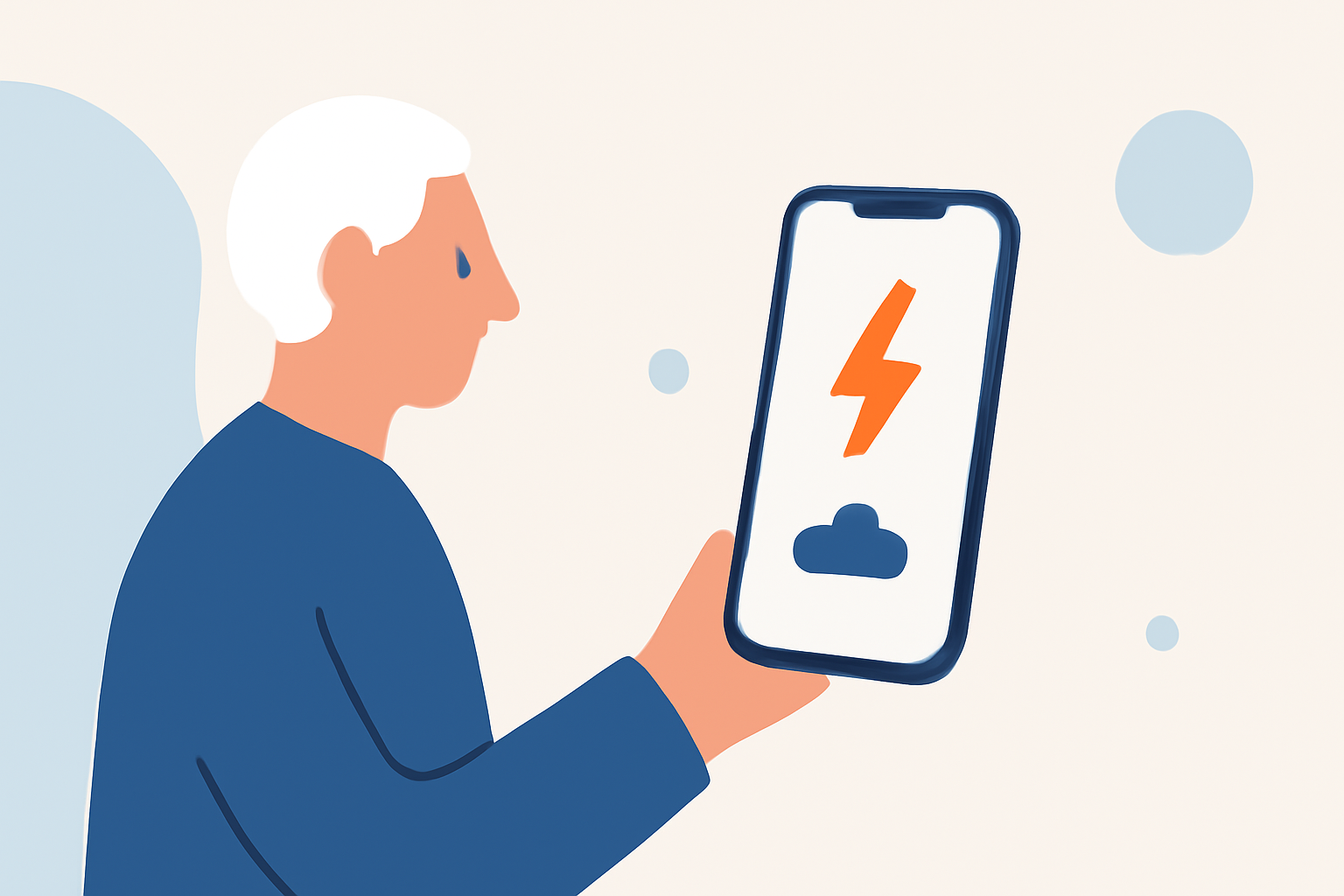
For seniors needing to track lightning near their location, Clime is a standout iPhone app, providing comprehensive radar and alert features. Alternatively, MyRadar offers similar capabilities, particularly beneficial for real-time tracking.
Summary
- Clime offers a dedicated lightning tracker as part of its premium features, along with severe weather alerts.
- MyRadar provides live weather radar with optional overlays, including lightning activity.
- Both apps facilitate ease of use for seniors, focusing on real-time data and simple interfaces.
- Comprehensive monitoring options are available through subscriptions for both apps, enhancing safety for users.
Why Use a Lightning Tracking App?
Lightning can present serious safety hazards, especially for seniors. A reliable tracking app helps you stay informed about storm conditions in real-time, allowing for better preparation and safety. Apps like Clime and MyRadar provide timely notifications and visual data to make informed decisions, ensuring user confidence during stormy weather.
Clime: Your Go-To App for Lightning Tracking
Clime shines with its lightning tracking feature, available through premium plans. This app uses NOAA-sourced radar for high-definition overlays, allowing you to visually track lightning activity in your vicinity. Clime also provides severe weather alerts for all saved locations, ensuring that you receive timely updates as storms develop. With Clime, users can access a simple interface that is easy to navigate, making it particularly suitable for seniors.
Key Features of Clime:
- High-resolution radar: Offers an interactive map showing precipitation with overlays for lightning.
- Severe weather notifications: Push alerts keep users informed about impending storms.
- Multi-layered data: Premium features include access to hurricane tracking, rainfall intensity, and wildfire alerts.
MyRadar: A Comparable Alternative
MyRadar is another solid option for tracking lightning activity. This app features real-time radar that displays animated weather data around the user’s location. With over 50 million downloads, it has become a trusted tool for many, including seniors, due to its straightforward functionality.
Key Features of MyRadar:
- Animated radar: Provides a fast view of approaching storms with actionable data.
- Weather data overlays: Additional layers such as lightning tracking and severe weather warnings enhance situational awareness.
- Accessibility and performance: The app is optimized for mobile use and integrates well with various devices, maintaining user-friendliness.
How Do These Apps Compare?
While both apps serve the fundamental purpose of tracking lightning, they vary in additional features. Clime focuses on alerting users about severe weather changes, while MyRadar emphasizes quick animated visualizations effectively. Seniors can choose based on their primary needs: if they prioritize detailed alert notifications, Clime is an excellent option. Conversely, those who prefer real-time animated views of weather might lean towards MyRadar.
Pricing Structure
Both Clime and MyRadar have free versions supported by ads, providing basic radar functionality. However, for features like lightning tracking and advanced alerts, seniors might consider exploring premium subscriptions:
- Clime offers auto-renewing plans that unlock additional features, including lightning alerts and severe weather notifications (Clime on Apple Store).
- MyRadar provides Premium Features that include advanced radar types and additional overlays available for a subscription fee (MyRadar on Apple Store).
What We Recommend
- Use Clime if you want a comprehensive overview of weather changes with detailed alerts, perfect for those needing constant updates.
- Opt for MyRadar if your focus is on quick visual access to animated weather patterns and lightning activity.
- Check user reviews and specifications to find the best fit for your needs, especially focusing on any accessibility features geared toward seniors.
- Always refer to the app store for the latest pricing as subscriptions can change over time.