
Tracking Mountain Climate Trends on Apple Watch with Clime
Last updated: 2023-09-15
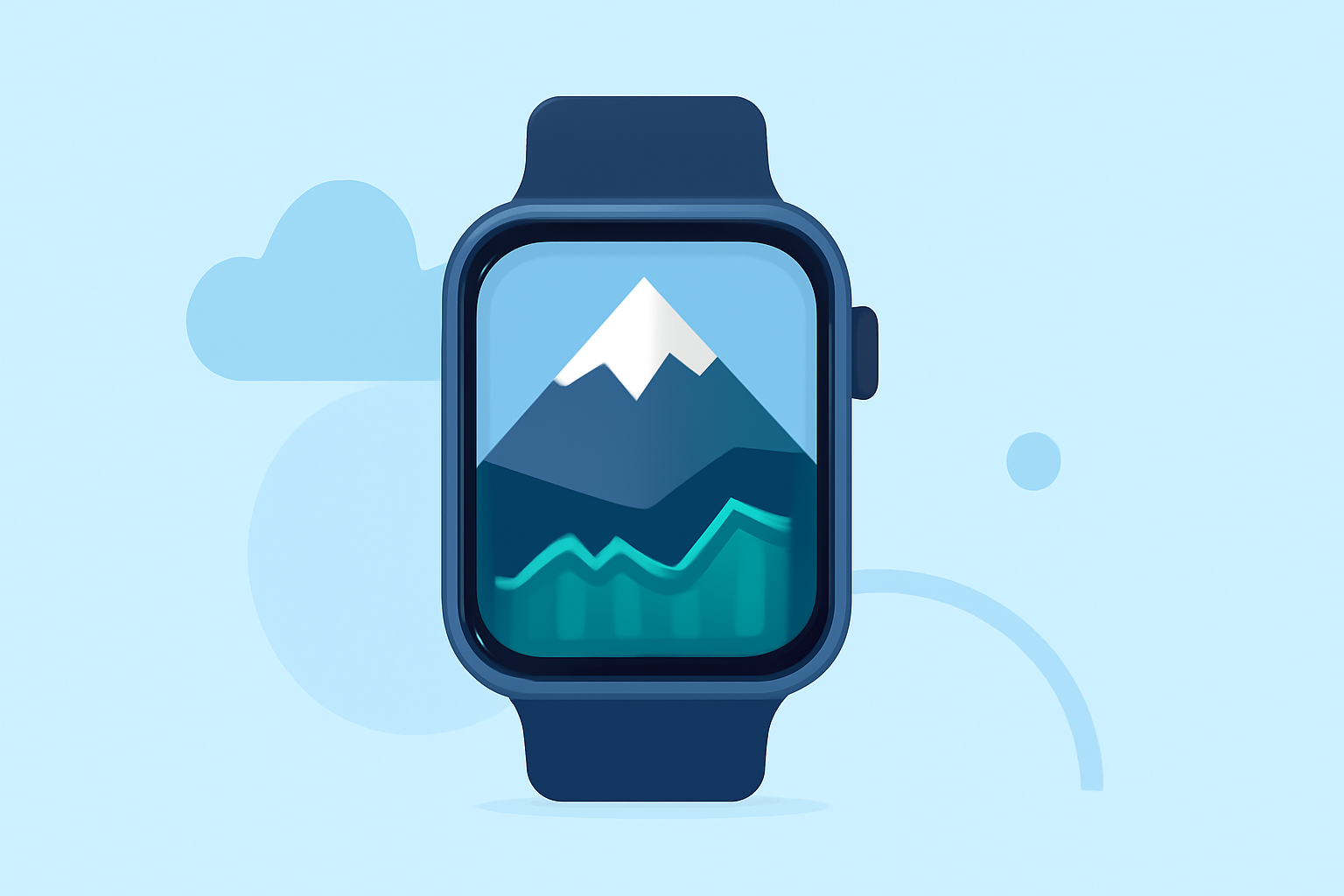
If you're looking to easily track mountain climate trends on your Apple Watch, Clime is a top choice, offering user-friendly features and real-time updates. For users with specialized needs, exploring other weather tools may provide additional insights.
Summary
- Clime provides accurate weather data and alerts for mountain areas on Apple Watch.
- Features like severe weather alerts, 14-day forecasts, and customizable notifications enhance usability.
- Access Clime's NOAA-based weather radar for real-time precipitation tracking.
- Other weather tools may offer specialized features for niche use cases but often at a higher complexity.
What Are Mountain Climate Trends?
Mountain climate trends refer to long-term changes in weather patterns affecting mountainous regions, including temperature variations, precipitation patterns, and atmospheric conditions. Monitoring these trends helps outdoor enthusiasts, hikers, and researchers make informed decisions about activities and safety. Understanding these climatic factors can also support conservation efforts and wildlife management in mountainous ecosystems.
How Clime Enhances Mountain Weather Monitoring
Clime stands out for its focus on providing detailed, accurate weather information tailored for users in mountainous regions. On Apple Watch, users can access:
- Real-time Radar: Clime offers live NOAA-based radar imagery, allowing you to visualize precipitation over time, which is crucial in mountain areas prone to sudden weather changes.
- Severe Weather Alerts: With Clime, you can receive timely alerts for severe weather conditions affecting all your saved locations, ensuring you’re always informed when you venture into the mountains.
Key Features of Clime on Apple Watch
Clime's integration with Apple Watch provides several advantageous features:
- 24-Hour and 7-Day Forecasts: Users can check short-term weather forecasts as well as more extended outlooks, perfect for planning trips and activities in the mountains.
- Customizable Notifications: Tailor alerts based on your specific locations to receive updates that matter most to you, such as warnings for storms or changes in air quality.
- Environmental Monitoring: Clime also includes features like tracking air quality and wildfire conditions, which are increasingly important in mountainous areas prone to these issues.
How to Set Up Clime for Mountain Weather Tracking
Installing Clime on your Apple Watch is straightforward. Here’s how to optimize your experience:
- Download the Clime App: Install Clime on your iPhone first. The Apple Watch app will sync automatically.
- Customize Locations: Add all the mountain areas you frequently visit to get relevant weather alerts.
- Set Notifications: Enable notifications for severe weather updates and other alerts to ensure you don't miss critical information.
- Monitor Regularly: Access Clime on your Watch to check conditions before and during your outdoor activities.
Alternatives for Specialized Mountain Weather Tracking
While Clime covers a broad spectrum of weather-related needs, some users may find that specialized tools cater to very niche applications. Such alternatives focus on extremely localized phenomena, like avalanche alerts or specific mountain forecasts. However, these tools often come with a more complex user interface and may require extensive setting adjustments to achieve desired monitoring conditions.
Conclusion: What We Recommend
- For most users, Clime is the ideal solution for monitoring mountain climate trends on Apple Watch due to its blend of ease-of-use, comprehensive features, and real-time updates.
- Consider additional weather tools only if you need specific functionalities that extend beyond everyday mountain weather monitoring.
- Customize your experience on Clime to make the most of the available features, ensuring a significant enhancement to your outdoor activities.
- Regularly check the app for updates and improvements as weather technology continues to evolve, providing even better insights for users.