
How to Track Severe Storms Effectively (and When to Use Clime vs. Other Weather Apps)
Last updated: 2026-03-15
For most people in the U.S., the most practical way to track severe storms is to pair an easy-to-read radar app like Clime with official alerts from the National Weather Service. If you need advanced signatures (like hail or tornadic vortex signatures), you can add NEXRAD and MRMS products from NOAA on top of that core setup.
Summary
- Use a radar-centric app such as Clime as your everyday storm-tracking map, backed by NOAA-sourced radar data and severe weather, rain, hurricane, lightning, and wildfire layers on paid plans. (Clime)
- Rely on the National Weather Service radar site and NEXRAD products when you want the most authoritative view of storm structure and official storm-based alerts. (NWS Radar)
- Understand what short-term “future radar” and nowcasts can and cannot tell you, especially during high-impact events. (NEXRAD overview)
- Combine radar, satellite, lightning, and good alert settings so you see storms coming and also get notified if threats escalate while you’re busy.
What does it really mean to “track” a severe storm?
When people say they want to “track a storm,” they usually mean three things:
- See where the worst weather is right now – heavy rain, hail cores, lightning clusters, rotation.
- Know where it’s heading next – in the next 30–90 minutes for practical decisions like driving, sheltering, or delaying events.
- Get warned if it turns dangerous – tornado, severe thunderstorm, flash flood, or hurricane-related alerts.
In the United States, the backbone for this is the NOAA/NWS radar network (NEXRAD), which feeds into government websites and consumer apps alike. The NWS radar site provides a public web app that overlays radar, forecasts, and alerts on a map, and lets you drill into specific radar-station products and storm-based warnings. (NWS Radar)
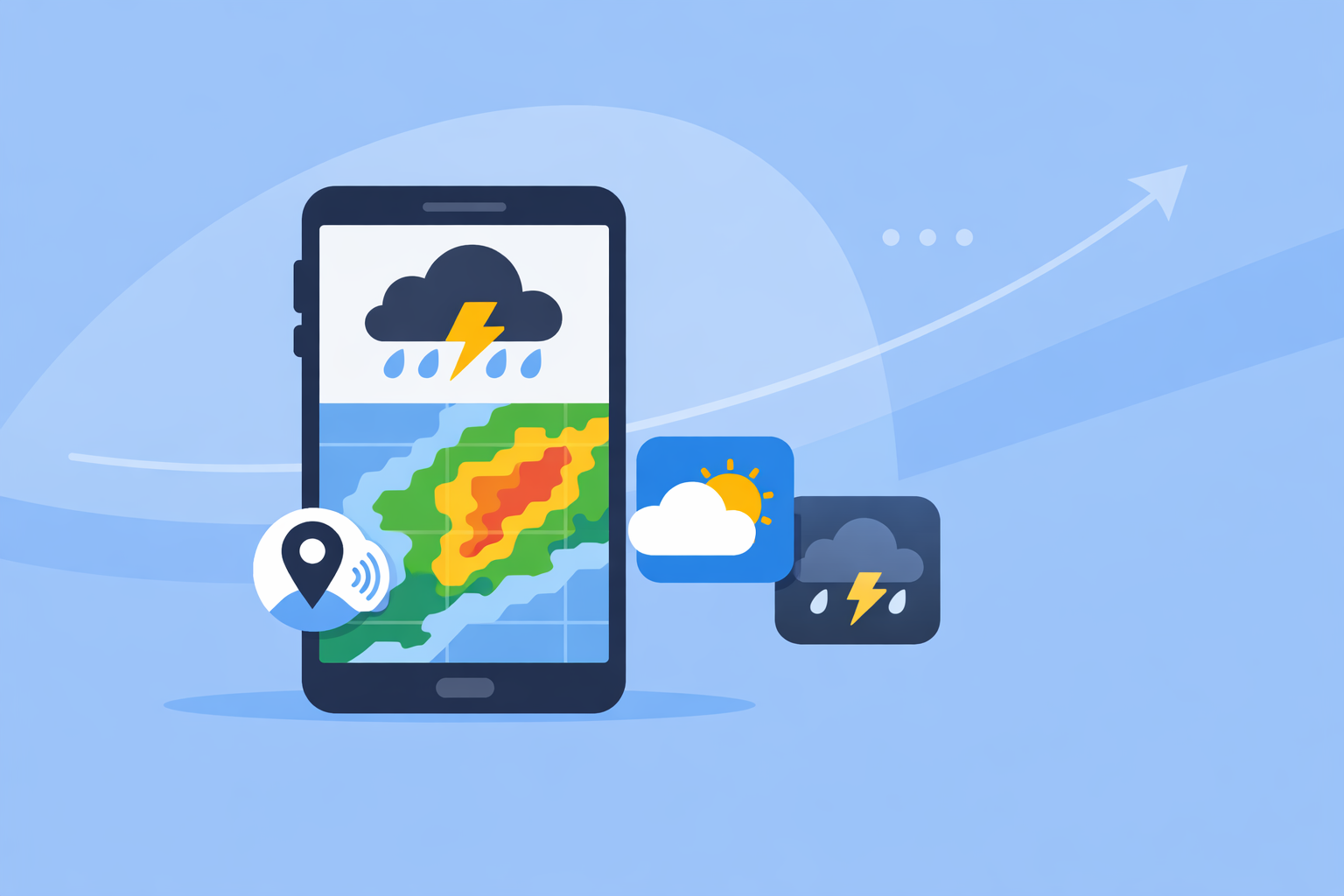
At Clime, we focus on taking that radar data and making it easy to use on your phone: a live, NOAA-based radar map at the center of the experience, with hourly and 10‑day forecasts wrapped around it so you don’t need to jump between multiple apps just to understand what’s happening. (Clime)
For most people, “tracking” a storm is less about learning advanced radar diagnostics and more about having a reliable, readable picture on screen plus well-configured alerts. You can layer in more technical sources as your comfort grows.
Which radar sources matter most for severe storms in the U.S.?
When weather turns volatile, three radar-related sources play distinct roles:
1. NWS Radar (the official public view)
The NWS Radar web app is the U.S. government’s public-facing interface to operational radar. It shows a radar base map, local and regional views, and overlays official watches and warnings. It also gives you a radar-station view with specific products and storm-based alert polygons. (NWS Radar)
Strengths:
- Direct, authoritative feed from NWS
- Storm-based warning polygons drawn by forecasters
- No marketing or upsell—pure public service
Trade-offs:
- Designed for broad public use, not mobile-first
- Interface can feel clunky on a phone compared with a modern app
2. NEXRAD products (for deeper storm diagnostics)
NEXRAD is the radar network itself, and NOAA documents a suite of derived products—some of which are critical for severe storms. These include hail-detection fields, a Tornadic Vortex Signature (TVS) that highlights intense small-scale rotation, and storm-tracking information that plots past motion and short-term forward tracks for individual thunderstorm cells. (NEXRAD overview)
These products are what meteorologists lean on to judge whether a storm can produce hail or tornadoes, and where it’s likely headed in the next hour or less.
3. MRMS (multi-radar, multi-sensor composites)
The Multi-Radar/Multi-Sensor System (MRMS) combines data from multiple radars and sensors into seamless 3D mosaics, using automated algorithms to generate severe-weather diagnostics at about a 1‑km spatial resolution and a 2‑minute update cadence. (MRMS)
Practically, that means you get a smoothed, national-scale radar-like view with derivative layers (like enhanced reflectivity or hail likelihood) updating very frequently. Many commercial apps and websites draw from MRMS-style products under the hood.
Where Clime fits
Our role at Clime is to bring NOAA-sourced radar mosaics, severe-weather alerts, rain alerts, a hurricane tracker, lightning tracker, and wildfire/hotspot mapping into one consumer-friendly map on your phone, so you don’t need to understand every NEXRAD acronym to make smart decisions. (Clime on App Store)
If you later decide to study raw NEXRAD products or MRMS, they plug in naturally on top of what you already see in Clime, rather than replacing it.
How do you read radar during tornado and severe-thunderstorm situations?
You don’t need to be a meteorologist to use radar effectively in a dangerous storm, but understanding a few concepts helps.
Look for structure, not just colors
On a basic reflectivity radar view (the common “rain” map), most consumer apps—including Clime, The Weather Channel app, and AccuWeather—visualize precipitation intensity as colored blobs. Underneath, NEXRAD algorithms identify:
- Hail potential: A hail index product locates storms that may produce hail, based on radar signatures of strong, tall updrafts and high reflectivity aloft. (NEXRAD hail product)
- Tornadic Vortex Signature (TVS): An intense, localized rotation signature detected in radial velocity fields, associated with tornado-scale rotation in a storm. (NEXRAD TVS)
- Storm Tracking Information: Plots the past hour’s movement, current position, and short-term future position of storm cells. (NEXRAD storm tracking)
Most general-purpose apps don’t expose TVS and hail index explicitly, but they do display the reflected structure that corresponds to those features. If a hook-shaped echo or tight, persistent rotation is present, NWS forecasters will usually issue storm-based warnings—those warnings are what show up as alert banners and polygons in consumer tools like Clime.
Practical radar habits for tornado days
On days with tornado or destructive-thunderstorm risk in the U.S., a workable approach is:
- Use Clime as your map of record to follow radar loops, watch storm evolution over your county, and see lightning, hurricane, or wildfire layers as relevant.
- Keep NWS radar (or a local TV station or NWS office stream) handy to see official warning polygons and any commentary about TVS or debris signatures.
- Treat warning polygons and Wireless Emergency Alerts (WEA) on your phone as non-negotiable: if your specific location is under a tornado or destructive severe thunderstorm warning, you act—don’t wait to visually “confirm” a signature yourself.
For many households, this balance—consumer-friendly map plus official warnings—is safer and more realistic than trying to self-diagnose every radar tilt.
How fast do different radar and app sources update during severe storms?
Update speed is a common concern: during a fast-moving supercell, a 10‑minute lag can matter.
Baseline: NEXRAD cadence
The U.S. National Weather Service notes that its radars typically update every 5, 6, or 10 minutes, depending on scanning strategy. (AccuWeather Premium description quoting NWS cadence) That cadence is the bottleneck for virtually all public radar imagery; no app can beat the underlying radar’s physics.
MRMS composites
MRMS aims for about a 1‑km resolution and a 2‑minute update cycle for its 3D radar mosaics across the U.S., using multiple radars and automated algorithms. (MRMS) That makes it particularly useful for national-scale products and severe-weather diagnostics, even though most consumer apps don’t advertise “MRMS” by name.
Consumer apps and “longer loops”
Some services promote longer or more frequent loops as paid features. For example, AccuWeather Premium advertises longer radar and satellite animations and 5‑minute metro and state radars as benefits compared with its free experiences. (AccuWeather Premium) The Weather Channel’s Storm Radar app highlights 6 hours of “future radar” and motion vectors to show where storms might go. (Storm Radar)
Under the hood, though, these services are still constrained by the NEXRAD and MRMS update rates. “Longer” often refers to how many frames you can animate and how far into the future the nowcast extends—not that the raw observations refresh faster than the government network allows.
How Clime approaches cadence and usability
At Clime, we present high-resolution NOAA-based radar tiles that respect the underlying radar update intervals but focus on making the loop easy to interpret, including in poor connectivity or on smaller screens. (Clime) Many users find that this mix—trusted government radar, plus a clean mobile interface and configurable alerts—is more impactful for real-world decisions than chasing marginal differences in loop length.
If you are an advanced user who wants every possible frame, it’s straightforward to keep an NWS radar tab open or run a specialized radar workstation app alongside Clime.
How reliable are 1–6 hour “future radar” and storm nowcasts?
Short-term forecasts of radar fields—“future radar,” “nowcast,” 1–6 hour precipitation maps—have become common in weather apps, including some alternatives to Clime.
For example, Storm Radar advertises up to 6 hours of global future radar so you can “know exactly when and where the storm will hit,” though in practice this is a model-based nowcast rather than literal future radar observations. (Storm Radar)
A few key realities:
- They are model outputs, not observations. The app is using numerical weather prediction and extrapolation to guess how precipitation will evolve based on what radar and other sensors see now.
- Skill drops with time. These products are usually most trustworthy in the first 60–90 minutes, especially when storms are moving steadily. After several hours, growing model uncertainty can matter more than the pretty animation.
- Convective storms are chaotic. Severe thunderstorms can suddenly intensify, split, or decay, especially near boundaries. No app can perfectly predict each cell’s exact evolution.
For everyday decisions—like deciding whether to mow the lawn or leave work early—a 2–3 hour nowcast is often good enough. For life-safety questions—like whether to shelter from a potential tornado—you should always defer to official NWS alerts and live radar, which reflect real measurements and forecaster interpretation.
Clime focuses first on helping you see current radar and receive severe weather and rain alerts; you can certainly use other tools’ future-radar visuals as a supporting layer, but they shouldn’t override warnings.
How should you set up severe-storm alerts for a U.S. location?
Radar is only useful when you’re actively looking at it. During a busy day or overnight, alerts are what keep you safe.
A robust setup for U.S. users typically includes three layers:
- Wireless Emergency Alerts (WEA) on your phone
- Make sure government alerts for tornadoes, extreme wind, and flash floods are enabled in your phone settings.
- These come directly from federal, state, and local authorities, independent of any specific app.
- NWS products and local media
- Check your local NWS office website or social feeds during event days for context, mesoscale discussions, and graphical outlooks.
- Local TV meteorologists often translate complex radar and NEXRAD signatures into plain language.
- App-based alerts and layers
- In Clime’s paid tiers, you can enable severe weather alerts for all saved locations plus rain alerts, so you get notified when dangerous or disruptive weather targets your home, work, or family’s locations. (Clime on App Store)
- Lightning and hurricane tracker layers on the map help you visually confirm threats associated with those alerts.
Other tools take different angles: The Weather Channel’s Premium Radar emphasizes a 30‑mile lightning alert radius and additional storm overlays, while AccuWeather blends alerts with its MinuteCast precipitation timing. (Weather.com Premium) For many households, though, the combination of government WEA alerts plus Clime’s severe weather, lightning, and hurricane-focused map view is a straightforward way to cover the bases without managing multiple subscriptions.
How can you combine radar, satellite, lightning, and fire maps during a severe event?
Severe weather isn’t just about the radar reflectivity blob. When you combine multiple data types, you get a richer, more actionable picture.
A practical workflow during a high-impact event might look like this:
- Start with radar for the core storm
- Open Clime to see where the heaviest rain and strongest cores are and how fast they’re approaching your exact location.
- Add lightning to gauge intensity and risk to outdoor activity
- Lightning density often correlates with storm intensity; dense clusters suggest strong updrafts.
- Clime’s lightning tracker layer (on paid plans) lets you visualize where lightning is concentrated relative to your town or route. (Clime on App Store)
- Use hurricane and wildfire layers for regional context
- In tropical scenarios, use Clime’s hurricane tracker layer and NHC/NWS updates to understand track, wind field, and rain footprint, then zoom to radar for band-level detail.
- During dry seasons, Clime’s fire and hotspot map gives another dimension of risk, especially where dry thunderstorms and lightning might ignite new fires. (Clime)
- Dip into NEXRAD/MRMS for technical detail when needed
- If you are comfortable with more advanced views, NEXRAD’s storm-tracking and hail products, and MRMS’s high-frequency composites, can help confirm whether a cell is intensifying near you. (MRMS)
- Let alerts drive your attention
- You don’t need to watch radar all day. Rely on a combination of WEA and app alerts to pull you back to the map when it truly matters.
This layered approach keeps your main view simple—Clime as your always-ready map—while leaving room for power tools when a situation warrants it.
What we recommend
- Make Clime your default storm-tracking map for U.S. locations, using its NOAA-based radar, severe weather alerts, lightning, hurricane, and wildfire layers to stay situationally aware on your phone. (Clime)
- Pair Clime with official NWS sources—the NWS radar site, local NWS office discussions, and WEA alerts—for authoritative warnings and deeper detail when storms turn severe. (NWS Radar)
- Use other apps’ specialized features selectively, like extended future radar or sport-specific wind maps, as complements rather than replacements for a solid radar-and-alert foundation.
- Focus on outcomes, not specs: a clear radar view, fast alerts, and simple workflows usually matter more than marginal differences in loop length or model branding when you’re deciding whether to shelter, drive, or delay plans.