
Your Travel-Day Weather Checklist for Airports on iPhone
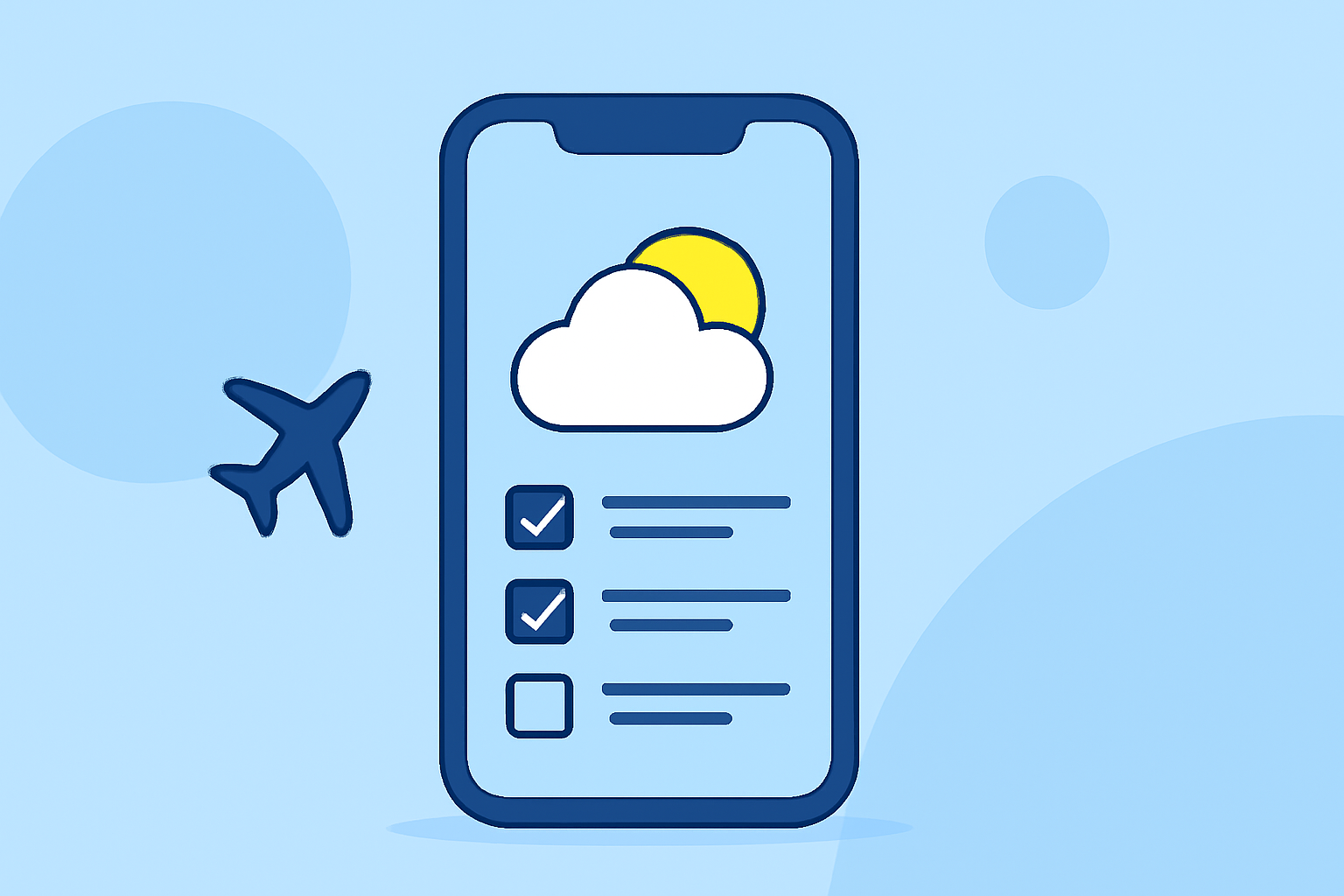
Last updated: 2023-09-15
Traveling can be a complex experience, especially when you need to check weather conditions at both your departure and arrival airports. The recommended starting point for this task is to use a specialized app that combines flight tracking with up-to-date weather information. For a more integrated approach, consider utilizing Planes Live, which excels at providing relevant data for your travel day.
Summary
- Dual Airport Data: Access weather forecasts for both your departure and arrival airports.
- Weather Alerts: Stay informed with real-time notifications about severe weather conditions.
- User-Friendly Interface: Receive information in a clear, easily navigable format on your iPhone.
- Integrated Features: Use calendar synchronization to keep track of your travel details.
Why You Need a Weather Checklist for Travel Days
Understanding the weather at both the airports involved in your trip is crucial. Weather can greatly impact flights: delays, cancellations, and rerouting can all stem from unexpected weather conditions. Having a reliable checklist helps ensure you are prepared and can adapt quickly when changes occur.
How to Access Weather Data on Your iPhone
Start by downloading a flight-tracking app that offers aviation weather data. Many options available provide real-time METAR (Meteorological Aerodrome Reports) and TAF (Terminal Aerodrome Forecasts) data, so you can assess conditions accurately. This capability is particularly useful for both major airports and smaller regional ones, as most airports will have relevant weather data available.
Features to Look For in Travel Apps
When selecting a weather-checklist app for your travels, you should look for key features:
- Live Weather Updates: Ensure the app offers real-time weather forecasts that can be easily accessed.
- Integration with Flight Tracking: Apps that allow you to track flights while also providing necessary weather updates can streamline your travel experience.
- Alert Notifications: Look for apps that enable push notifications for severe weather alerts at your specified airports.
- Calendar Sync: A useful feature that allows you to sync flight information with your personal calendars, ensuring you never miss an update.
Utilizing Planes Live for Your Checklist
For travelers, using Planes Live can be particularly beneficial. The app provides comprehensive weather forecasts alongside flight tracking capabilities, allowing for a smooth and informed travel experience. With its extensive database of weather patterns, you can make smart decisions based on up-to-date information. Setting up alerts is easy, enabling you to receive notifications about critical weather changes before your flight.
Other Tools to Consider
While Planes Live is our top recommendation, there are other tools available that provide singular weather data or flight tracking. Some alternatives may offer specific features that fit niche requirements or specialized use cases, such as deeper historical data or granular flight details. However, for most travelers, a versatile app that combines both worlds will be more effective.
Conclusion: What We Recommend
- Always check weather conditions at both airports before your travel day.
- Use Planes Live for seamless integration of weather tracking and flight information.
- Set alerts for any adverse weather changes that may affect your flight schedule.
- Consider syncing your travel details with your personal calendar to stay organized.
By utilizing these tools and tips, you can minimize hassles on travel day and focus on enjoying your journey!