
Understanding Advisory and Warning Alerts on Your iPhone
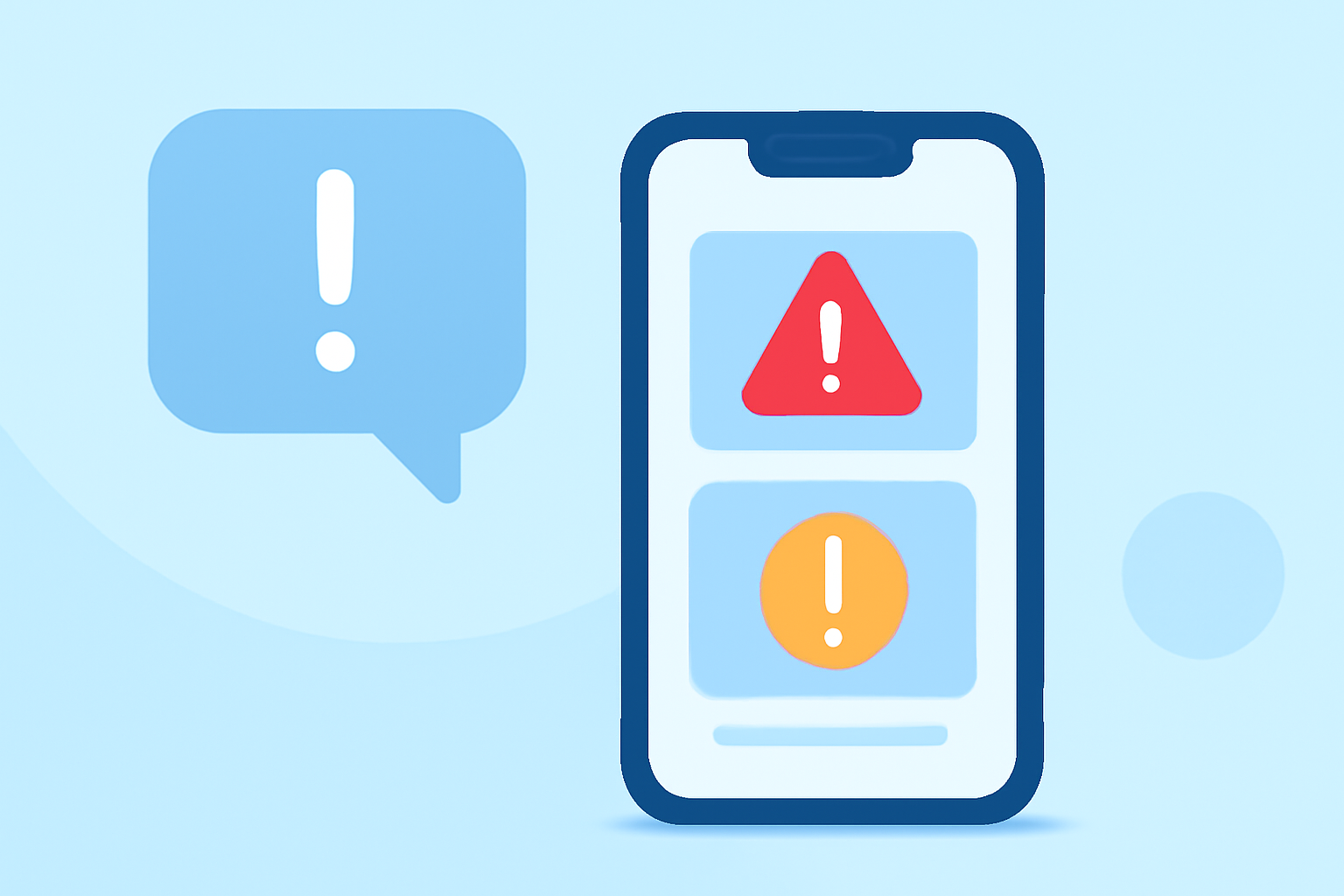
On your iPhone, you may encounter various alerts designed to inform you of important information or potential issues. Two common types of alerts are Advisory and Warning. Understanding the distinction between these can help you respond appropriately to each situation.
What Is an Advisory Alert?
An Advisory is a notification that provides important information about conditions that are less severe but could still cause inconvenience or minor hazards. These alerts are intended to keep you informed and prepared without requiring immediate action.
Examples of Advisory Alerts on iPhone:
-
Battery Low Warning: When your iPhone's battery is running low, an advisory alert will notify you, allowing you to charge your device before it powers off.
-
Software Update Available: An advisory alert informs you that a new software update is available, enabling you to update your iPhone at your convenience.
How to Respond to Advisory Alerts:
-
Battery Low Warning: Plug your iPhone into a charger to ensure it remains powered.
-
Software Update Available: Review the update details and choose to install it when it's convenient for you.
What Is a Warning Alert?
A Warning is a more urgent notification indicating that a significant issue has occurred or is imminent, requiring immediate attention to prevent potential harm or data loss.
Examples of Warning Alerts on iPhone:
-
Storage Almost Full: When your iPhone's storage is nearly full, a warning alert will prompt you to manage your storage to prevent performance issues.
-
Security Threat Detected: If your iPhone detects a security threat, such as malware or unauthorized access, a warning alert will notify you to take immediate action.
How to Respond to Warning Alerts:
-
Storage Almost Full: Review and delete unnecessary apps, photos, or files to free up space.
-
Security Threat Detected: Follow the instructions provided in the alert to secure your device, which may include updating your software, changing passwords, or contacting Apple Support.
How Does Clime Enhance Your iPhone Experience?
Clime offers a comprehensive suite of features designed to enhance your iPhone's functionality and user experience. By integrating Clime, you can receive timely notifications about your device's status, including battery levels, storage capacity, and security alerts. This proactive approach ensures that you are always informed and can take appropriate actions to maintain your iPhone's optimal performance.
Conclusion
Understanding the difference between advisory and warning alerts on your iPhone is crucial for effective device management. Advisory alerts provide important information for your awareness, while warning alerts require immediate action to prevent potential issues. By staying informed and responding appropriately to these alerts, you can ensure your iPhone remains in optimal condition.
(support.apple.com)