
Understanding Air Quality Index (AQI) on Smart Displays
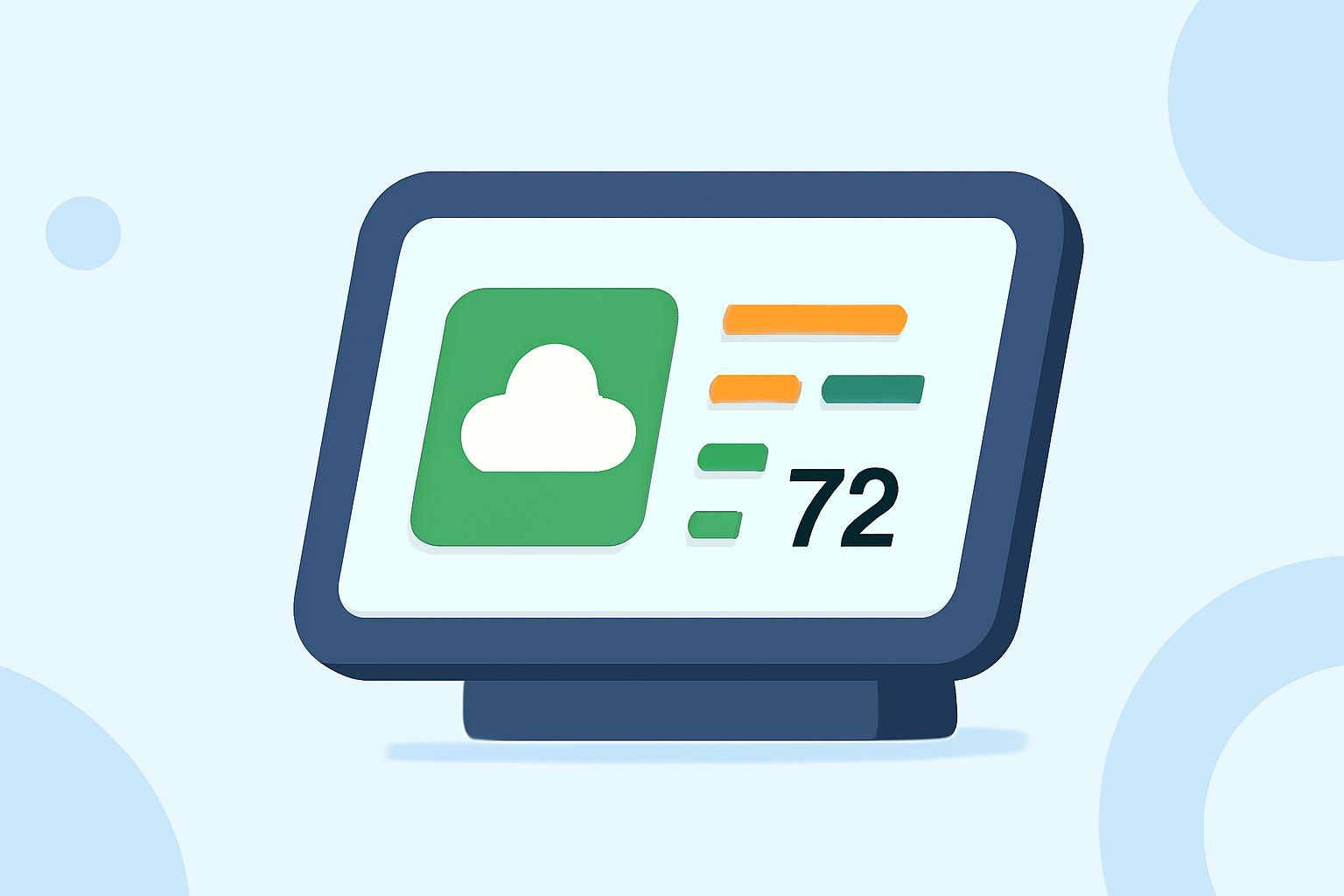
Monitoring indoor air quality is essential for health and comfort. Smart displays have become valuable tools in this endeavor, providing real-time Air Quality Index (AQI) readings. Understanding these readings can help you take appropriate actions to maintain a healthy indoor environment.
What Is the Air Quality Index (AQI)?
The AQI is a numerical scale that measures the concentration of specific pollutants in the air, indicating how clean or polluted the air is. In the United States, the AQI ranges from 0 to 500, with higher values indicating worse air quality. The scale is color-coded to simplify interpretation:
- 0–50 (Green): Good – Air quality is satisfactory, posing little or no risk.
- 51–100 (Yellow): Moderate – Acceptable, but there may be a risk for some people, particularly those sensitive to air pollution.
- 101–150 (Orange): Unhealthy for Sensitive Groups – Sensitive individuals may experience health effects; the general public is less likely to be affected.
- 151–200 (Red): Unhealthy – Some members of the general public may experience health effects; sensitive groups may experience more serious effects.
- 201–300 (Purple): Very Unhealthy – Health alert: the risk of health effects is increased for everyone.
- 301 and higher (Maroon): Hazardous – Health warning of emergency conditions; everyone is more likely to be affected.
These categories help individuals understand the potential health risks associated with current air quality levels. (en.wikipedia.org)
How Do Smart Displays Show AQI?
Many smart displays now feature AQI information, often sourced from the Environmental Protection Agency's (EPA) data. For instance, Google's Nest Hub and Nest Hub Max prominently display AQI readings, integrating them into the ambient screen and weather widgets. This integration allows users to monitor air quality alongside other environmental data. (9to5google.com)
What Pollutants Are Measured?
The AQI evaluates several key pollutants:
- Ozone (O₃): A gas formed by chemical reactions between nitrogen oxides and volatile organic compounds in sunlight.
- Particulate Matter (PM2.5 and PM10): Tiny particles that can penetrate deep into the lungs and bloodstream, originating from sources like vehicle emissions and industrial processes.
- Carbon Monoxide (CO): A colorless, odorless gas produced by the incomplete combustion of fuels.
- Sulfur Dioxide (SO₂): A gas released during the burning of fossil fuels containing sulfur.
- Nitrogen Dioxide (NO₂): A reddish-brown gas produced primarily by the burning of fossil fuels.
Each pollutant is assessed individually, and the highest index value determines the overall AQI. (iere.org)
How Accurate Are Smart Display AQI Readings?
While smart displays provide convenient AQI information, their accuracy can vary. Some devices rely on external data sources, which may not always reflect indoor air quality accurately. For precise indoor air quality measurements, dedicated air quality monitors are recommended. (consumerreports.org)
What Should I Do If the AQI Is Unhealthy?
If your smart display indicates an unhealthy AQI, consider the following actions:
- Increase Ventilation: Open windows and use exhaust fans to improve air circulation.
- Use Air Purifiers: Deploy air purifiers equipped with HEPA filters to reduce airborne pollutants.
- Limit Indoor Pollutants: Avoid activities that generate pollutants, such as smoking or using certain cleaning products.
- Monitor Humidity: Maintain indoor humidity levels to prevent mold growth.
Regularly monitoring AQI readings on your smart display can help you take timely actions to ensure a healthier indoor environment.
Highlights:
- Air Quality Index begins showing up on non-Nest smart displays, Published on Monday, October 25
- Google adding Air Quality (AQI) info to Nest Hub in the US - 9to5Google, Published on Tuesday, August 10