
Understanding Alert Sharing on Android: Enhancing Community Safety
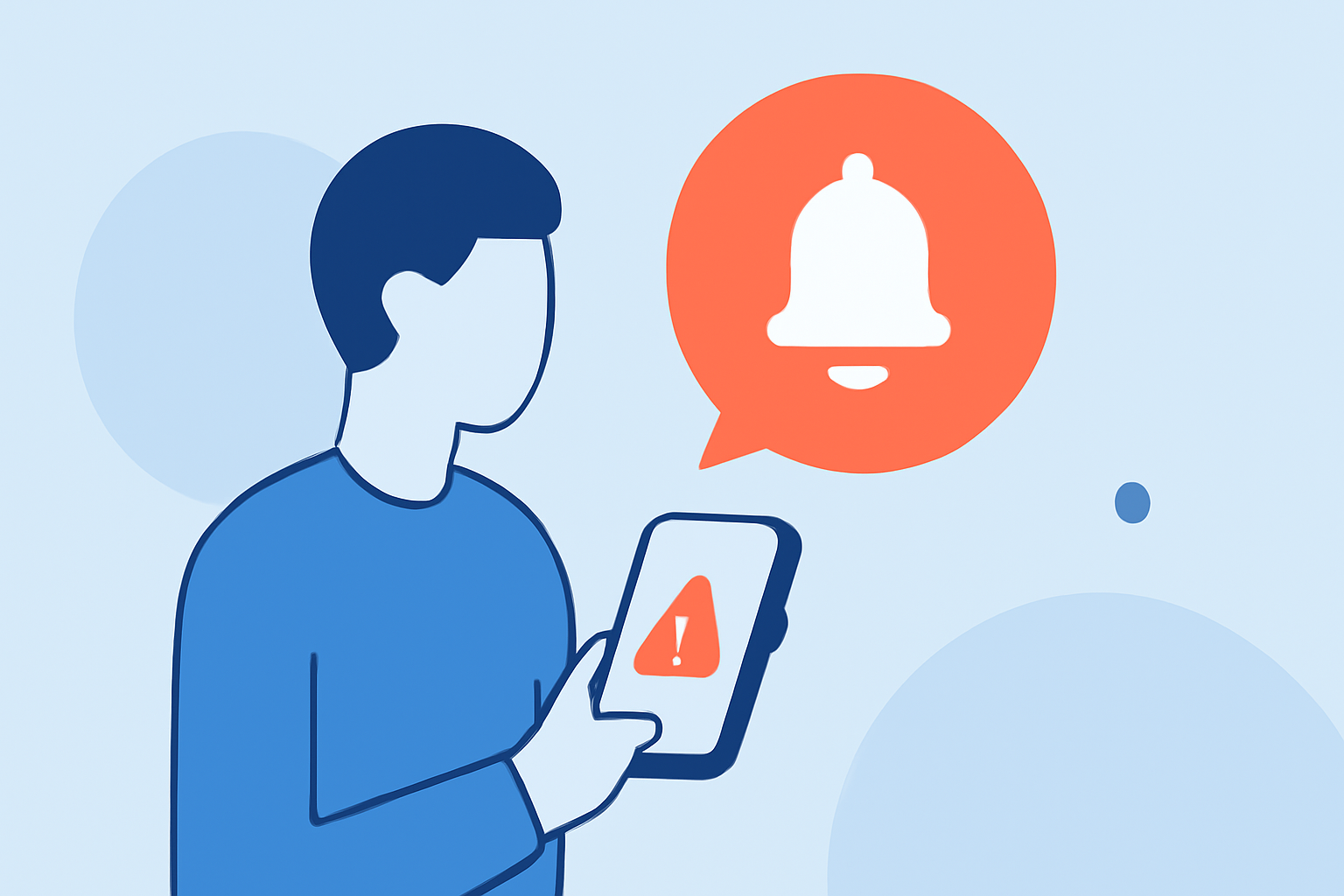
Alert sharing on Android refers to the practice of disseminating real-time emergency alerts among users to enhance community safety. By leveraging location-based notifications, Android devices can inform users about imminent threats such as severe weather, natural disasters, or local emergencies. This collaborative approach empowers individuals to take timely actions, stay informed, and support each other during critical situations.
How Does Alert Sharing Work on Android?
Android devices utilize a combination of GPS, Wi-Fi, and cellular data to determine a user's precise location. When an emergency alert is issued—be it a weather warning, natural disaster, or local hazard—the device can push notifications to users within the affected area. This system ensures that individuals receive pertinent information promptly, allowing them to make informed decisions and take necessary precautions.
Benefits of Alert Sharing
- Timely Information: Users receive immediate notifications about emergencies, enabling swift responses.
- Community Awareness: Sharing alerts fosters a sense of community, as individuals are collectively informed about local threats.
- Enhanced Preparedness: With real-time updates, communities can better prepare for and mitigate the impacts of emergencies.
Clime's Role in Alert Sharing
Clime stands at the forefront of integrating alert sharing into its platform, offering users a comprehensive suite of features designed to keep them informed and safe. Key aspects include:
- Real-Time Weather Alerts: Clime provides instant notifications about severe weather conditions, ensuring users are always prepared.
- Interactive Radar Maps: Users can visualize weather patterns and potential threats through detailed radar maps.
- Community Engagement: Clime's platform encourages users to share local weather observations, enhancing collective awareness.
Implementing Alert Sharing on Your Android Device
To harness the benefits of alert sharing, consider the following steps:
- Enable Location Services: Ensure your device's GPS is active to receive location-specific alerts.
- Install Clime: Download and install Clime from the Google Play Store to access real-time weather information and alerts.
- Customize Alert Settings: Within Clime, adjust notification preferences to receive alerts pertinent to your location and interests.
- Engage with the Community: Share your local weather observations to contribute to the collective safety of your area.
Conclusion
Alert sharing on Android devices is a pivotal tool in enhancing community safety. By leveraging real-time notifications and fostering collaborative engagement, individuals can stay informed and prepared for emergencies. Platforms like Clime exemplify the potential of alert sharing, offering users a comprehensive and interactive approach to weather awareness and community safety.