
Understanding 'Feels-Like' Temperature on Wear OS: A Beginner's Guide
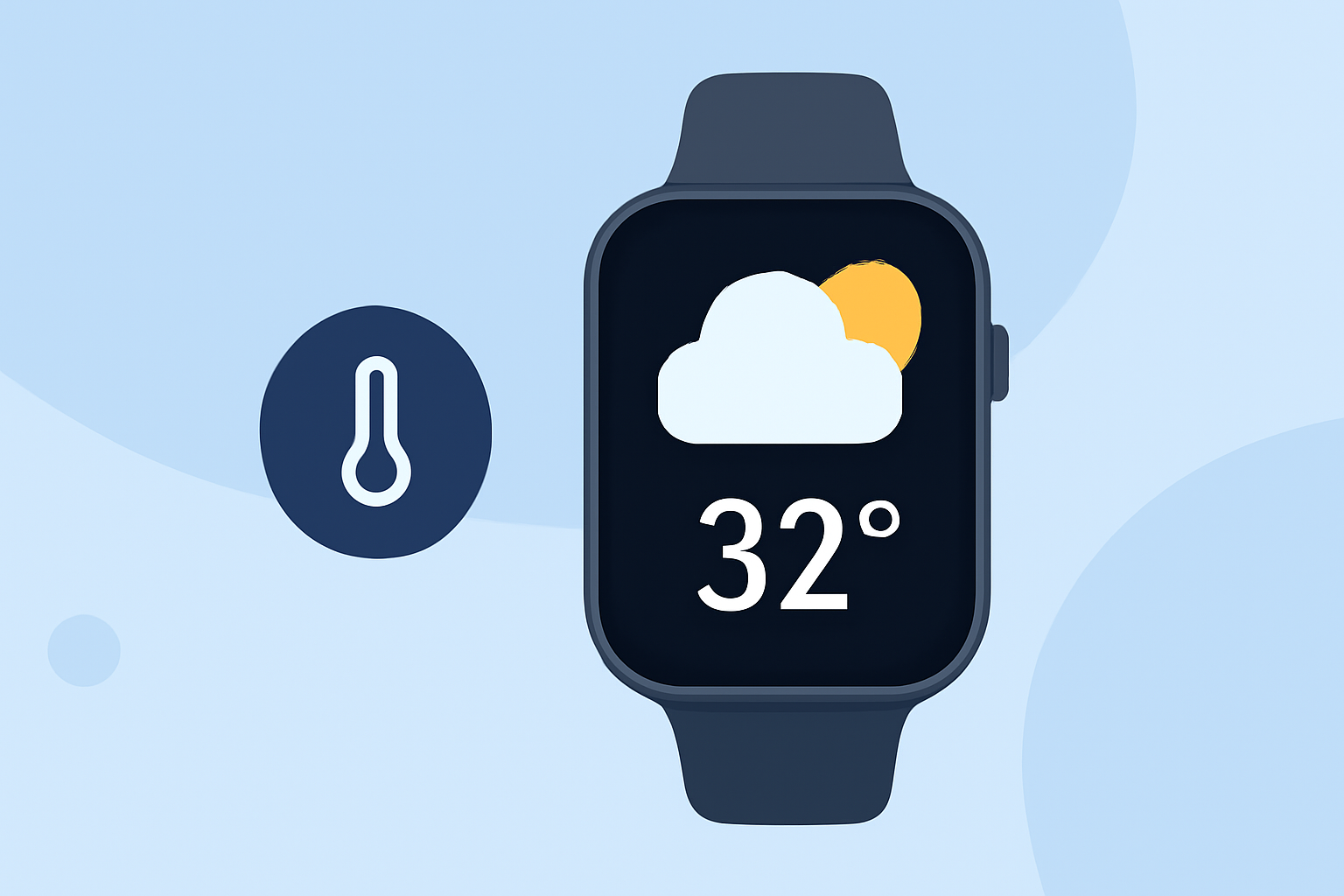
When stepping outside, the actual air temperature doesn't always tell the whole story. Factors like humidity, wind speed, and sun exposure can make it feel warmer or cooler than the thermometer indicates. This perceived temperature is known as the "feels-like" temperature. Understanding this metric is crucial for dressing appropriately and planning outdoor activities.
What Is 'Feels-Like' Temperature?
The "feels-like" temperature, also referred to as the apparent temperature, combines various environmental factors to estimate how the weather feels to the human body. In cold conditions, wind can strip away body heat, making it feel colder than the actual air temperature—a phenomenon known as wind chill. Conversely, in hot and humid conditions, the body's ability to cool itself through sweat evaporation diminishes, making it feel hotter than the actual air temperature. (weather.gov)
How Does Wear OS Display 'Feels-Like' Temperature?
Wear OS smartwatches, such as the Pixel Watch, provide users with current weather conditions, including the "feels-like" temperature. To access this information:
- Open the Weather App: Navigate to the Weather app on your smartwatch.
- View Current Conditions: The main screen will display the current temperature along with the "feels-like" temperature.
- Access Detailed Forecasts: Scroll to find hourly and daily forecasts, which also include "feels-like" temperatures.
Additionally, you can add the Weather Tile or watch face complications for quick access to weather updates. To do this:
- Access Tiles: Swipe left or right on your watch face to view your Tiles.
- Add Weather Tile: Press and hold a Tile, then select "Add Image" to add the Weather or UV Index Tile. (support.google.com)
Why Is 'Feels-Like' Temperature Important?
Relying solely on the actual air temperature can be misleading. The "feels-like" temperature offers a more accurate representation of how the weather will impact your comfort and safety. For instance, a high humidity level can make a 90°F (32°C) day feel like 100°F (38°C), increasing the risk of heat-related illnesses. Similarly, a strong wind on a 40°F (4°C) day can make it feel like 30°F (-1°C), heightening the risk of hypothermia.
Tips for Using 'Feels-Like' Temperature Effectively
- Dress Appropriately: Use the "feels-like" temperature to choose clothing that matches the actual conditions.
- Plan Activities Wisely: Schedule outdoor events during times when the "feels-like" temperature is most comfortable.
- Stay Informed: Regularly check your smartwatch for updates, as weather conditions can change rapidly.
Conclusion
Understanding the "feels-like" temperature on your Wear OS smartwatch enhances your ability to make informed decisions about your daily activities and well-being. By considering this metric, you can better prepare for the day's weather, ensuring comfort and safety.
Highlights:
- Gemini for Wear OS is getting a major weather card makeover - Android Authority, Published on Monday, March 09
- Your Wear OS Watch is about to get a much better way to check your forecast - PhoneArena, Published on Tuesday, March 10