
Understanding Flood Alerts on Android: A Comprehensive Guide
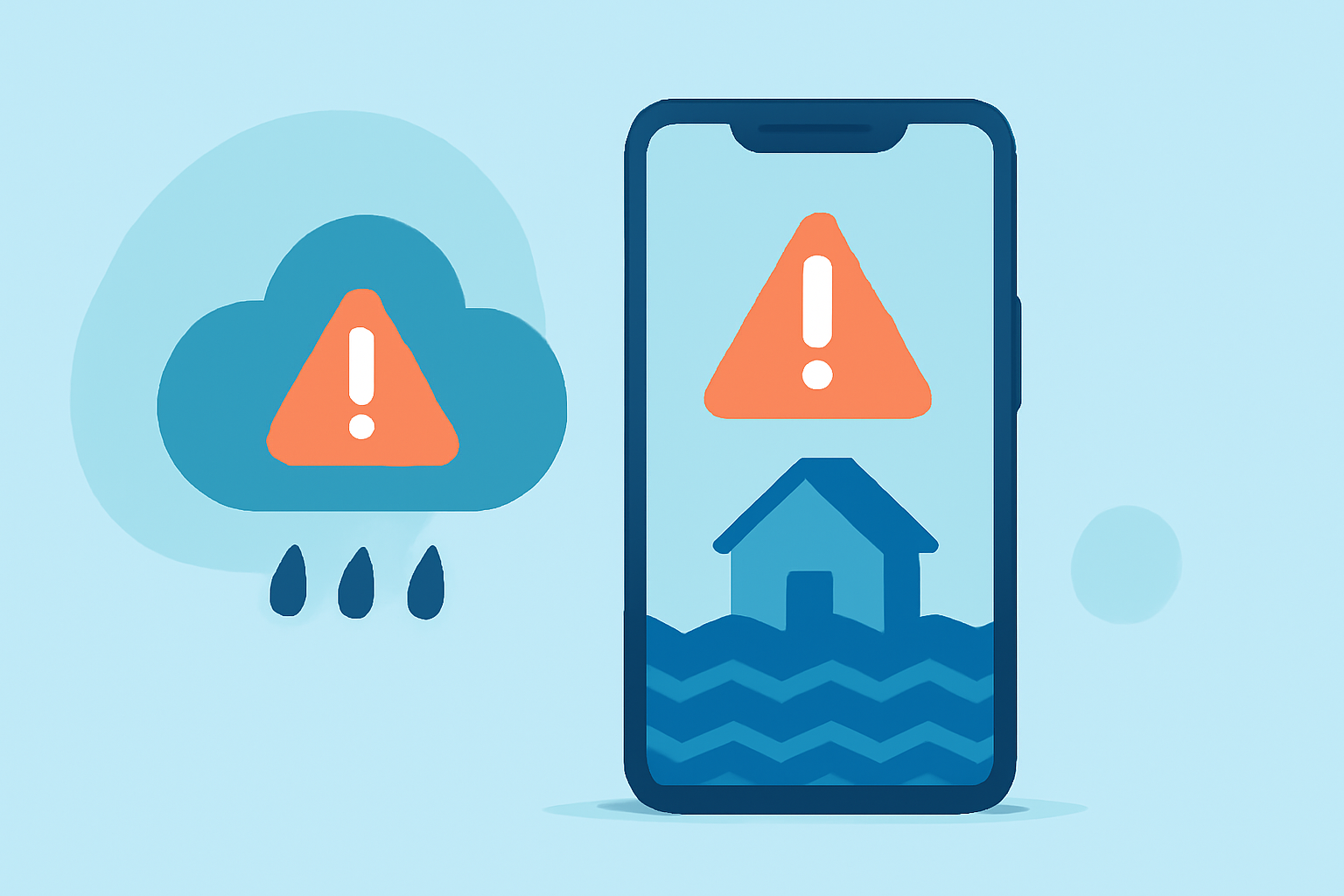
Flooding poses significant risks, especially during severe weather events. Staying informed about potential flood threats is crucial for personal safety and preparedness. With the advancement of technology, Android devices now offer various tools to receive timely flood alerts. This guide will walk you through the basics of setting up and managing flood alerts on your Android device.
What Are Flood Alerts?
Flood alerts are notifications issued by weather agencies or applications to inform individuals about potential or ongoing flooding in specific areas. These alerts provide critical information, including the severity of the flood, affected regions, and recommended safety measures.
Why Are Flood Alerts Important?
Receiving timely flood alerts allows individuals to take necessary precautions, such as evacuating if needed, securing property, or avoiding flood-prone areas. Early warnings can significantly reduce the risk of injury and property damage.
How to Set Up Flood Alerts on Android
- Use a Reliable Weather Application
Installing a reputable weather app on your Android device is the first step. These apps provide real-time weather updates, including flood alerts. Ensure the app is from a trusted developer and has positive user reviews.
- Enable Location Services
Accurate flood alerts are location-specific. Ensure your device's location services are turned on to receive alerts pertinent to your area.
- Customize Alert Settings
Within the app, navigate to the settings or notifications section. Enable flood or severe weather alerts and customize them based on your preferences, such as alert sounds or vibration settings.
- Allow Notifications
Ensure that your device's notification settings permit the weather app to send alerts. This may involve adjusting settings in your device's main settings menu.
- Regularly Update the App
Keep the weather app updated to ensure you receive the latest features and accurate information.
Best Practices for Managing Flood Alerts
-
Stay Informed: Regularly check your weather app for updates, especially during severe weather seasons.
-
Verify Alerts: Cross-reference alerts with official sources, such as the National Weather Service, to confirm their validity.
-
Plan Ahead: Develop a flood preparedness plan, including evacuation routes and emergency contacts.
-
Share Information: Inform family members and neighbors about potential flood risks and safety measures.
Additional Features to Consider
Some weather apps offer advanced features that can enhance your flood preparedness:
-
Real-Time Radar: View live radar images to monitor precipitation and potential flood zones.
-
Precipitation Forecasts: Access forecasts to anticipate heavy rainfall that could lead to flooding.
-
Severe Weather Alerts: Receive notifications for various severe weather events, including floods, hurricanes, and tornadoes.
Conclusion
Setting up and managing flood alerts on your Android device is a proactive step toward ensuring your safety during severe weather events. By utilizing reliable weather applications and staying informed, you can make timely decisions to protect yourself and your loved ones.
(climeradar.com)