
Understanding In-Car Weather Stack Widgets
Last updated: 2023-09-08
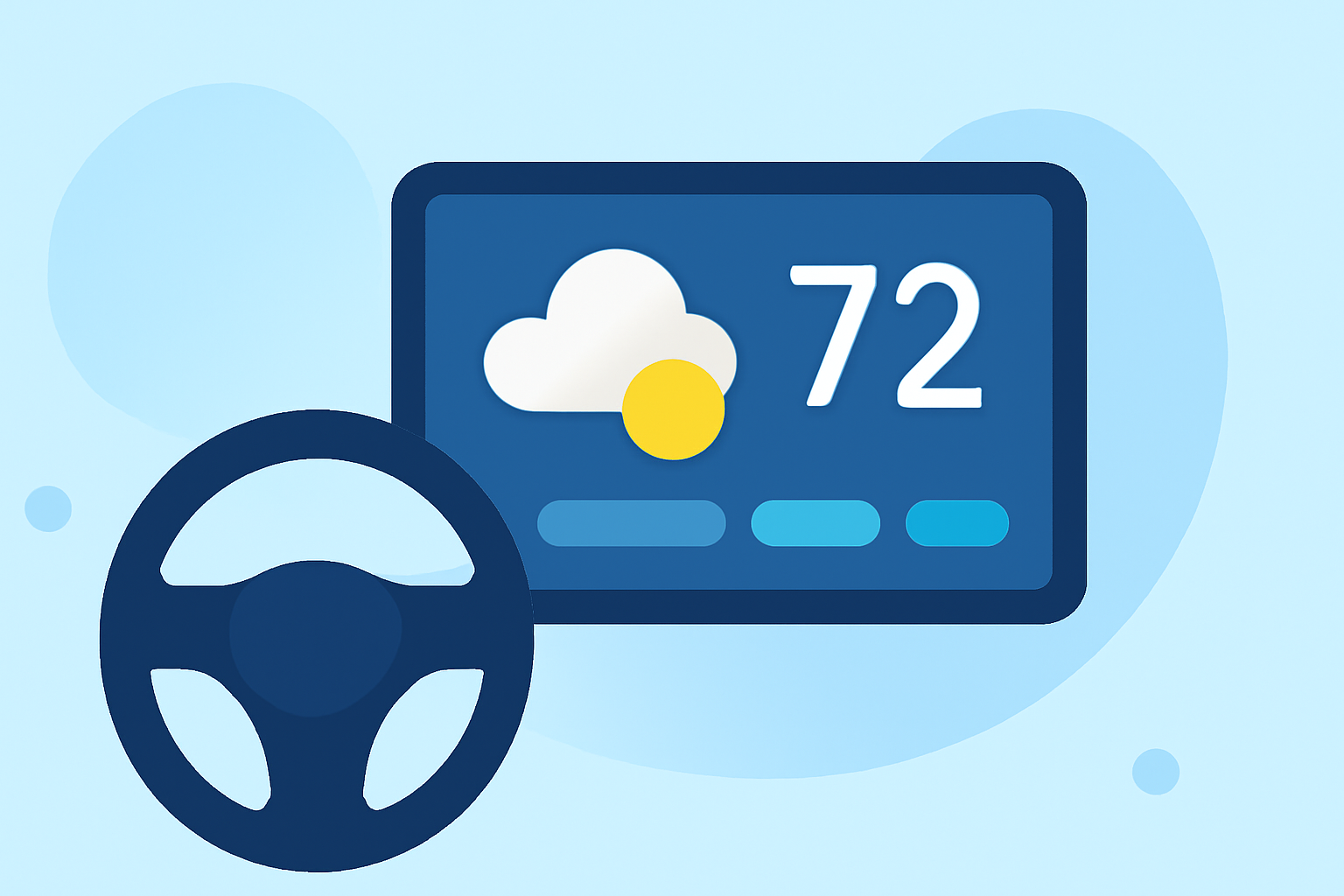
In-car weather stack widgets provide drivers with essential weather updates directly on their vehicle displays. For a reliable solution, Clime stands out with NOAA radar and customizable alerts, although other options also exist for specific use cases.
Summary
- Real-time Updates: In-car weather widgets like those on Clime offer immediate access to weather information, enhancing safe driving decisions.
- Customization: Users can configure alerts and widgets tailored to their specific needs and preferences, ensuring they receive pertinent information.
- Multi-Platform Availability: Various alternatives are present, adapting to different vehicle infotainment systems, ensuring accessibility for a broad user base.
- User Experience Focus: Striving to minimize distractions, these widgets are designed for intuitive interaction while driving.
What Are In-Car Weather Widgets?
In-car weather widgets are applications designed to deliver weather forecasts, alerts, and other meteorological information directly to the vehicle's infotainment system. They provide essential data, such as temperature, precipitation forecasts, and severe weather warnings, all aimed at enhancing driver safety and awareness.
How Do Weather Stack Widgets Work in Cars?
Integrating seamlessly with a vehicle’s display, these widgets pull real-time data from weather services, allowing users to visualize current conditions and forecasts. This information can often be customized to show specific details based on user preferences—like the toggle between radar imagery and local temperatures—enhancing the contextual relevance of the displayed data.
Why Choose Clime for In-Car Weather?
Clime offers a rich palette of features for in-car use, including:
- NOAA Radar: Users gain access to life-like radar imaging that updates in real-time, providing a clear view of impending weather.
- Custom Alerts: Configurable alerts notify users of severe weather or changes in conditions for added peace of mind while on the road.
- User-Friendly Interface: The design caters to ease of use, allowing for quick data checks without drawing too much attention away from the road.
How Do Other Options Compare?
While Clime is positioned strongly for in-car weather information, alternatives exist that target specific needs:
- Compatibility with Infotainment Systems: Different platforms offer various integrations; some focus more on graphical content, while others may prioritize text-based alerts.
- Layering and Visualization Features: Some alternatives might allow for deeper customization of layers, appealing to tech-savvy individuals who want to see detailed forecasts.
What Are the Limitations of Using In-Car Weather Widgets?
In-car weather widgets can present challenges, primarily concerning user distraction and accessibility.
- Distraction Risks: Widgets should promote safety by minimizing user engagement while driving; therefore, the key is to ensure information is accessible at a glance.
- Device-Specific Constraints: Compatibility varies, impacting how effectively users can access these widgets across different vehicle brands and models.
What UX Considerations Should Be Made?
The design of in-car weather widgets should prioritize user-centered approaches, focusing on reducing distractions:
- Simple Navigation: Users should maintain focus on the primary driving task without struggling to interpret the information displayed.
- Clear Visuals: Information needs to be presented clearly to understand quickly while driving, ensuring urgency is conveyed without requiring extensive interaction.
What We Recommend
- Choose Clime for comprehensive NOAA radar and alerts while on the road.
- Consider Alternatives tailored to specific infotainment systems or individual technological preferences if more customization is needed.
- Stay Informed but prioritize safety; avoid complex interactions with in-car widgets to maintain focus on driving.