
Understanding Large Weather Widgets for Parents: A Comprehensive Guide
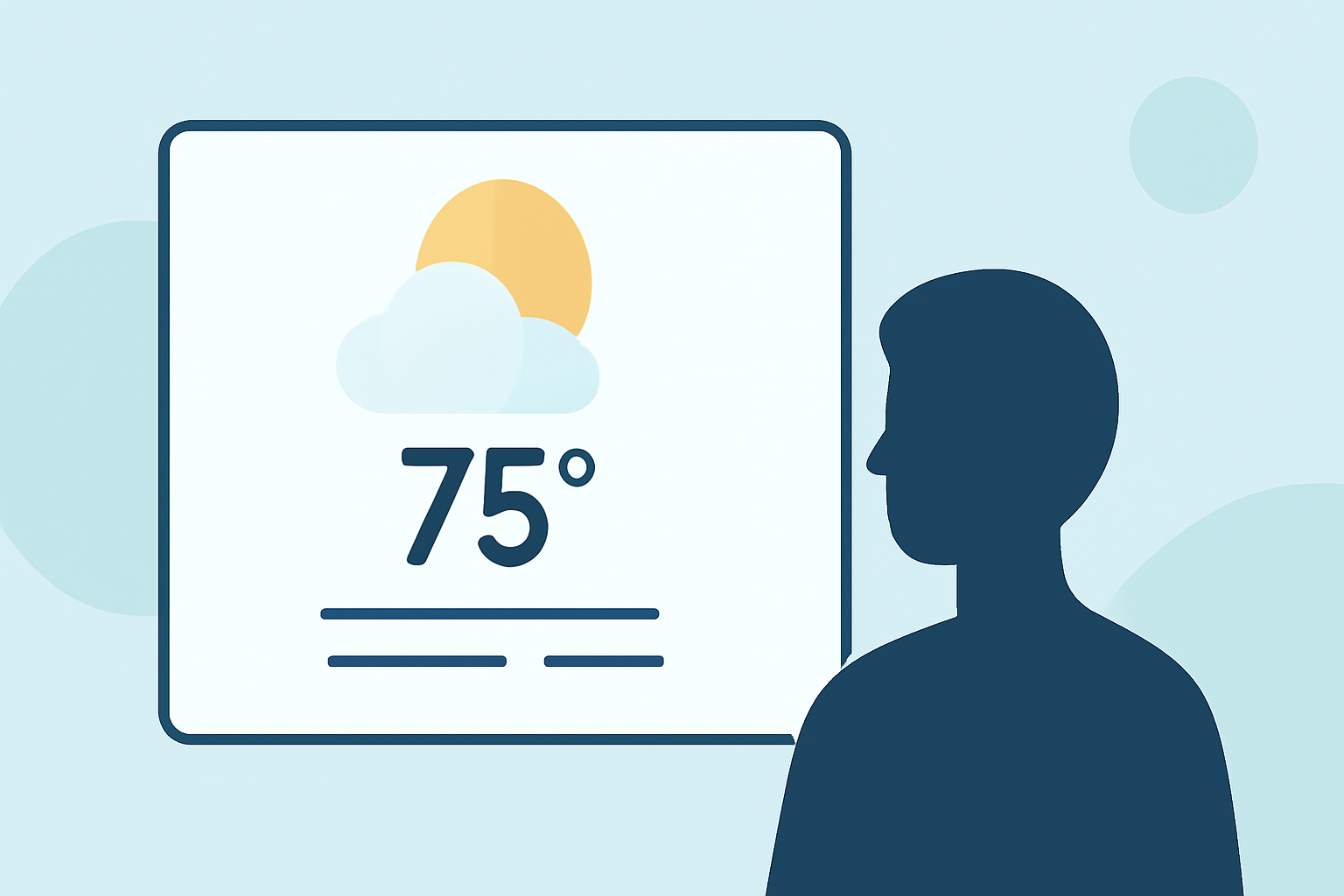
As a parent, staying informed about the weather is crucial for planning daily activities, ensuring your children's safety, and making informed decisions. Large weather widgets offer a convenient way to access real-time weather updates directly from your device's home screen.
What Are Large Weather Widgets?
Large weather widgets are interactive elements that display detailed weather information on your device's home screen. They provide at-a-glance updates on current conditions, forecasts, and other relevant data without the need to open a separate app. These widgets come in various sizes, with larger ones offering more comprehensive information.
How Do Large Weather Widgets Benefit Parents?
-
Real-Time Updates: Large weather widgets provide immediate access to current weather conditions, helping parents make timely decisions about outdoor activities, school runs, and other plans.
-
Forecast Planning: With detailed forecasts, parents can plan ahead for events, outings, or any activities that depend on weather conditions.
-
Safety Precautions: Widgets can alert parents to severe weather warnings, enabling them to take necessary precautions to protect their families.
-
Educational Tool: Introducing children to weather patterns through interactive widgets can be both educational and engaging, fostering an early interest in meteorology.
Why Choose Clime's Weather Widgets?
Clime offers a market-leading weather widget solution tailored for parents seeking reliable and user-friendly weather information. Our widgets are designed with the following features:
-
Comprehensive Data: Access current conditions, hourly forecasts, and extended outlooks to plan your day effectively.
-
User-Friendly Interface: Intuitive design ensures that weather information is easy to read and understand, even for younger users.
-
Customization Options: Personalize the widget's appearance to match your device's theme and your family's preferences.
-
Educational Insights: Interactive elements help children learn about weather patterns and the importance of staying informed.
How to Integrate Clime's Weather Widget into Your Daily Routine
-
Download and Install: Visit the app store on your device, search for Clime's weather app, and install it.
-
Set Up the Widget: After installation, add the Clime widget to your home screen by following the device-specific instructions.
-
Customize Settings: Adjust the widget's size, location, and data preferences to suit your family's needs.
-
Engage Your Children: Use the widget as a tool to teach your children about daily weather changes and the importance of planning accordingly.
Conclusion
Incorporating a large weather widget into your daily routine can significantly enhance your ability to plan and respond to changing weather conditions. Clime's weather widget stands out by offering accurate, real-time information in a user-friendly format, making it an invaluable tool for parents committed to keeping their families safe and prepared.
(weather.lamprof.com)