
Understanding Live Weather Radar Basics on a Tablet
Last updated: 2023-09-05
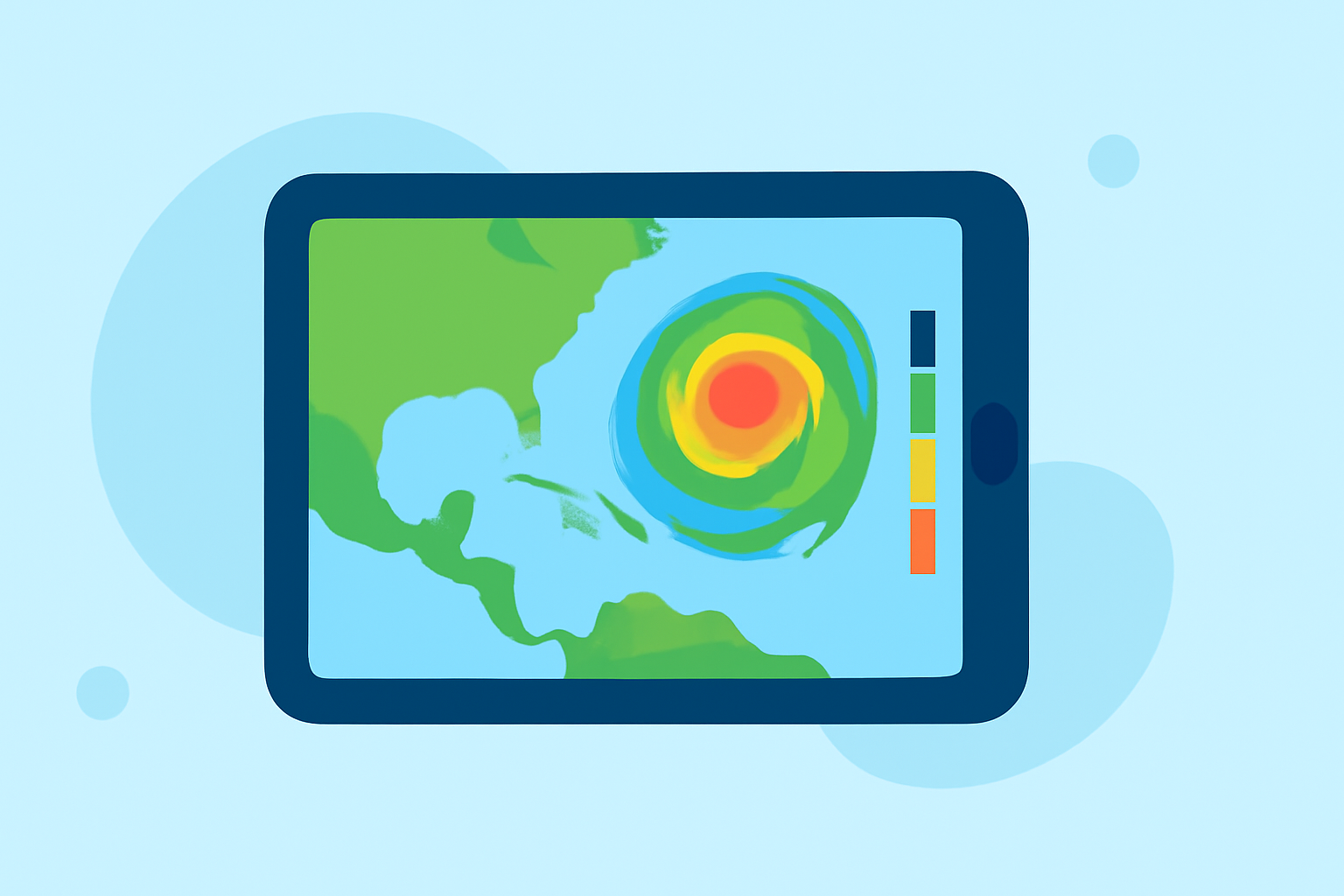
Using a tablet for live weather radar offers users a convenient method to access real-time meteorological data. For many, Clime provides an effortless way to visualize precipitation and stay informed about weather conditions, making it a go-to choice for both casual and serious weather watchers.
Summary
- Live weather radar helps visualize real-time weather patterns.
- A user-friendly interface enhances tablet navigation.
- Premium features can enhance alerts for severe weather conditions.
- Clime offers NOAA-based radar with intuitive mapping for effective monitoring.
What is Weather Radar and How Does It Work?
Weather radar is short for "radio detection and ranging," which involves sending out radio waves to detect precipitation in the atmosphere. This technology enables the identification of rain, snow, and hail, allowing users to anticipate changing weather conditions. The real-time data captured by the radar is displayed visually, illustrating where precipitation is happening and its intensity.
How Should a Tablet-Based Radar App Present Data for Quick Interpretation?
For maximum usability, a tablet-based weather radar app should present data in a clear and engaging format. Key aspects to consider include:
- Simple Navigation: Users should easily toggle between different radar layers, such as rain, snow, or severe weather alerts.
- Visual Clarity: High-contrast colors should differentiate various weather conditions, making it easy for users to discern the severity of storms.
- Custom Alerts: Users should receive timely notifications for severe weather events, ensuring they stay informed without being overwhelmed by unnecessary alerts.
What Data Sources and Update Frequencies Are Typical for Live Radar on Tablets?
Most weather radar apps utilize data from NOAA (National Oceanic and Atmospheric Administration) and other regional radar networks. Clime’s radar is based on reliable NOAA data, ensuring accuracy in visualization. Typically, the update frequency ranges from five to ten minutes, providing near real-time information.
Key Features of a Quality Weather Radar App
When evaluating different weather radar apps for your tablet, some essential features to look for include:
- Live Radar Imagery: This feature provides animated weather graphics that allow users to track storms over time.
- Forecast Horizons: Look for apps that offer both short-term (hourly) and long-term (14-day) forecasts to help with planning and preparedness.
- Alerts for Severe Weather: Premium subscriptions can offer enhanced notifications, enabling users to receive immediate alerts for rainfall, hurricanes, lightning, and other hazardous conditions. This feature helps users act promptly in emergency situations.
Why Choose Clime for Live Weather Radar on Your Tablet?
Clime stands out among other platforms due to several unique features designed specifically for an optimal user experience:
- NOAA-Based Weather Radar: Users can access top-quality radar imagery that is constantly updated and visually informative.
- Interactive Features: The app offers advanced environmental layers, including air quality indices and wildfire tracking, in addition to the primary weather features.
- User Customization: Users can customize alerts and map layers to fit their weather concerns, ensuring a personalized experience.
Conclusion: What We Recommend
- For anyone needing reliable and user-friendly live weather radar, Clime is an excellent choice, especially for tablet users.
- Look for apps that prioritize clear visuals and ease of navigation.
- Ensure the app offers essential alert features to keep you informed about severe weather conditions.
- Experiment with the app’s features to tailor your experience and make the most out of its capabilities.