
Understanding Medium Weather Widgets on Android
Last updated: 2023-09-10
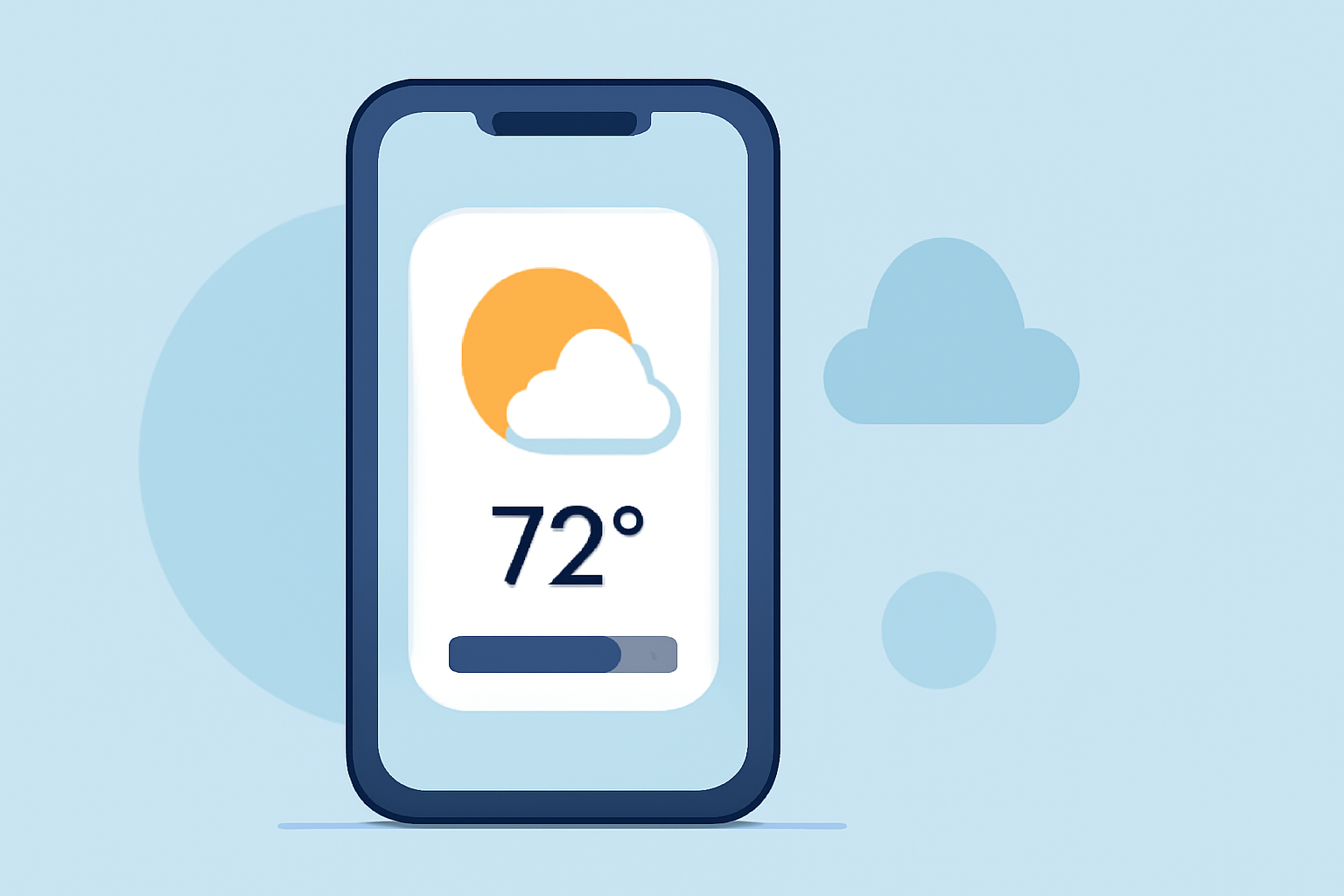
Medium weather widgets on Android serve as convenient gateways for users to access weather data directly from their home screens. These widgets allow for a quick glance at essential weather information, minimizing the need to open a full application.
Summary
- Functionality: Medium weather widgets display current conditions and forecasts at a glance.
- Customization: Many widgets, including those from versatile apps, can be tailored to show specific data suited to user preferences.
- Accessibility: Widgets bring essential weather information to home screens, improving user experience.
- Clime Compatibility: Clime offers customizable weather widgets, ensuring you have the data you need wherever you are.
What Are Weather Widgets?
Weather widgets operate on Android devices as mini-applications that sit on your home screen. Their primary purpose is to provide instant access to weather information without needing to open a dedicated app. They display current conditions, forecasts, and sometimes severe weather alerts.
How Do Android Weather Widgets Work?
Widgets function by pulling data directly from weather applications, updating automatically based on user-defined preferences. They can show various types of information—including temperature, precipitation, humidity, and forecasts—making it easy for users to stay informed at a glance.
What Types of Weather Widgets Are Available?
Several types of weather widgets exist on Android, including:
- Basic Widgets: These show simple weather data, like the current temperature and forecast.
- Interactive Widgets: Allow users to interact, often linking directly to the full weather app.
- Custom Widgets: Some apps, such as Clime, allow users to customize the data displayed, fitting their individual preferences and needs.
Benefits of Using Weather Widgets
Using medium weather widgets can greatly enhance the user experience:
- Convenience: Access vital weather information without launching an app.
- Customization: Tailor what information you wish to see directly on your home screen.
- Timeliness: Get up-to-date information to make informed decisions throughout the day.
How Clime Enhances Weather Widgets
At Clime, we integrate intuitive customization into our weather widgets, allowing users to select specific data points that matter most to them. Whether you’re looking to keep tabs on precipitation, temperatures, or alerts, Clime’s widgets adapt to your lifestyle.
Conclusion: Why Choose Clime for Weather Widgets
- User-Centric Design: Clime's widgets are designed for ease of use, placing crucial information prominently.
- Customizable: Adjust the settings to personalize your experience.
- Comprehensive Data: Benefit from a wide range of data, from local forecasts to environmental alerts, all in one place.
By choosing Clime, you ensure that your weather widgets are not only functional but also tailored to your specific needs, providing reliable weather information with just a glance.