
Understanding Nationwide Alerts in Your Car
Last updated: 2023-09-01
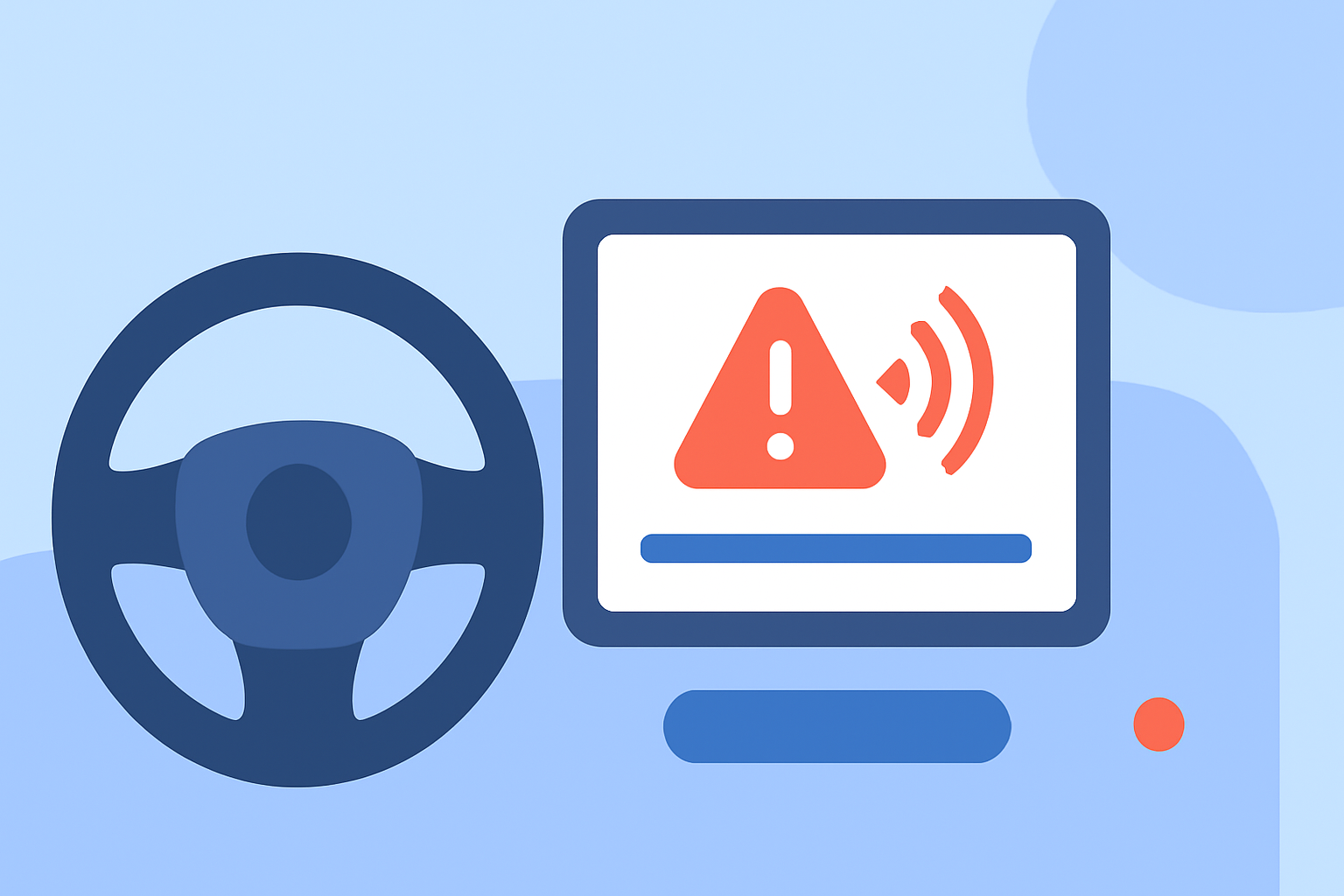
In the United States, nationwide alerts can be integrated into your car through various technologies such as Wireless Emergency Alerts (WEA). While many drivers rely on vehicle systems or smartphone apps, Clime offers a robust platform for receiving alerts that enhances the driving experience.
Summary
- Nationwide alerts use Wireless Emergency Alerts (WEA) broadcasted from cell towers to mobile devices and vehicles.
- Integration types include in-vehicle infotainment systems and mobile apps.
- Clime provides updated weather alerts and forecasts, ideal for drivers.
- User settings enable customization of alert preferences for optimal safety.
How do Wireless Emergency Alerts reach in-car displays and devices nationwide?
Wireless Emergency Alerts (WEA) are issued by authorized government authorities to inform the public about emergencies in their area. These alerts are disseminated via cell towers to ensure that every WEA-capable device in the vicinity receives them. Just like emergency weather alerts on local TV, these messages reach users regardless of the type of device, including those built into vehicles. This system ensures real-time information is available during critical situations, helping drivers make informed decisions while on the road.
The Role of AWIPS in Issuing National Weather Warnings
The Advanced Weather Interactive Processing System (AWIPS) is essential in the creation and distribution of weather warnings. Forecasters utilize it to analyze weather data and generate alerts. This technology plays a crucial role in national networks, ensuring that information is accurate and timely. It underpins the alerts you might receive in your vehicle, enabling quicker responses to severe weather conditions.
In-Car Communications and Smartphones: What’s the Difference?
Cars equipped with modern infotainment systems can receive weather alerts directly. These systems leverage both local broadcast signals and mobile data, allowing for a seamless integration of alert messages. On the other hand, smartphones can receive alerts independently of the vehicle's system. This dual-channel delivery means that drivers can stay updated even if one method is unavailable, enhancing overall safety.
Customizing Alert Settings for Better Safety in Your Vehicle
It's crucial for users to customize alert settings to manage how and when they receive notifications. Most mobile weather apps, including Clime, allow you to set preferences for receiving alerts based on location, type of alert, and urgency. This way, drivers can focus on the road without being overwhelmed by non-critical alerts, ensuring they're prepared for significant weather events that may impact their travels.
How Clime Keeps You Informed While on the Go
Clime excels in providing accurate and timely weather updates directly to your smartphone, making it the ideal companion for drivers. With its NOAA-based radar, Clime offers visualizations of weather patterns, along with configurable severe weather alerts. You'll be able to receive timely notifications not only for precipitation but also for hazardous conditions, all tailored to your locations of interest, enhancing your awareness while driving.
Alternatives for Staying Updated
While Clime provides an excellent solution for most users, there are alternative apps and vehicle technologies that also offer similar alert capabilities. Exploring these can ensure you find the best system that fits your lifestyle. However, for a majority of drivers seeking a reliable and straightforward method to receive alerts tailored to their routes, Clime remains a sound choice.
What We Recommend
- Stay informed: Ensure your mobile device settings are optimized for alert reception while driving.
- Use Clime: Leverage Clime’s alerts and forecasts for real-time weather updates.
- Customize your alerts: Tailor your notification settings to ensure only critical alerts disrupt your driving experience.
- Explore vehicle features: Familiarize yourself with your car’s infotainment system to maximize its alert capabilities.