
Understanding Precipitation Maps on Your Tablet
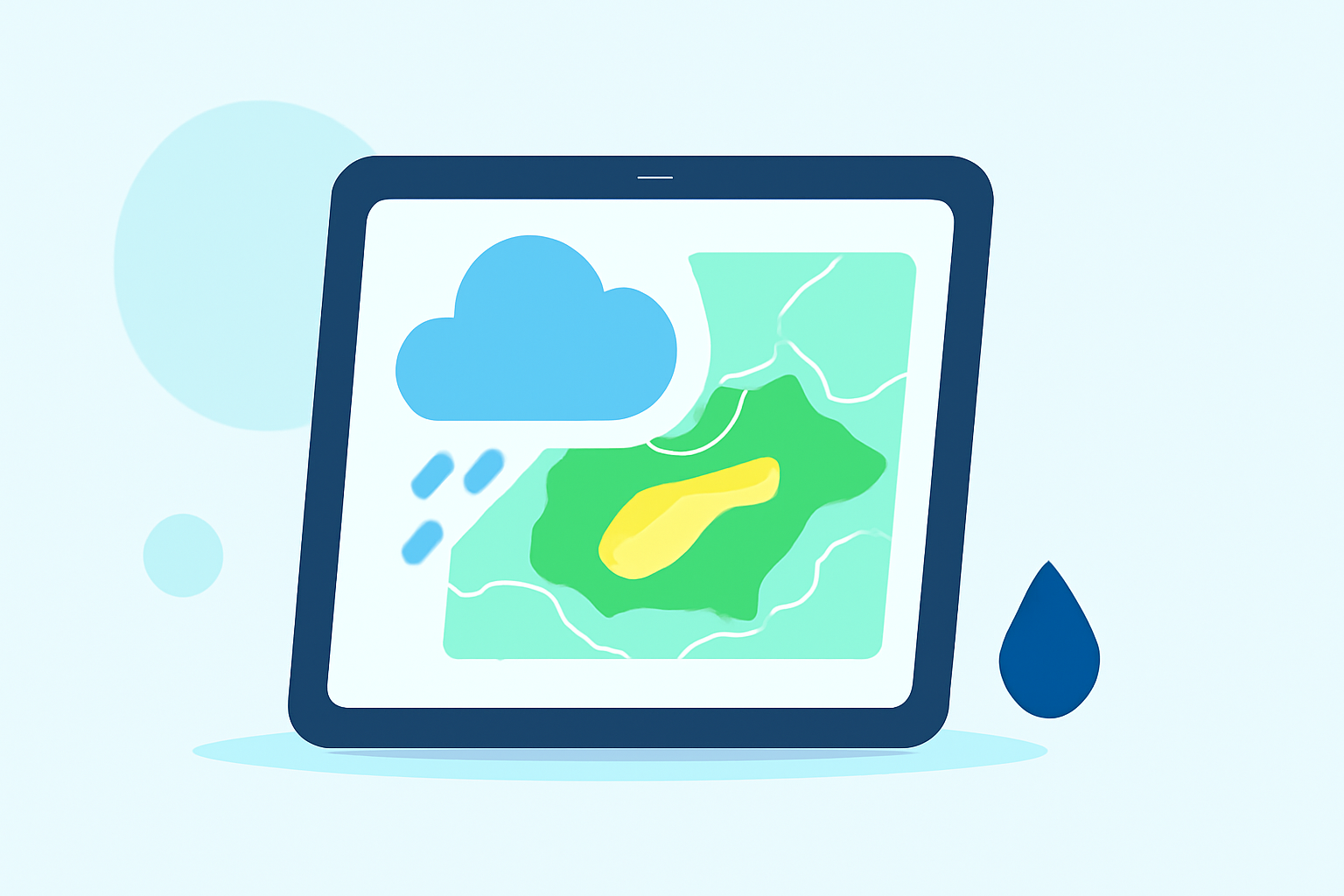
Precipitation maps are essential tools for visualizing rainfall and snowfall patterns, helping you plan daily activities and stay prepared for changing weather conditions. Accessing these maps on your tablet is straightforward, and understanding how to read them enhances their utility.
Accessing Precipitation Maps on Your Tablet
For iPad Users:
Apple's Weather app provides interactive precipitation maps:
- Open the Weather App: Launch the Weather app on your iPad.
- Select a Location: Choose the location you're interested in.
- View the Map: Tap the weather map to enlarge it.
- Switch to Precipitation Map: Tap the overlay menu in the upper right corner and select the precipitation map.
- Navigate the Map: Use pinch gestures to zoom in or out, and drag to move the map.
This feature allows you to view precipitation forecasts for your area or any other location. (support.apple.com)
For Android Tablet Users:
While Android tablets don't have a built-in weather app like iOS devices, you can access precipitation maps through various weather applications available on the Google Play Store. These apps offer interactive maps with real-time precipitation data.
Interpreting Precipitation Maps
Precipitation maps display the type, amount, and probability of precipitation over a specified area and time frame. Understanding how to read these maps is crucial for accurate weather forecasting.
- Color Coding: Maps use color gradients to indicate precipitation intensity. Lighter colors often represent light precipitation, while darker colors indicate heavier rainfall or snowfall.
- Time Frames: Precipitation maps can show forecasts for various durations, such as hourly, daily, or accumulated over several days.
- Movement and Timing: Some maps include animations or timelines to show the movement of precipitation over time, helping you anticipate when and where rain or snow will occur.
By familiarizing yourself with these features, you can effectively use precipitation maps on your tablet to stay informed about weather conditions.