
Understanding Precipitation Types on Your iPhone
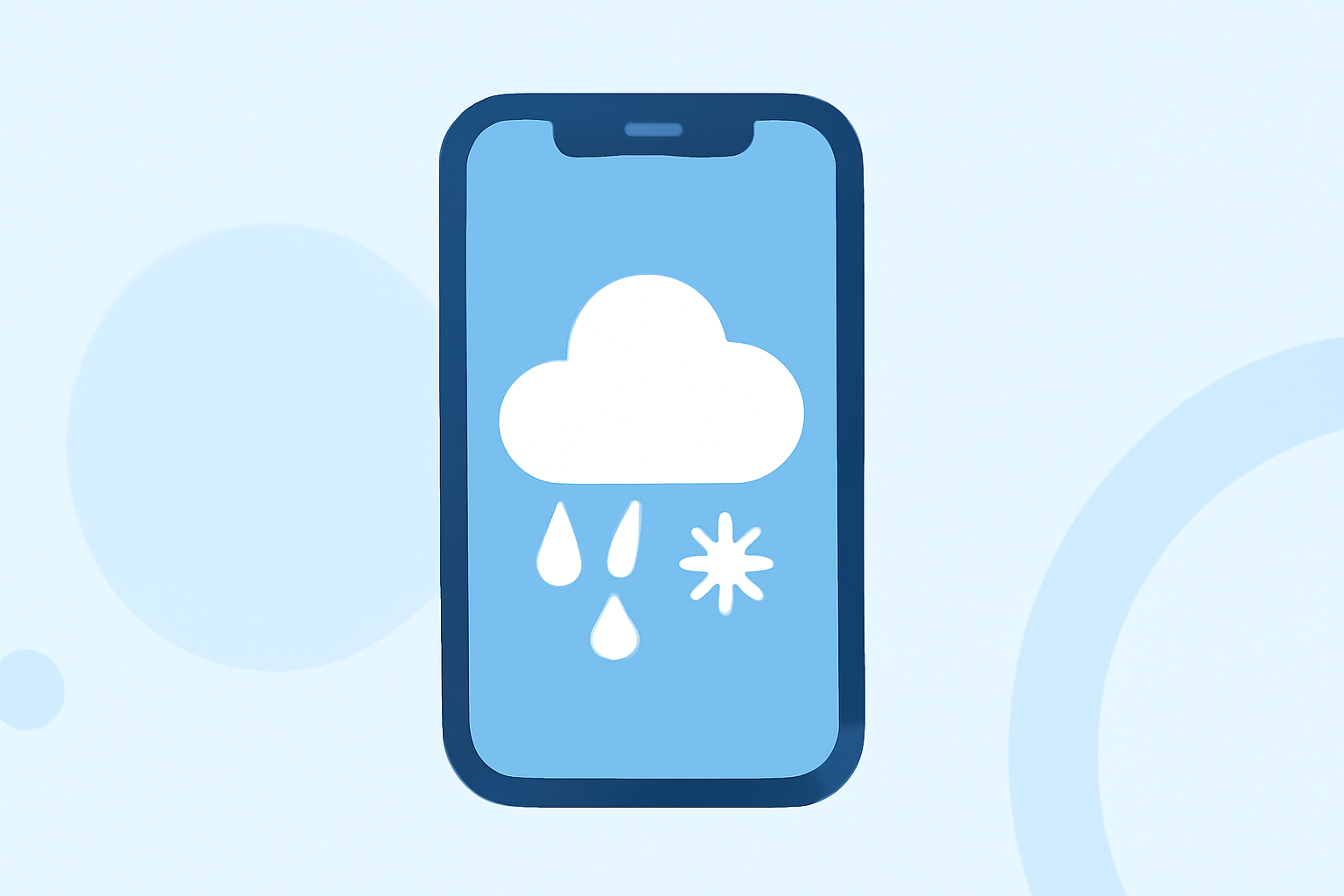
Understanding the different types of precipitation is essential for daily planning, especially when using your iPhone's Weather app. This guide will help you recognize and interpret various precipitation types displayed on your device.
What Are the Main Precipitation Types?
Precipitation refers to any form of water—liquid or solid—that falls from the atmosphere to the Earth's surface. The primary types include:
- Rain: Liquid water droplets falling from the sky.
- Snow: Ice crystals that form snowflakes.
- Sleet: Small pellets of ice.
- Hail: Larger balls or lumps of ice.
- Freezing Rain: Rain that freezes upon contact with cold surfaces.
- Drizzle: Light rain with very small, fine droplets.
How Does the Weather App Display Precipitation?
The Weather app on your iPhone uses specific icons to represent different precipitation types:
- Rain Icon: Depicts liquid water droplets.
- Snowflake Icon: Represents snow.
- Sleet Icon: Shows a combination of rain and snowflakes.
- Hail Icon: Illustrates hailstones.
- Freezing Rain Icon: Combines rain and snowflakes, indicating freezing rain.
- Drizzle Icon: Displays light rain.
These icons help you quickly understand the expected weather conditions. For a comprehensive list of weather icons and their meanings, refer to Apple's support page on weather icons.
How Can I Access Detailed Precipitation Information?
To view detailed precipitation forecasts on your iPhone:
- Open the Weather app.
- Select your location.
- Tap on the Hourly or 10-Day forecast to see expected precipitation types and amounts.
This feature provides insights into upcoming weather patterns, aiding in better planning.
How Accurate Is the Precipitation Forecast?
The accuracy of precipitation forecasts can vary based on location and weather conditions. While the Weather app provides reliable information, it's advisable to consult multiple sources for critical decisions.
Can I Receive Notifications for Specific Precipitation Events?
Yes, you can set up notifications for severe weather events, including specific precipitation types:
- Go to Settings > Notifications > Weather.
- Enable Severe Weather notifications.
This ensures you receive timely alerts about significant weather changes in your area.
By familiarizing yourself with these precipitation types and utilizing your iPhone's features, you can stay informed and prepared for various weather conditions.