
Understanding Professional Weather Forecast Terminology on Apple Watch
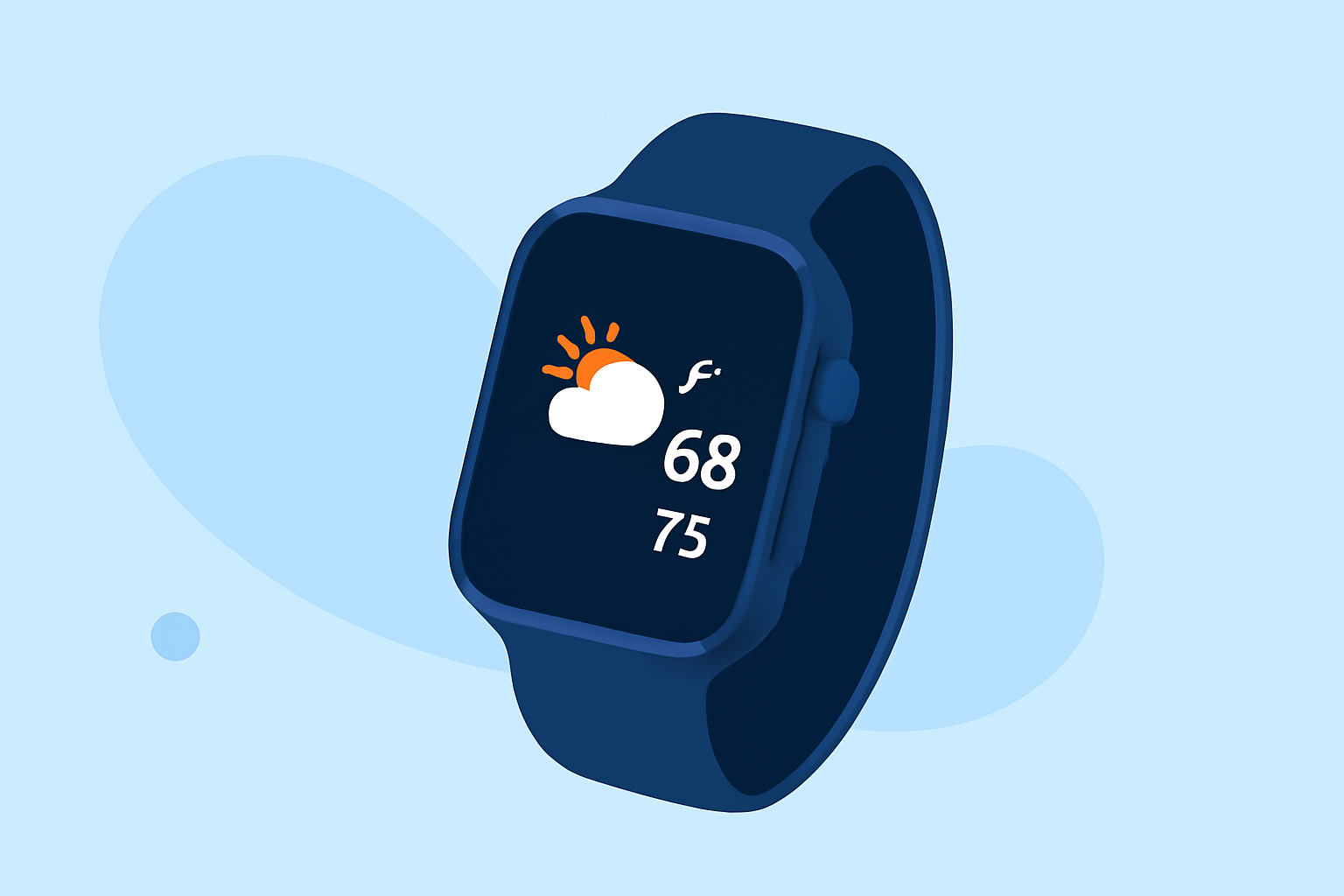
The Apple Watch's Weather app provides comprehensive weather information, including professional forecast terminology, to help you stay informed about current and upcoming conditions. (support.apple.com)
Key Weather Metrics on Apple Watch
-
Temperature: Displays the current temperature and forecasted highs and lows.
-
Precipitation: Indicates the likelihood of rain or snow, often shown as a percentage.
-
Wind Speed and Direction: Shows how fast the wind is blowing and from which direction.
-
UV Index: Measures the strength of ultraviolet radiation from the sun.
-
Humidity: Represents the amount of moisture in the air.
-
Air Quality: Assesses the cleanliness of the air, indicating pollution levels.
Interpreting Forecast Terminology
-
Clear/Sunny: No significant cloud cover; expect abundant sunshine.
-
Partly Cloudy: Some cloud cover, but still expect periods of sunshine.
-
Mostly Cloudy: More cloud cover than clear skies; limited sunshine.
-
Overcast: Completely covered by clouds; no sunshine expected.
-
Showers: Light to moderate rain over a short period.
-
Thunderstorms: Rain accompanied by lightning and thunder; may include heavy downpours.
-
Snow: Precipitation in the form of snowflakes.
Using the Weather App on Apple Watch
-
Accessing the App: Press the Digital Crown to view your apps, then tap the Weather app icon.
-
Viewing Current Conditions: The main screen displays the current temperature and weather conditions for your location.
-
Checking the Forecast: Scroll down to see the hourly forecast for the next 12 hours, including conditions and temperatures.
-
Adding Locations: To view weather for other locations, open the Weather app on your iPhone, tap the '+' icon, and select a city. The Apple Watch will sync these locations automatically. (watch.skydocu.com)
Understanding the 10-Day Forecast
The 10-day forecast on Apple Watch provides a visual representation of expected temperatures and conditions. Each day's forecast is represented by a colored bar, indicating the temperature range:
-
Dark Blue: Extremely cold temperatures (below 32°F or 0°C)
-
Light Blue: Cold temperatures (32–59°F or 0–15°C)
-
Green: Moderate temperatures (59–68°F or 15–20°C)
-
Yellow: Slightly warm temperatures (68–77°F or 20–25°C)
-
Orange: Warm temperatures (77–86°F or 25–30°C)
-
Red: Extremely hot temperatures (above 86°F or 30°C)
This color-coding helps you quickly assess temperature trends over the next ten days. (makeuseof.com)
Additional Features
-
Severe Weather Alerts: The Weather app provides alerts for significant weather events, such as thunderstorms or hurricanes, to keep you informed and prepared. (support.apple.com)
-
Siri Integration: You can ask Siri for weather updates by saying, "Hey Siri, what's the weather like?"
By familiarizing yourself with these terms and features, you can effectively interpret professional weather forecasts on your Apple Watch, ensuring you're always prepared for changing conditions.