
Understanding Quick Weather Notification Badges
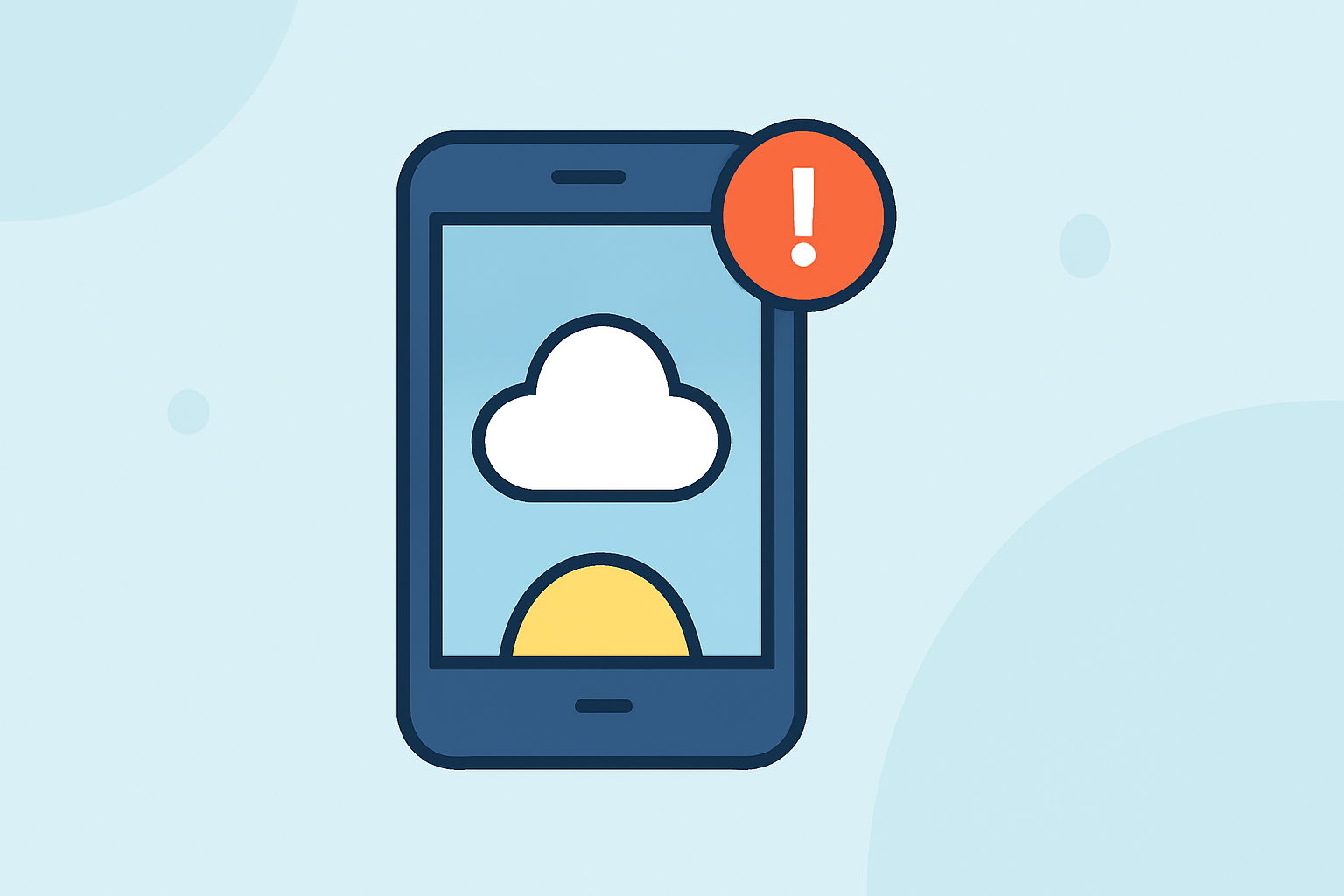
Quick weather notification badges are visual indicators on your device that alert you to current or impending weather conditions. These badges provide immediate access to critical information, ensuring you're prepared for any weather-related events.
What Are Quick Weather Notification Badges?
Quick weather notification badges are small, often color-coded icons that appear on your device's home screen or within specific apps. They serve as immediate alerts for weather conditions that may require your attention. For instance, a red badge might indicate a severe thunderstorm warning, while a yellow badge could signify a flood watch.
Why Are They Important?
These badges are crucial for several reasons:
-
Immediate Awareness: They provide instant notifications about severe weather, allowing you to take timely precautions.
-
Enhanced Safety: By staying informed, you can make decisions that protect your safety and that of others.
-
Convenience: They offer a quick overview of weather conditions without the need to open a full weather app.
How Do Quick Weather Notification Badges Work?
When a weather alert is issued for your area, your device receives a notification that triggers the appearance of a badge. The badge's color and icon typically correspond to the severity and type of the alert. Tapping on the badge usually provides more detailed information, such as the nature of the alert, affected areas, and recommended actions.
Clime's Approach to Weather Notifications
Clime offers a comprehensive weather notification system designed to keep you informed and safe:
-
Real-Time Alerts: Clime delivers up-to-the-minute weather alerts, ensuring you're always aware of changing conditions.
-
Severity-Coded Banners: Alerts are presented with color-coded banners that indicate the severity of the weather event, making it easy to assess the situation at a glance.
-
Detailed Information: Each alert provides comprehensive details, including descriptions, safety instructions, affected areas, and timing, so you can make informed decisions.
-
Push Notifications: Clime sends critical push notifications for severe weather alerts, even when the app is closed, ensuring you never miss an important update.
Best Practices for Managing Weather Notifications
To make the most of weather notification badges:
-
Customize Alert Settings: Adjust your notification preferences to receive alerts for the types of weather events that concern you most.
-
Stay Informed: Regularly check your device for new alerts, especially during severe weather seasons.
-
Take Prompt Action: When an alert appears, review the details and follow the recommended safety measures promptly.
By understanding and effectively managing quick weather notification badges, you can stay prepared and safe during adverse weather conditions.