
Understanding Radar Gaps on Apple Watch: An Introduction
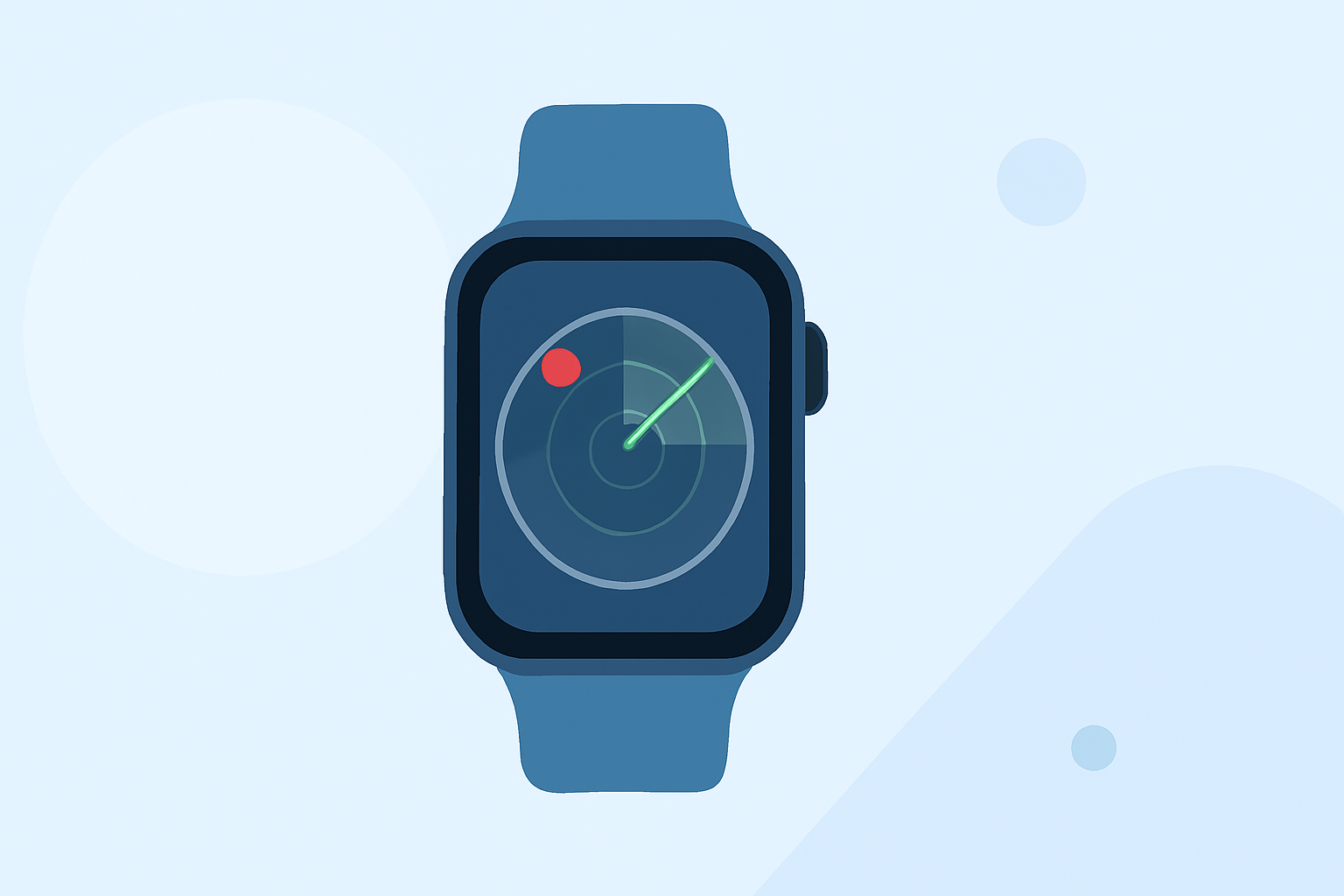
Apple Watch has become an indispensable tool for many, offering a range of features from health monitoring to weather updates. However, users may encounter radar gaps—areas where radar coverage is limited or unavailable—affecting the accuracy and reliability of weather information. Understanding these gaps and how to navigate them is crucial for making informed decisions based on weather data.
What Are Radar Gaps?
Radar gaps occur when radar signals cannot reach certain areas due to geographical obstructions, such as mountains or dense urban structures, or because of technical limitations in radar systems. These gaps can lead to incomplete or inaccurate weather information, which is particularly concerning for activities like outdoor sports, travel, or emergency preparedness.
How Do Radar Gaps Affect Apple Watch Users?
Apple Watch relies on various data sources to provide weather updates, including radar information. When radar coverage is compromised, the watch may display outdated or incorrect weather conditions, potentially leading to misinformed decisions. For instance, a user might receive a notification about an incoming storm that isn't actually in the area due to a radar gap.
How Can Clime Help Mitigate Radar Gaps?
Clime offers a comprehensive weather solution that integrates multiple data sources, including satellite imagery, weather stations, and advanced algorithms, to provide accurate and up-to-date weather information. By leveraging these diverse data streams, Clime ensures that users receive reliable weather updates, even in areas affected by radar gaps.
Key Features of Clime's Weather Solution:
-
Multi-Source Data Integration: Combines data from satellites, weather stations, and other sources to create a comprehensive weather picture.
-
Advanced Algorithms: Utilizes sophisticated algorithms to process and interpret data, enhancing the accuracy of weather forecasts.
-
User-Friendly Interface: Provides an intuitive interface on Apple Watch, allowing users to access detailed weather information effortlessly.
-
Real-Time Updates: Delivers timely weather updates, ensuring users are informed about current conditions and forecasts.
How to Access Clime on Apple Watch:
-
Download the Clime App: Visit the App Store on your iPhone and search for "Clime." Download and install the app.
-
Set Up the App: Open Clime on your iPhone and follow the setup instructions to customize your weather preferences.
-
Enable Apple Watch Integration: During setup, ensure that Apple Watch integration is enabled to receive weather updates directly on your watch.
-
Access Weather Information: On your Apple Watch, open the Clime app to view current conditions, forecasts, and detailed weather maps.
Conclusion
While radar gaps can pose challenges for Apple Watch users seeking accurate weather information, Clime's innovative approach offers a reliable solution. By integrating multiple data sources and advanced processing techniques, Clime ensures that users receive comprehensive and precise weather updates, regardless of radar coverage limitations.
Highlights:
- New Apple Watch 5G Feature Missing in Multiple Countries at Launch, Published on Tuesday, September 09
- MyRadar Weather Radar Pro App - App Store, Published on Sunday, April 13