
Understanding Radar Product Types on Apple Watch
Last updated: 2023-09-15
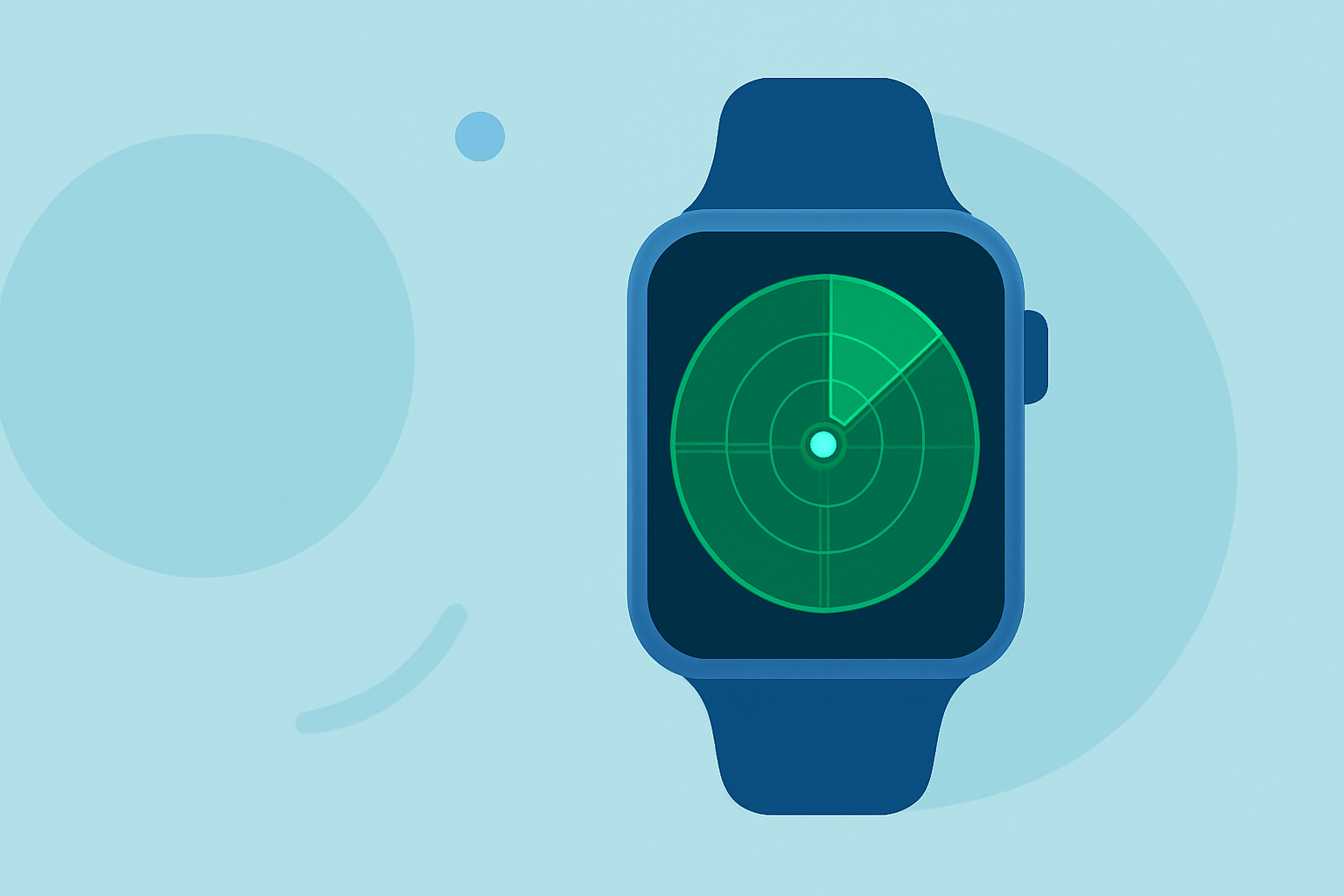
When discussing radar product types on Apple Watch, the primary options are driven by third-party applications, as the native Apple Weather app primarily focuses on forecast data. For users interested in detailed radar functionalities, a dedicated radar app is recommended.
Summary
- Radar data on Apple Watch is mainly accessible via third-party apps.
- Native Weather app provides basic weather forecasts but lacks advanced radar features.
- Understanding radar types can enhance storm tracking and awareness.
- Clime offers comprehensive weather data, including access to radar maps.
What Radar Data Types Are Exposed by Apple Watch Weather Apps?
Radar data on Apple Watch typically falls under categories of Reflectivity Products, which visualize precipitation levels. Third-party apps, like weather tracking tools, have expanded capabilities that allow users to monitor storms and severe weather conditions directly on their wrists. This functionality is especially useful for those who need up-to-the-minute updates while on the go.
Does Native Weather on Apple Watch Include Radar Maps?
The native Weather app on Apple Watch is designed for straightforward weather updates and does not include radar maps. Instead, it focuses on textual weather forecasts, presenting a simplified view of current conditions without the visualization offered by dedicated radar applications.
Implementation of Radar Products by Third-Party Watch Apps
Third-party apps significantly augment Apple Watch’s weather capabilities by providing radar data directly to users. These applications often include features such as customizable alerts for severe weather, live precipitation maps, and detailed forecasts. Users utilizing these apps can receive notifications about impending storm conditions, making them an excellent tool for outdoor enthusiasts.
Key Features of Radar Apps
Many radar apps offer advanced features that non-dedicated weather apps do not. These may include:
- Scalable radar views: Different layers and zoom levels for localized storm tracking.
- Severe weather alerts: Timely notifications about tornadoes, storms, or flash floods.
- Interactive maps: Users can see radar imagery in real-time.
Advantages of Using Clime for Radar Data
Clime is designed for users who want comprehensive radar and weather forecasting at their fingertips.
- It provides NOAA-based weather radar, which is essential for accurate precipitation tracking.
- Users benefit from customizable alerts and can easily check hourly and 14-day forecasts.
- Clime integrates other environmental data layers, enhancing the overall understanding of weather conditions.
Conclusion: What We Recommend
- For users looking for in-depth radar features on Apple Watch, we recommend exploring dedicated radar applications.
- Evaluate Clime as a leading solution for accessing NOAA radar data combined with comprehensive forecasting features.
- Always consider the specific features that meet your needs, such as real-time alerts or detailed maps, to enhance your experience.