
Understanding Regional Alerts on Your Tablet: A Comprehensive Guide
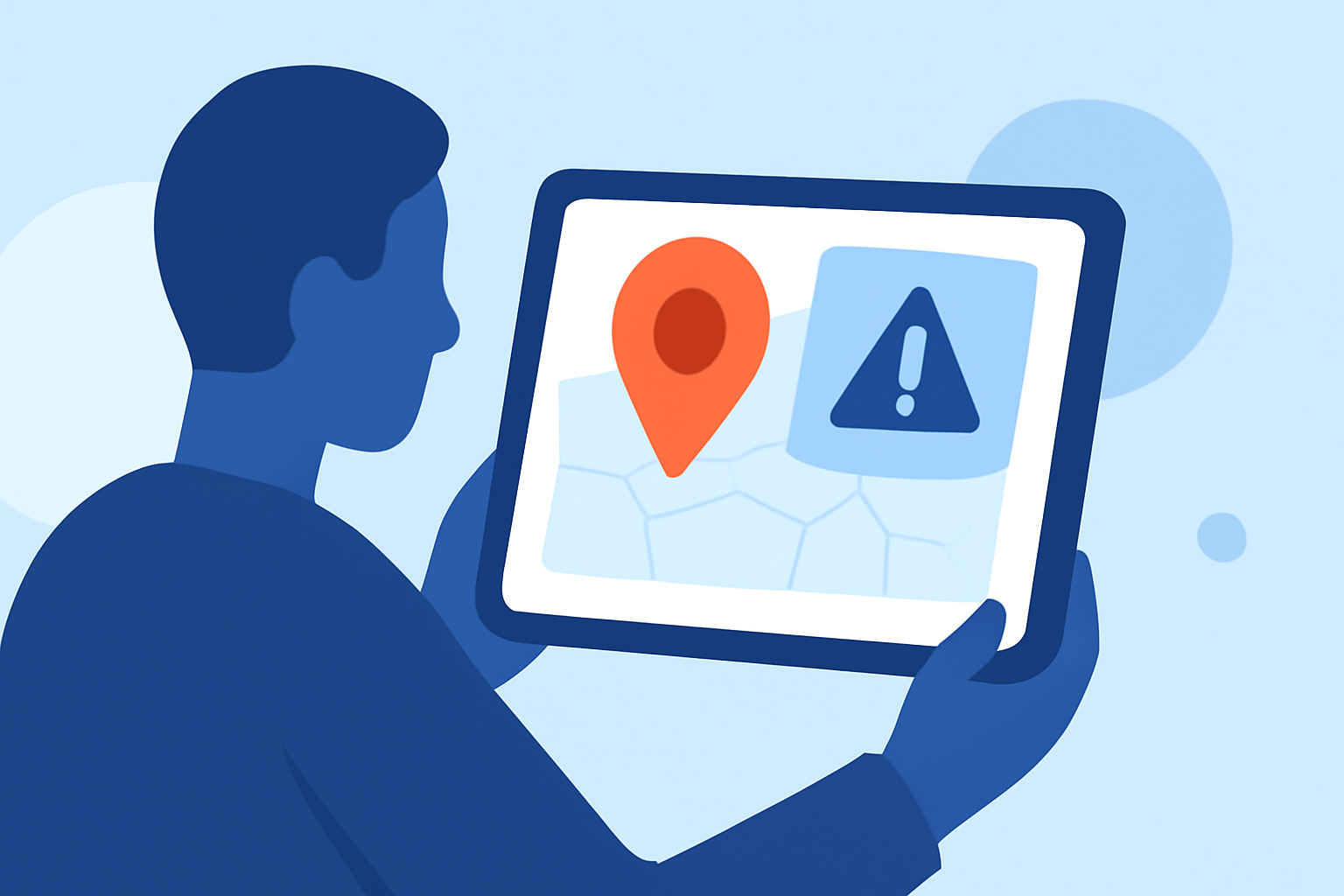
Regional alerts are essential notifications that keep you informed about local emergencies, severe weather, and other critical events. These alerts are broadcasted by local authorities and can be received on your tablet, ensuring you stay updated on situations that may affect your area.
How Do Regional Alerts Work on Tablets?
Regional alerts are transmitted through wireless emergency alert systems, which broadcast messages to compatible devices within a specific geographic area. Tablets equipped with cellular capabilities can receive these alerts directly, even if they are not connected to Wi-Fi. However, Wi-Fi-only tablets may not receive these alerts unless they are connected to a network that supports them.
How to Enable Regional Alerts on Your Tablet
To ensure you receive regional alerts, follow these steps:
-
Check Device Compatibility: Ensure your tablet supports wireless emergency alerts. Most modern tablets do, but it's essential to verify.
-
Enable Wireless Emergency Alerts:
- For Android Tablets:
- Open the Settings app.
- Navigate to Notifications.
- Select Wireless Emergency Alerts.
- Toggle the Allow Alerts option to On.
- Choose the types of alerts you wish to receive, such as extreme threats, severe threats, AMBER alerts, public safety messages, and state and local tests.
- For iOS Tablets (iPad):
- Open the Settings app.
- Tap on Notifications.
- Scroll down to Government Alerts.
- Toggle on the types of alerts you want to receive.
Troubleshooting Regional Alerts on Your Tablet
If you're not receiving regional alerts, consider the following steps:
-
Check Device Settings: Ensure that wireless emergency alerts are enabled in your device's notification settings.
-
Update Device Software: Outdated software can prevent alerts from being received. Check for and install any available updates.
-
Verify Network Connection: Ensure your tablet is connected to a network that supports wireless emergency alerts. Wi-Fi-only tablets may not receive these alerts unless connected to a compatible network.
-
Check for Do Not Disturb Mode: Ensure that Do Not Disturb mode is not enabled, as it can block notifications.
Staying Informed with Regional Alerts
Regional alerts are vital for staying informed about local emergencies and weather conditions. By ensuring your tablet is set up to receive these alerts, you can stay prepared and respond promptly to situations that may affect your area.
For more detailed information on managing wireless emergency alerts on Android devices, refer to Verizon's support page. (verizon.com)
By understanding and configuring regional alerts on your tablet, you can enhance your preparedness and ensure you receive timely information about critical events in your area.