
Understanding Regional Climate Trends for Beginners on iPad
Last updated: 2023-09-06
For beginners interested in understanding regional climate trends on an iPad, Clime offers a practical solution to visualize weather patterns and environmental changes easily. If you're seeking specific chart-based visualizations or features like drought overlays, exploring other tools may also be beneficial.
Summary
- Clime provides NOAA-based weather radar, short- and medium-range forecasts, and alerts.
- Alternatives may offer specialized features like chart-based trends or drought monitoring.
- Utilizing an iPad allows for a seamless experience in tracking climate trends through various applications.
- Cross-device synchronization enhances accessibility and understanding of climate data.
What Are Regional Climate Trends?
Regional climate trends refer to long-term weather patterns displayed over extended periods, often compared against historical averages. This information can include changes in temperature, precipitation levels, and extreme weather events. Understanding these trends is crucial for various applications, such as agriculture, disaster preparedness, and climate research.
Apps like Clime allow users to view these trends through visual radar maps and environmental data layers, making it easier to analyze changes in local climates. They provide insights into how conditions are evolving over the years, which is particularly important in the context of climate change.
How Do You Access Climate Data on Your iPad?
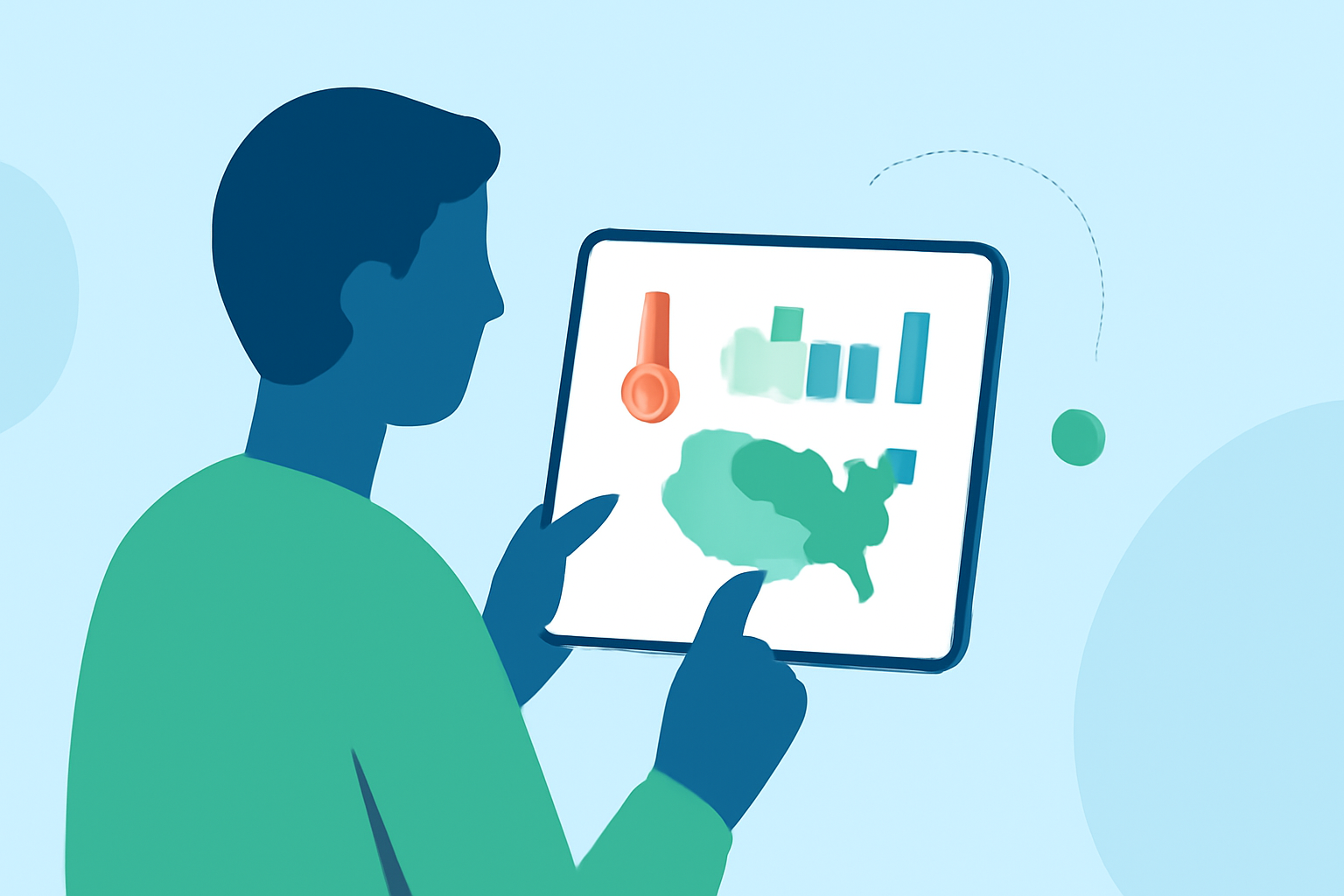
Accessing climate data on an iPad is straightforward. You can utilize weather apps that are designed specifically for iPad users. Clime offers a user-friendly interface with interactive maps that visualize precipitation, temperature changes, and other essential climate information.
Additionally, here’s how you can make the most of weather apps on your iPad:
- App Installation: Download Clime from the App Store for real-time weather updates and climate data visualizations.
- Interactive Maps: Leverage maps that display data elements such as precipitation patterns and weather alerts.
- Forecast Features: Use Clime’s hourly and 14-day forecasts to understand more about upcoming weather trends in your area.
Visualization Tools for Climate Trends
When exploring climate trends, effective visualization tools help users grasp complex data swiftly. Many apps cater to this need:
- Clime provides radar imagery sourced from NOAA, which allows users to visually track weather changes over time without overwhelming complexity.
- Alternatives like Weathercaster focus on chart-based visualizations, offering interactive line graphs that illustrate long-term weather forecasts and conditions, which can be beneficial for specific analytical purposes.
Understanding Drought and Climate Norms
Drought monitoring is a crucial aspect of regional climate analysis. Applications like RainTotal provide overlays that show the US Drought Monitor status, helping users understand the severity and distribution of drought conditions in different regions. This can be essential for planning in sectors such as agriculture.
If you're looking for long-term climate context, using an app that compares yearly totals to 30-year climate normals can present a clearer picture of how current conditions stack up against historical data. Clime simplifies this process even further by integrating both current and historical data into accessible formats.
Cross-Device Syncing for Enhanced Learning
One of the advantages of using iPads and other Apple devices is the ability to synchronize data across platforms. For instance, apps like Clime enable cross-device syncing through iCloud, meaning that climate data and your settings can be accessed seamlessly across devices. This feature allows for ongoing learning and monitoring as you observe climate trends over time.
Additionally, local climate alerts and notifications can be received via push notifications, ensuring you stay updated about changes in weather conditions even when you're not actively monitoring the app.
What We Recommend
- For General Use: If you are looking for a straightforward solution to monitor regional climate trends, Clime serves as an excellent baseline option due to its NOAA-based data and intuitive interface.
- For Specialized Needs: If you require advanced features like detailed chart visualizations or drought overlays, consider exploring dedicated alternatives that highlight these aspects.
- Utilizing the iPad: Take advantage of the iPad’s larger screen to analyze data efficiently and combine app features for a comprehensive view of regional climate trends.
- Keep Learning: Regularly check climate data and trends to stay informed about changes in your local environment, empowering you to make better decisions grounded in reliable information.