
Understanding Temperature Forecasts on Your Apple Watch
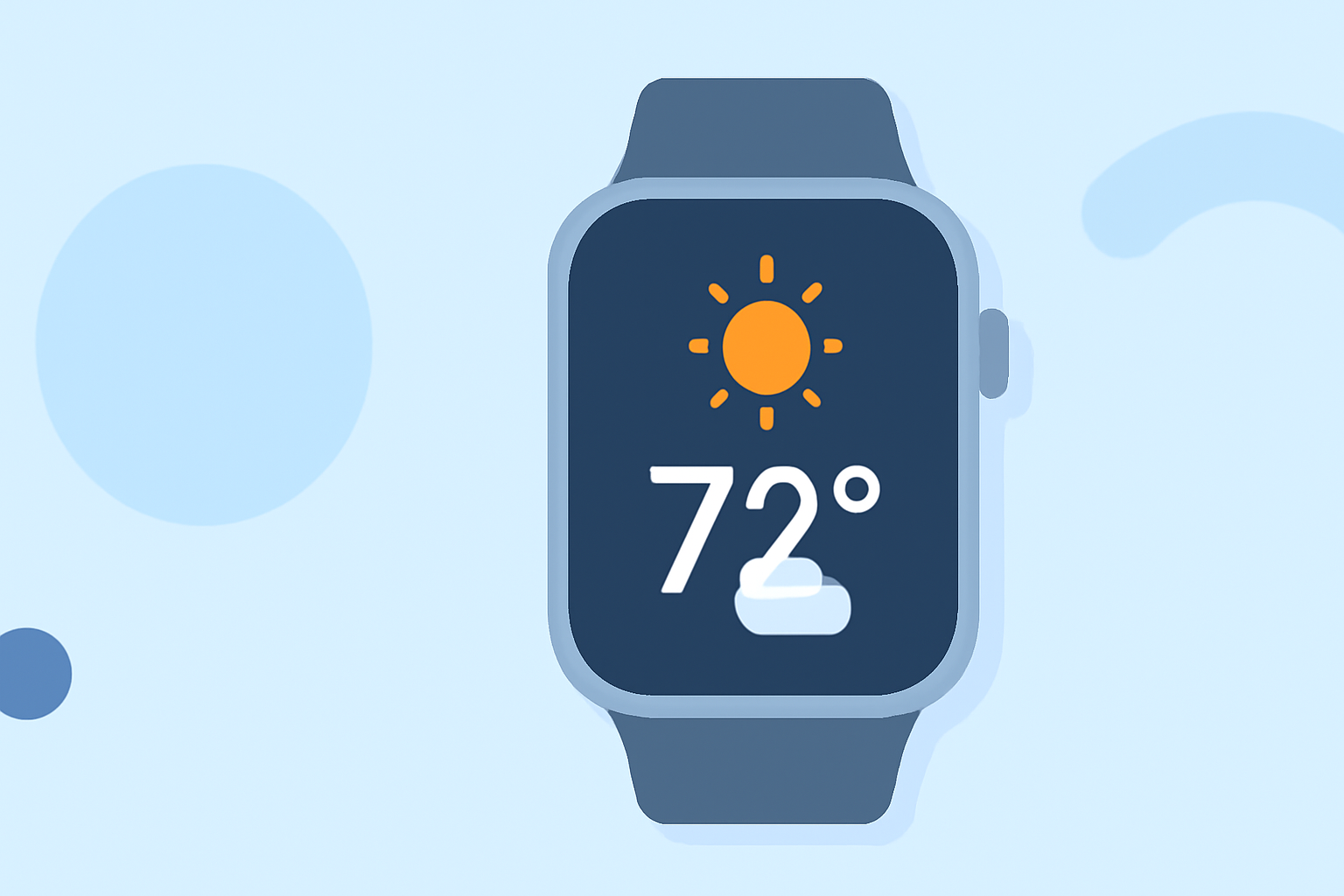
Your Apple Watch offers a convenient way to stay updated on temperature forecasts, helping you plan your day effectively. Here's how to access and interpret these forecasts:
Accessing Temperature Forecasts
-
Open the Weather App: Press the Digital Crown to access your apps, then tap the Weather app icon.
-
View Current Conditions: The main screen displays the current temperature and weather conditions for your location.
-
Check Hourly Forecast: Scroll down to see the hourly forecast for the next 12 hours, including temperature, conditions, and precipitation.
-
View 10-Day Forecast: Scroll further to access the 10-day forecast, providing daily high and low temperatures.
Interpreting the Forecasts
-
Hourly Forecast: Displays temperature changes throughout the day, helping you plan activities accordingly.
-
10-Day Forecast: Offers a longer-term outlook, useful for planning events or trips.
Customizing Weather Information
-
Add Locations: To view weather forecasts for other areas, open the Weather app on your iPhone, tap the '+' icon, and select a city. The new location will sync to your Apple Watch.
-
Set Default City: On your iPhone, open the Apple Watch app, tap 'My Watch,' then go to Weather > Default City to choose your preferred location.
Using Siri for Quick Updates
Activate Siri by saying "Hey Siri," then ask, "What's the weather like?" or "What's the temperature in [City Name]?" for immediate information.
Additional Features
-
Weather Glance: Access a quick overview of current conditions by swiping up on the watch face to view the Weather glance.
-
Weather Complications: Add weather complications to your watch face for at-a-glance updates on temperature and conditions.
By utilizing these features, your Apple Watch becomes a powerful tool for staying informed about temperature forecasts, ensuring you're prepared for any weather conditions.