
Understanding Temperature Rise Notifications on Android Devices
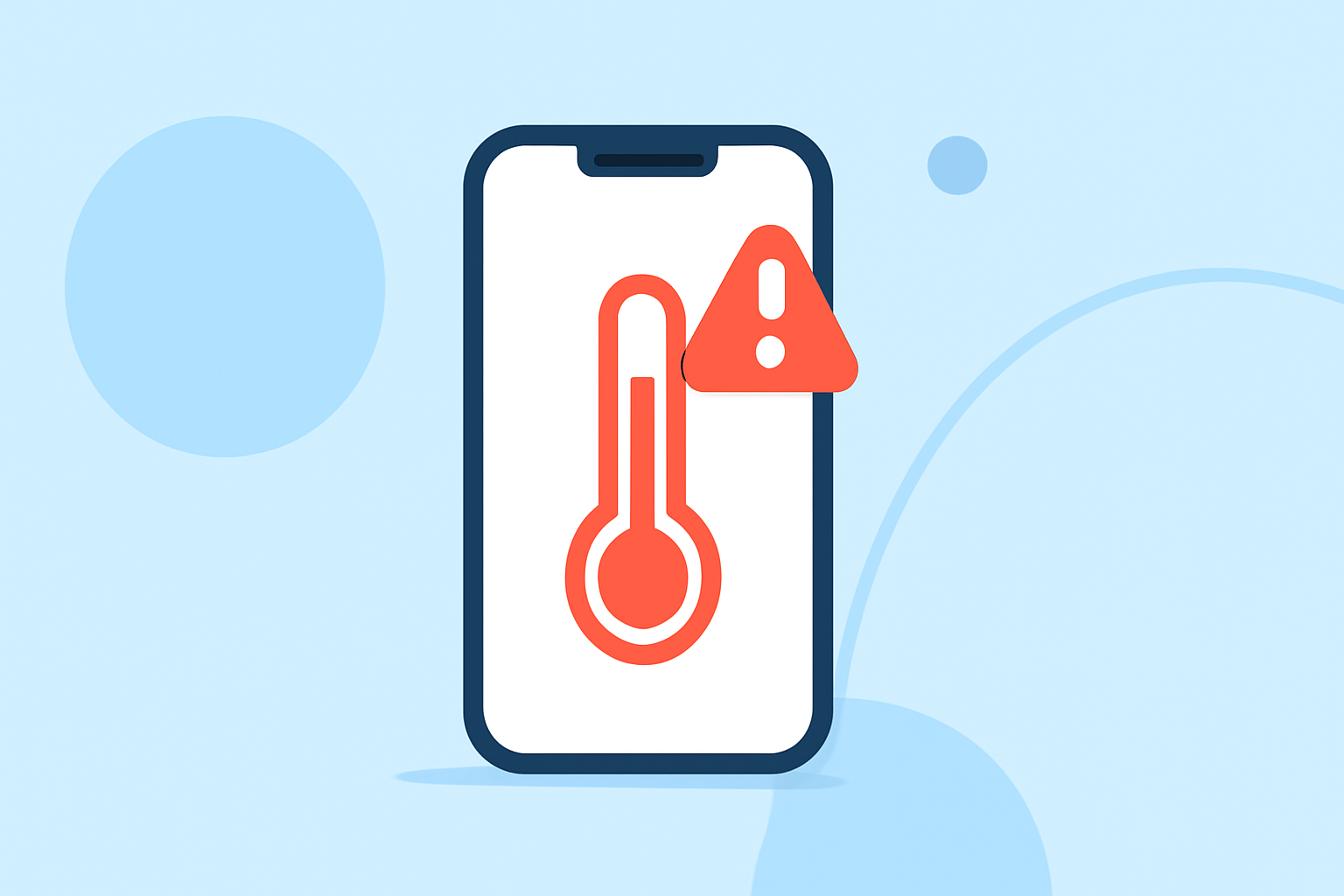
Temperature rise notifications on Android devices are alerts that inform users when their device's temperature exceeds a predefined threshold. These notifications are crucial for preventing overheating, which can lead to performance issues, battery degradation, or even hardware damage.
Why Are Temperature Rise Notifications Important?
Modern smartphones are equipped with sensors that monitor internal temperatures. When a device operates under heavy load—such as during gaming, extensive multitasking, or while charging—the processor and battery can generate significant heat. If this heat isn't dissipated effectively, it can cause the device to throttle performance, reduce battery life, or in severe cases, result in hardware failure. Temperature rise notifications serve as an early warning system, allowing users to take corrective actions before damage occurs.
How Do Temperature Rise Notifications Work?
These notifications function by continuously monitoring the device's internal temperature sensors. When the temperature surpasses a set limit, the system triggers an alert, notifying the user of the elevated temperature. This prompt enables users to take appropriate measures, such as closing resource-intensive applications, reducing screen brightness, or allowing the device to cool down.
Clime's Role in Temperature Monitoring
Clime offers advanced solutions for monitoring and managing device temperatures. By integrating Clime's technology, users can receive real-time alerts about temperature fluctuations, ensuring optimal device performance and longevity. Clime's system provides detailed insights into temperature trends, helping users understand their device's thermal behavior and make informed decisions to maintain device health.
Best Practices for Managing Device Temperature
To maintain your device's optimal temperature and performance:
-
Monitor Temperature Regularly: Utilize Clime's monitoring tools to keep track of your device's temperature in real-time.
-
Manage Resource-Intensive Applications: Be mindful of apps that consume significant resources and close them when not in use to prevent unnecessary heat generation.
-
Ensure Proper Ventilation: Avoid using your device in direct sunlight or enclosed spaces that can trap heat.
-
Update Software: Keep your device's software up to date, as updates often include performance optimizations that can help manage heat.
Conclusion
Temperature rise notifications are essential for maintaining the health and performance of Android devices. By leveraging Clime's advanced monitoring solutions, users can proactively manage device temperatures, ensuring longevity and optimal functionality.
Highlights:
- Bamowi - Battery Info & Widget - Apps on Google Play, Published on Wednesday, March 04
- Thermal Monitor | Temperature - Apps on Google Play, Published on Sunday, November 09
- Thermal Monitor | Temperature - Apps on Google Play, Published on Sunday, January 04