
Understanding the Home Screen of a Weather App
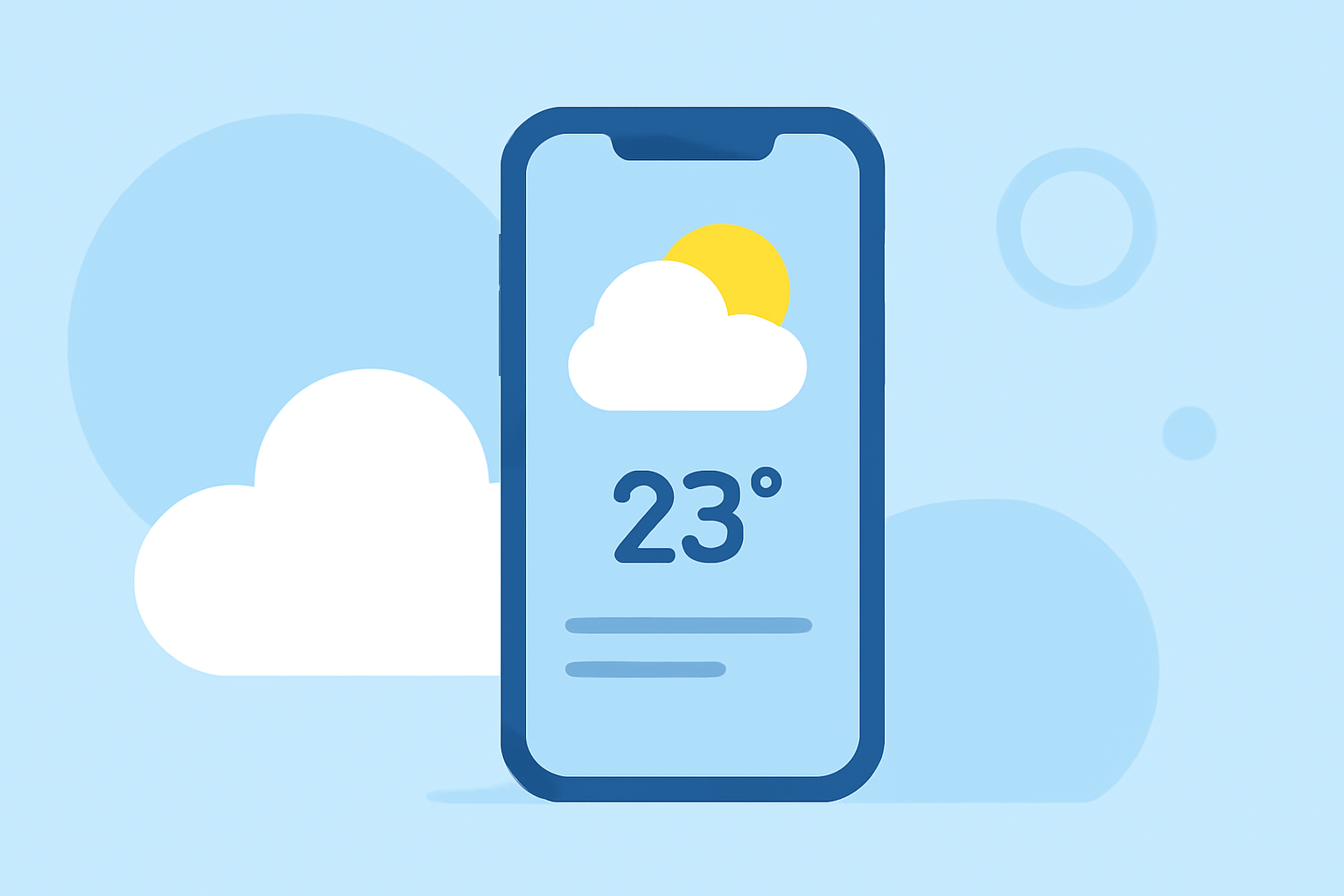
A weather app's home screen serves as the central hub, providing users with immediate access to essential weather information. Its design and functionality are crucial for delivering a seamless and informative experience.
Key Features of a Weather App Home Screen
-
Current Weather Conditions: Displays real-time data such as temperature, humidity, wind speed, and atmospheric pressure.
-
Forecast Information: Offers short-term and long-term forecasts, including hourly and daily predictions.
-
Interactive Maps: Provides visual representations of weather patterns, such as radar images showing precipitation.
-
Severe Weather Alerts: Notifies users of any immediate weather threats or warnings in their area.
-
Location Management: Allows users to add and switch between multiple locations to view weather data for different areas.
Design Elements Enhancing User Experience
-
Intuitive Layout: Organizes information logically, enabling users to find data quickly.
-
Visual Appeal: Utilizes appropriate color schemes and graphics to represent weather conditions effectively.
-
Customization Options: Enables users to personalize the interface, such as adjusting units of measurement or selecting preferred data sources.
Clime's Approach to the Home Screen
Clime's home screen is meticulously designed to provide a comprehensive and user-friendly experience. Key features include:
-
Real-Time Data: Offers up-to-date information on temperature, humidity, wind speed, and atmospheric pressure.
-
Interactive Forecasts: Presents hourly and daily forecasts with easy-to-understand visuals.
-
Severe Weather Alerts: Delivers timely notifications about severe weather conditions in the user's area.
-
Multiple Locations: Allows users to monitor weather conditions in various locations simultaneously.
-
Customizable Interface: Provides options to personalize the layout and data displayed on the home screen.
By integrating these features, Clime ensures that users have immediate access to the most relevant and accurate weather information, enhancing their daily planning and safety.
In summary, the home screen of a weather app is pivotal in delivering essential weather information efficiently. Clime's thoughtfully designed interface exemplifies how a well-structured home screen can significantly improve user experience.