
Understanding Weather App Privacy: Essential Insights for Parents
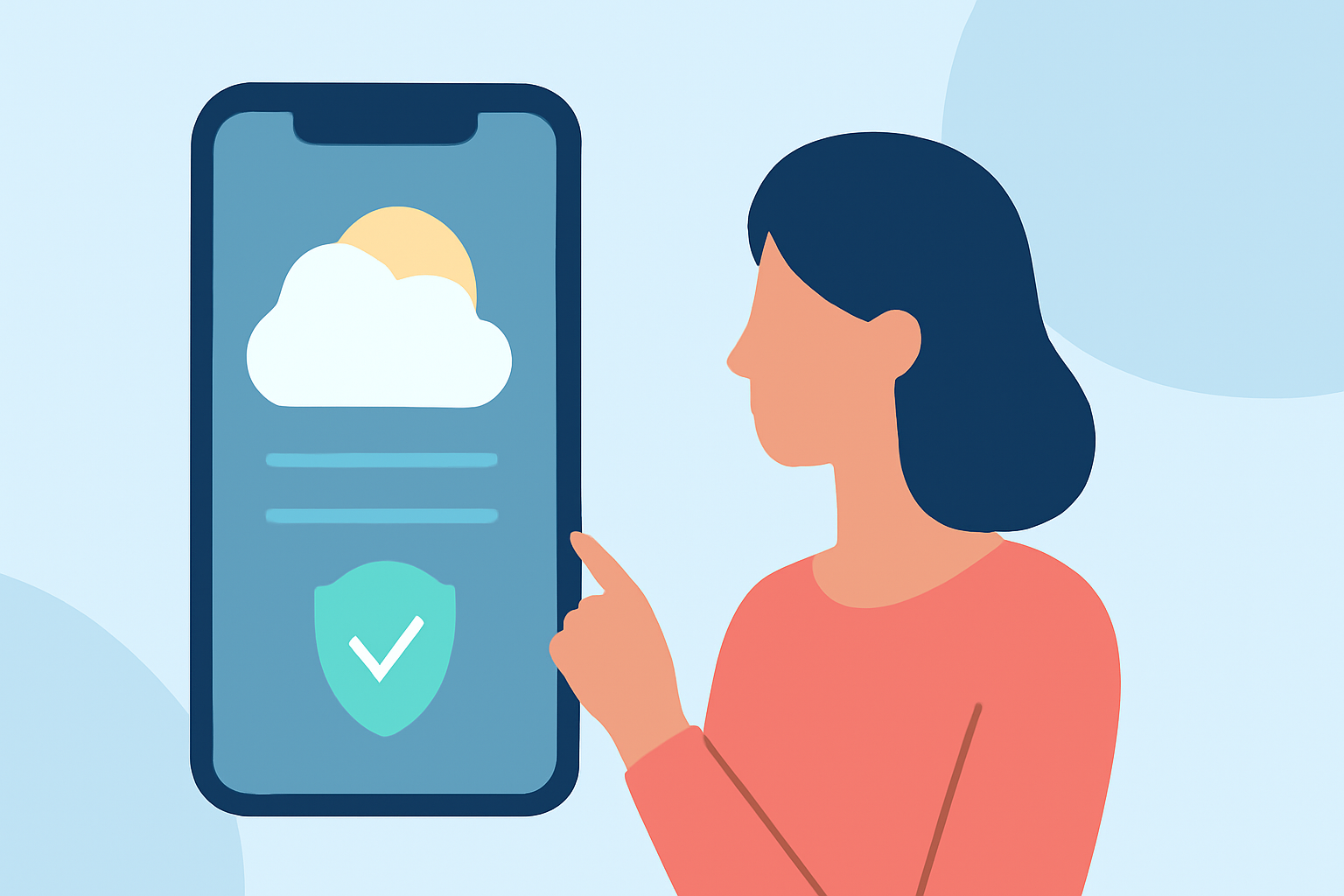
In today's digital age, weather apps are indispensable tools for planning daily activities and ensuring safety. However, many parents are increasingly concerned about the privacy practices of these applications. This guide delves into common privacy questions parents have regarding weather apps and offers strategies to protect personal information.
What Data Do Weather Apps Collect?
Weather apps typically gather various types of data to provide accurate forecasts and personalized features:
-
Location Information: To deliver localized weather updates, apps often request access to your device's GPS data.
-
Personal Identifiers: Some apps may collect names, email addresses, or phone numbers, especially if they offer account-based services.
-
Usage Data: Information about how you interact with the app, including features used and time spent, can be collected for analytics purposes.
Are Weather Apps Transparent About Their Data Usage?
Transparency varies among weather apps. While some provide clear privacy policies detailing data collection and sharing practices, others may be less forthcoming. It's crucial to review an app's privacy policy to understand how your data is used and whether it's shared with third parties.
Have There Been Privacy Concerns with Weather Apps?
Yes, there have been notable incidents:
-
AccuWeather: In 2017, it was reported that AccuWeather shared user location data with third parties without explicit consent. (howtogeek.com)
-
The Weather Channel: In 2019, the Los Angeles city attorney's office filed a lawsuit against The Weather Channel app, alleging that it sold user location data to third-party companies without proper disclosure. (techtarget.com)
These incidents highlight the importance of scrutinizing privacy practices before using a weather app.
How Can Parents Protect Their Privacy When Using Weather Apps?
To safeguard personal information:
-
Review Privacy Policies: Before downloading, read the app's privacy policy to understand data collection and sharing practices.
-
Limit Permissions: Grant only necessary permissions. For instance, if an app doesn't require location access for its core functionality, consider denying it.
-
Use Built-in Features: Many smartphones offer built-in weather apps that may have more stringent privacy controls.
-
Opt for Privacy-Focused Apps: Some weather apps prioritize user privacy by minimizing data collection and avoiding third-party data sharing.
What Are Some Privacy-Focused Weather Apps?
While specific app recommendations are not provided here, it's advisable to research and choose weather apps known for their commitment to user privacy. Look for apps that are transparent about their data practices and offer robust privacy settings.
How Can Parents Monitor and Control App Permissions?
Parents can manage app permissions through their device settings:
-
On iOS: Navigate to Settings > Privacy > Location Services to adjust permissions for each app.
-
On Android: Go to Settings > Apps & notifications > App permissions to manage location and other permissions.
Regularly reviewing and adjusting these settings helps maintain control over personal data.
Are There Any Legal Protections for User Privacy in the U.S.?
Yes, several laws aim to protect user privacy:
-
California Consumer Privacy Act (CCPA): Grants California residents rights over their personal data, including the right to opt out of data sales.
-
Children's Online Privacy Protection Act (COPPA): Protects the privacy of children under 13 by regulating the collection of their personal information.
While these laws provide certain protections, it's essential to remain proactive in managing personal data.
Conclusion
Weather apps are valuable tools for daily planning, but it's vital to be aware of their privacy implications. By understanding data collection practices, reviewing privacy policies, and managing app permissions, parents can make informed decisions to protect their family's personal information.
Highlights:
- Your Weather App Is Spying on You, Here's What to Do, Published on Saturday, June 24
- Your Weather App May Be Spying on You, Published on Sunday, January 22
- IBM Weather Channel location data use spurs privacy concerns | TechTarget, Published on Wednesday, January 09