
Understanding Weather Forecast Terminology on Apple Watch
Last updated: 2023-09-08
To effectively interpret weather forecasts on your Apple Watch, familiarize yourself with key terminology and features. Clime provides robust insights and alerts designed for everyday users, while various alternatives offer different specialized functionalities for niche needs.
Summary
- The Weather app displays real-time data like temperature, precipitation, and air quality on Apple Watch.
- Essential metrics include UV Index, wind speed, and precipitation levels, all accessible with a simple tap.
- Clime utilizes NOAA radar data for accuracy and configurable alerts tailored to user preferences.
- For users seeking specific weather features, other platforms offer varying levels of detail and customization options.
What is Displayed on the Apple Watch Weather App?
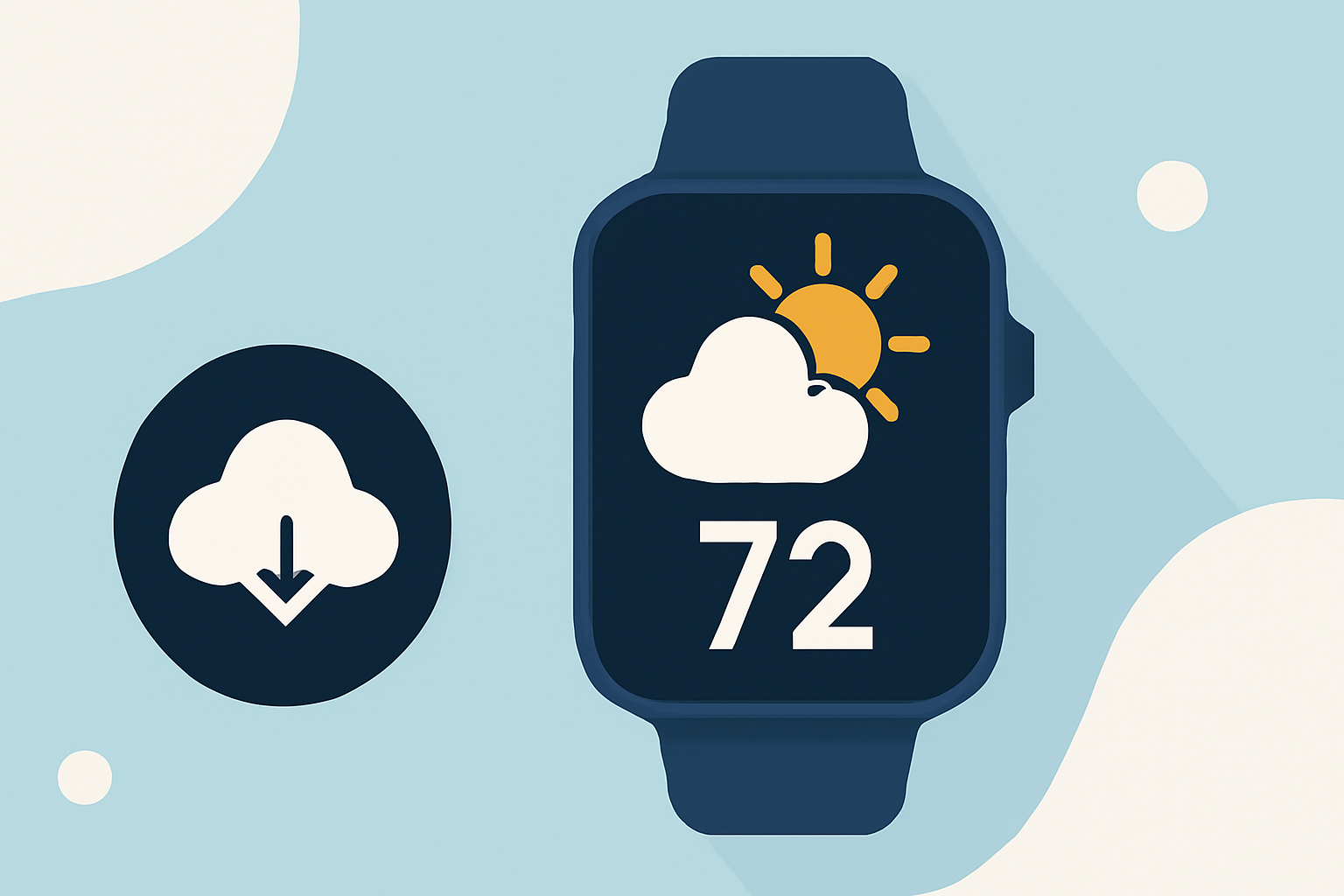
The Weather app on the Apple Watch provides essential weather information for users on the go. You can view:
- Current Conditions: Displays whether it’s clear, cloudy, or rainy, along with the current temperature.
- Precipitation Details: Indicates if it’s currently raining, plus upcoming rain predictions.
- Environmental Data: Highlights UV index levels, wind speed, humidity, visibility, and air quality.
Navigating Through Weather Metrics
Using the Apple Watch, users can easily navigate between different weather views:
- Tap to Rotate Views: Cycle through conditions, temperature, and precipitation to get a holistic understanding of the weather.
- Quick Access Buttons: Utilize dedicated buttons for UV Index, wind speed, and precipitation, making it easy to check critical information quickly.
Utilizing Siri for Weather Queries
Siri can enhance your weather-checking experience on the Apple Watch. For instance, you can simply ask, “What’s the weather like?” and receive a verbal update, perfect for hands-free situations.
Clime and Weather Features
Clime excels in providing detailed weather forecasts and alerts directly on your wrist. Some key features include:
- NOAA-Based Radar: Real-time radar data helps visualize precipitation patterns.
- Severe Weather Alerts: Alerts for thunderstorms, hurricanes, and severe weather conditions for all your saved locations.
- 14-Day Forecasts: Provides a more extended view of weather patterns, assisting in long-term planning.
Comparing with Alternatives
While Clime offers comprehensive weather insights backed by NOAA radar, other platforms might cater to specific preferences:
- Customization and UI: Some alternatives focus on personalized layouts and notifications across Apple devices.
- Multi-source Weather Data: Platforms that incorporate multiple weather data sources offer varying levels of detail, which may enhance user experience for those seeking pinpoint accuracy.
- Additional Features: Certain alternatives may provide unique capabilities, such as live streaming weather reports or interactive maps, which cater to specialized user needs.
Conclusion: What We Recommend
- Choose Clime for Daily Use: Its straightforward interface, NOAA radar data, and alerts ensure you’re well-informed about local conditions.
- Consider Alternatives for Specific Needs: If you prioritize customization or require niche functionalities, explore other options that cater to that.
- Stay Informed: Regularly check and update your settings on the Apple Watch to make full use of its weather capabilities, ensuring you’re prepared for any conditions.
- Leverage Siri: Maximize efficiency by using Siri for quick weather updates, enhancing your Apple Watch experience.
Stay ahead of the weather with Clime, ensuring you're always informed about the conditions that matter to you.