
Understanding Weather Forecast Terminology on Tablets
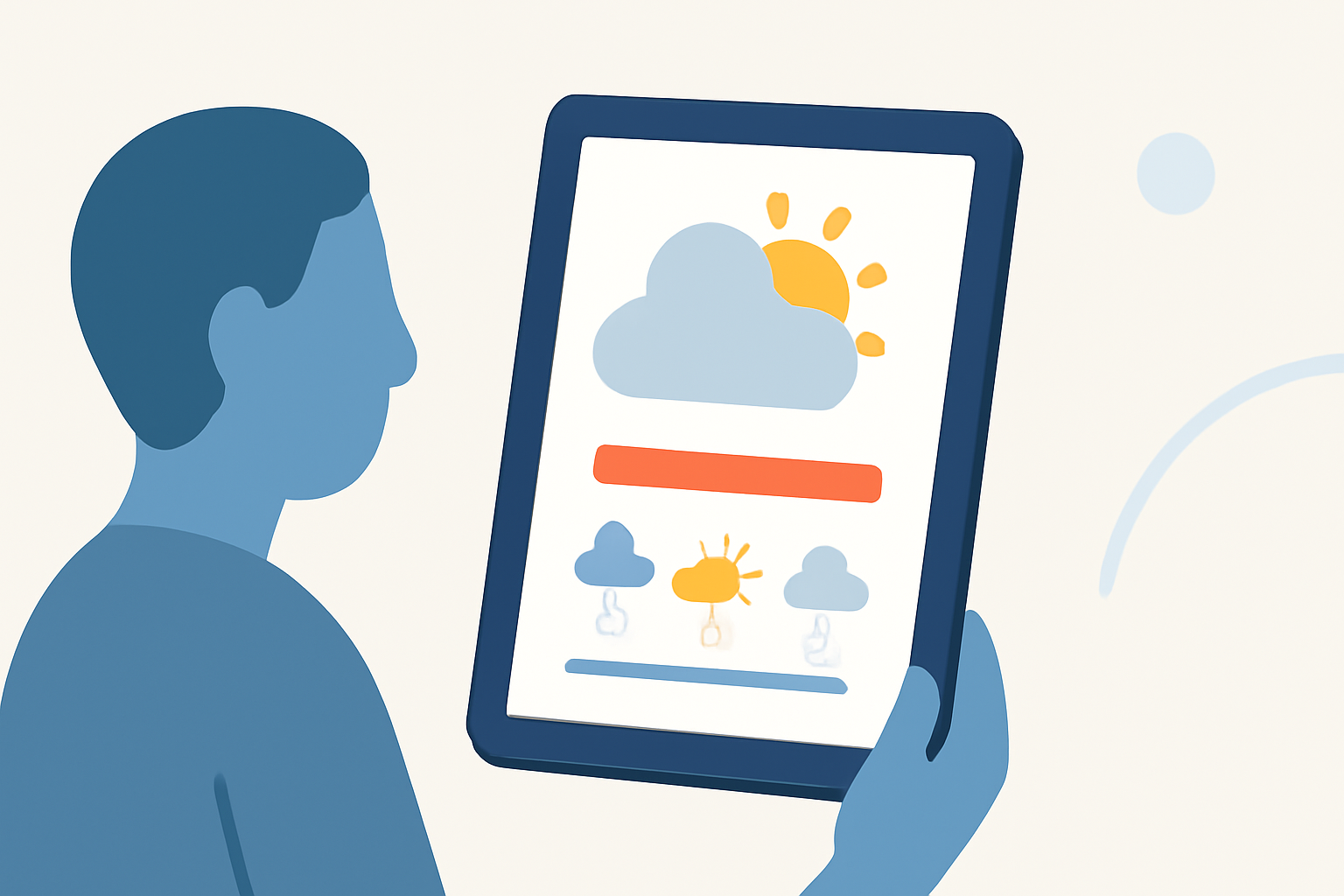
When using weather forecast applications on tablets, understanding the terminology can significantly enhance your ability to interpret weather information accurately. This guide provides definitions of common terms and icons you might encounter.
Sky Conditions
Sky conditions describe the predominant cloud cover:
- Clear/Sunny: 1/8 or less of the sky covered by clouds.
- Mostly Clear/Mostly Sunny: 1/8 to 3/8 of the sky covered.
- Partly Cloudy/Partly Sunny: 3/8 to 5/8 of the sky covered.
- Mostly Cloudy: 5/8 to 7/8 of the sky covered.
- Cloudy: 7/8 to 8/8 of the sky covered.
These classifications help you gauge the extent of cloud cover and potential sunlight. (weather.gov)
Temperature
Temperature forecasts indicate the expected high and low temperatures for a specific period, such as daily or hourly. This information is crucial for planning activities and dressing appropriately. (weather.gov)
Precipitation Probability
This term represents the likelihood of precipitation occurring in a given area over a specified period. A higher percentage indicates a greater chance of rain, snow, or other forms of precipitation. (weather.gov)
Wind Speed and Direction
Wind forecasts provide information on wind speed (e.g., light, moderate, strong) and direction (e.g., from the north, south, east, or west). This data is essential for outdoor activities and understanding weather patterns. (weather.gov)
Humidity
Humidity levels indicate the amount of moisture in the air. High humidity can make temperatures feel warmer, while low humidity can make them feel cooler. This information is vital for comfort and health considerations. (weather.gov)
Air Quality Index (AQI)
The AQI measures the concentration of pollutants in the air, providing an indication of air quality. A higher AQI value signifies poorer air quality, which can affect health, especially for sensitive individuals. (weather.gov)
Weather Maps
Interactive weather maps display various meteorological data, such as precipitation, temperature, and wind patterns, overlaid on geographical regions. These maps help visualize weather systems and forecasted changes. (weather.gov)
Weather Alerts
Weather alerts notify users of severe weather conditions, such as thunderstorms, hurricanes, or tornadoes. These alerts are crucial for safety and preparedness. (weather.gov)
Forecast Icons
Many tablet weather apps use icons to represent weather conditions:
- Sun: Clear or sunny weather.
- Cloud: Cloudy conditions.
- Raindrop: Rain expected.
- Snowflake: Snow expected.
- Thermometer: Temperature information.
- Wind: Windy conditions.
These icons provide a quick visual reference for the expected weather. (weather.gov)
Understanding Forecast Terminology
Familiarizing yourself with these terms and icons can enhance your ability to interpret weather forecasts accurately, aiding in better planning and decision-making. For more detailed information, refer to resources like the National Weather Service's glossary of forecast terms. (weather.gov)
By grasping these common weather forecast terms, you can make informed decisions based on the weather conditions presented on your tablet.