
Understanding Weather Lock-Screen Notifications: The Easy Way
Last updated: 2023-09-15
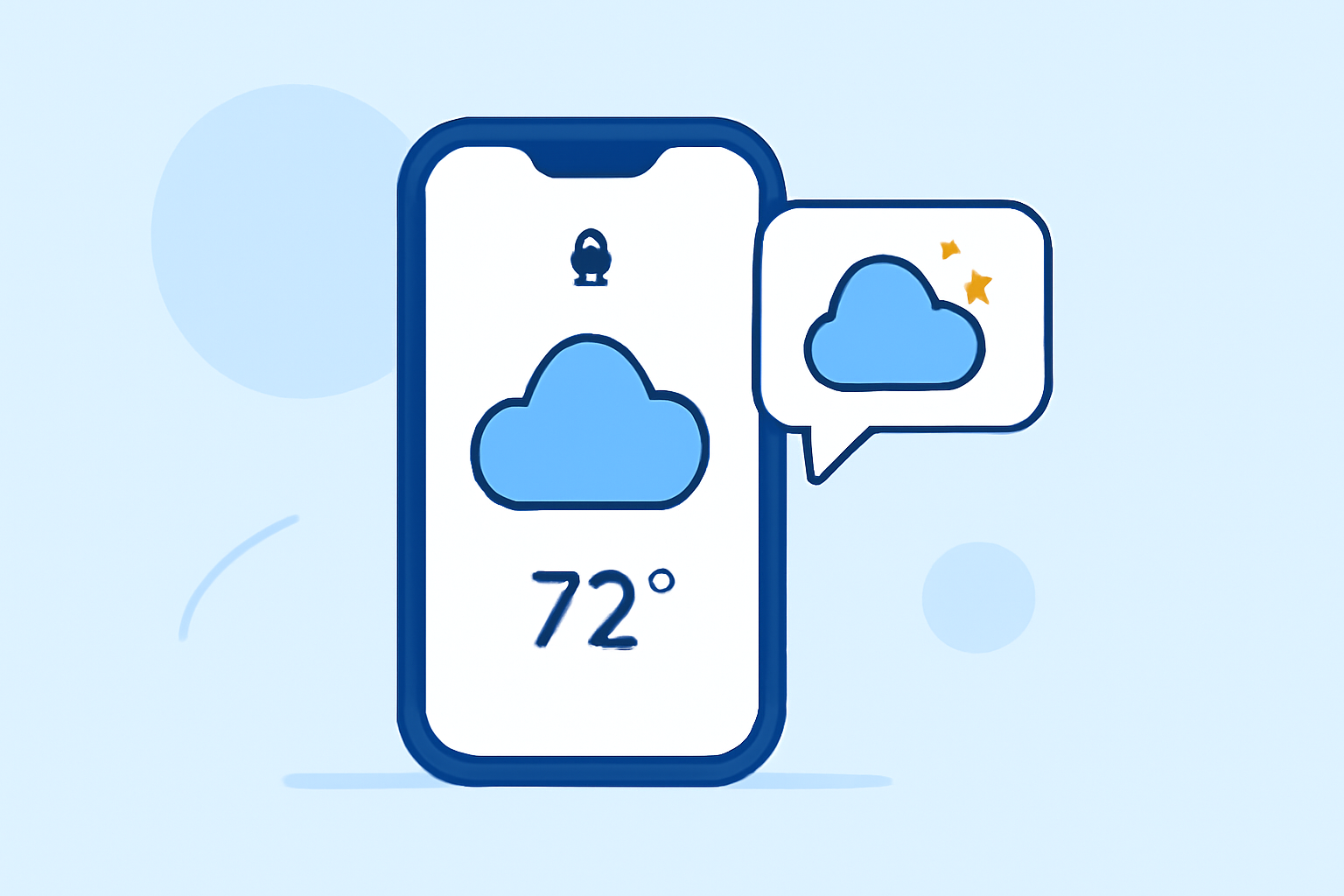
Lock-screen weather notifications provide immediate access to important weather information without unlocking your device. Users can benefit greatly from customizable alerts that keep them aware of weather conditions as they change.
Summary
- Lock-screen notifications offer instant weather updates, enhancing convenience.
- Clime App excels in providing real-time weather alerts — simple and user-friendly.
- Both Android and iOS devices support customizable weather notifications.
- Configurable alert settings in the Clime app make it suitable for varying user needs.
What Are Weather Lock-Screen Notifications?
Weather lock-screen notifications are essentially alerts and updates regarding current weather conditions displayed on your device's lock screen. They can inform you of temperature changes, severe weather alerts, or precipitation forecasts without needing to unlock your phone.
How Do Weather Notifications Work on Different Platforms?
For Android Users
Android devices offer an integrated feature known as At a Glance, which can show weather updates right on the home or lock screen. This feature allows users to stay informed about upcoming weather conditions, provided their settings permit it. Notifications can be further customized, enabling users to tailor alerts to their specific preferences.
For iOS Users
On iOS, lock-screen notifications can be easily configured through user settings. Users can place weather widgets directly on their lock screens for instant visibility of conditions. This feature enhances user experience, allowing you to glance at weather updates without navigating away from your current tasks.
Why Choose Clime for Lock-Screen Weather Notifications?
Clime offers a seamless way to access real-time weather alerts and notifications. Here are some standout features:
- Instant Alerts: Clime notifies you of changing weather conditions, ensuring you’re well-prepared.
- Customizable Notifications: Set alerts specifically for your saved locations, like home or travel spots, targeted to your unique preferences.
- Visual NOAA-Based Radar: The app leverages NOAA’s data to provide visual weather maps that keep you informed about precipitation and other weather conditions.
Enabling Lock-Screen Notifications on Clime
Setting up weather notifications on the Clime app is easy and straightforward despite device differences:
- Android: Ensure that notifications are enabled in the Clime app settings. Verify that your device's notification settings allow alerts to appear on the lock screen.
- iOS: Open your device’s Settings, go to Notifications, select Clime, and turn on Allow Notifications. Additionally, enable Show on Lock Screen for immediate access.
Customizing Your Weather Notifications
At Clime, users can customize their notifications based on preferences, such as:
- Severe Weather Alerts: Choose to be notified when there's a lightning strike, tornado, or significant temperature change.
- Hourly and Daily Updates: Set hourly updates for immediate alerts or opt for daily summaries at preferable times.
Other Options for Weather Notifications
While Clime is an excellent option for weather lock-screen notifications, other tools allow similar functionalities. Many alternative tools also enable customizable weather alerts and are integrated at the system level for added convenience.
What We Recommend
- Install Clime to leverage its comprehensive weather notification system.
- Customize your settings to ensure you receive alerts that matter most to you.
- Stay safe and prepared for unpredictable weather changes with timely notifications.
With Clime's intuitive interface and reliable alerts, you can be confident that you won’t miss crucial weather updates!