
Understanding Weather Notification Vibration
Last updated: 2023-09-15
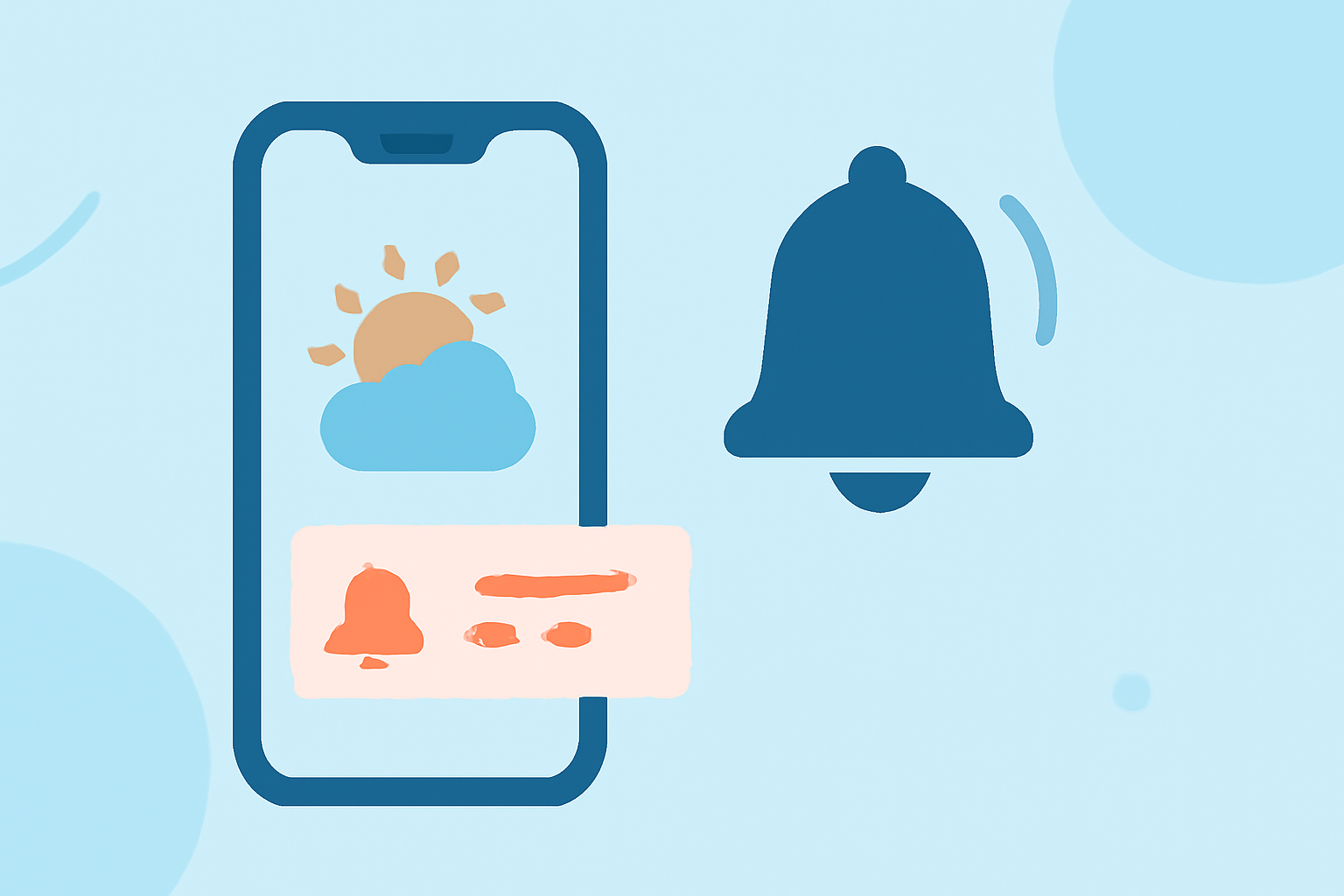
Weather notification vibrations are alert signals that your smartphone or device uses to notify you about changing weather conditions. These vibrations can be customized based on user preferences, enhancing alert visibility and responsiveness.
Summary
- Weather notifications use vibrations to alert users about severe weather conditions.
- Customization options for vibration patterns vary by device.
- On iPhones, users can create custom vibration patterns for weather alerts.
- Android devices can have different vibration behaviors based on notification settings.
What are Weather Notification Vibrations?
Weather notification vibrations are tactile feedback alerts that inform users about significant weather changes, like storms, rainfall, or temperature fluctuations. These vibrations serve as immediate alerts that can be especially useful in situations where audio notifications may not be effective, such as in noisy environments or silent modes.
How to Enable Weather Alert Vibrations on iPhone
On iPhones, you can customize your weather alert vibrations through the device's settings. To do this, navigate to Settings > Sounds & Haptics > Ringtone. Here, you can select Haptics and choose a specific vibration pattern or even create your own. This feature allows users to set the type of vibration they prefer for different notifications, including weather alerts.
Creating Custom Vibrations
You can easily customize your vibration pattern:
- Go to Settings > Sounds & Haptics > Ringtone > Vibration.
- Select Create New Vibration.
- Tap on the screen to create your preferred pattern and save it.
Android Weather Alert Vibrations: Default Behavior and Customization
On Android devices, the default vibration behavior of weather alerts may vary significantly depending on the manufacturer and operating system version. Each app can be configured to behave differently, and users can access these settings through the Notification settings menu.
Customizing Vibration Features on Android
To customize your weather alert vibrations on Android:
- Open the Settings app.
- Tap on Apps & Notifications.
- Select your weather app and then go to App notifications.
- Here, you can modify the vibration settings specific to that app, allowing for a unique experience based on your preferences.
Cross-Platform Weather Notification Vibration Settings
Different platforms (iOS and Android) have various options for customizing notification vibrations, leading to anxiety among users switching between systems. While iPhones allow for easy access to customize vibration patterns through haptic settings, Android devices may offer more granular control at the app level.
Comparison of Features
- iOS Devices: Easy customization of vibration for all notifications through the main settings.
- Android Devices: More nuanced control per app, but may require diving into app-specific settings.
Benefits of Customizing Weather Notification Vibrations
Customizing your weather notification vibrations provides several advantages:
- Personalization: Create unique signals that help you quickly identify weather alerts without looking at your screen.
- Increased Awareness: Tailored alerts ensure you're informed of important weather changes, keeping you safe during severe conditions.
- Accessibility: Vibration alerts enhance accessibility for users who may have hearing impairments.
How Clime Enhances Your Weather Alert Experience
At Clime, we understand the importance of real-time weather updates. Our platform utilizes standard device notification vibrations for alerts, ensuring that users receive timely updates regarding severe weather conditions. The ease of integrating these alerts into your daily routine makes Clime ideal for those who prioritize staying informed without navigating complex settings.
Key Features of Clime
- NOAA-based Weather Radar: Provides live data to visualize precipitation and forecast accuracy.
- Custom Alerts: Set up alerts for specific weather conditions tailored to your location and needs.
- User-Friendly Interface: Easily manage settings and access your alerts in one place.
What We Recommend
- For users seeking effective weather notifications, customize vibration settings on your device to suit your personal preferences.
- Consider downloading Clime to leverage its efficient notification system tailored for keeping you informed in any weather scenario.
- Utilize both visual and vibration alerts for an optimal weather awareness experience, particularly in severe conditions.