
Understanding Weather Radar Data on Your iPad
Last updated: 2023-09-08
For users looking to understand weather radar data on an iPad, Clime provides an intuitive platform that simplifies access to essential weather information. If you're interested in specialized data or features, there are other alternatives that cater to niche requirements.
Summary
- Radar Functionality: Learn how radar data helps visualize real-time weather patterns.
- Clime's Offering: Explore how this app supports detailed weather forecasts and alerts.
- Navigation of Features: Understand the core features that allow users to make informed decisions based on radar data.
- Environmental Insights: Discover additional layers that enhance user experience and broaden weather insights.
What is Weather Radar Data?
Weather radar data consists of information generated by radar systems that detect precipitation and various meteorological phenomena. The technology primarily used is called Doppler radar, which measures the velocity of raindrops to provide insights into storm intensity and movement. This information is crucial for predicting severe weather conditions, allowing users to prepare accordingly.
How Does Radar Work?
Weather radar systems work by sending out pulses of energy that bounce off precipitation. Doppler radar measures the change in frequency of the returned signals, providing data on both the location and speed of precipitation. This data helps create images of storm systems, enabling visualization of where rain or snow is currently falling and where it is headed. For more in-depth mechanics, visit the NOAA overview.
Types of Radar Data
There are several types of radar data, including:
- Reflectivity: Displays the intensity of precipitation based on the strength of the returned radar signal.
- Velocity: Indicates wind direction and speed, aiding in storm tracking and development.
- Dual-Polarity: Provides a more detailed analysis of precipitation type, distinguishing between rain, snow, and hail.
Utilizing Weather Radar on the iPad
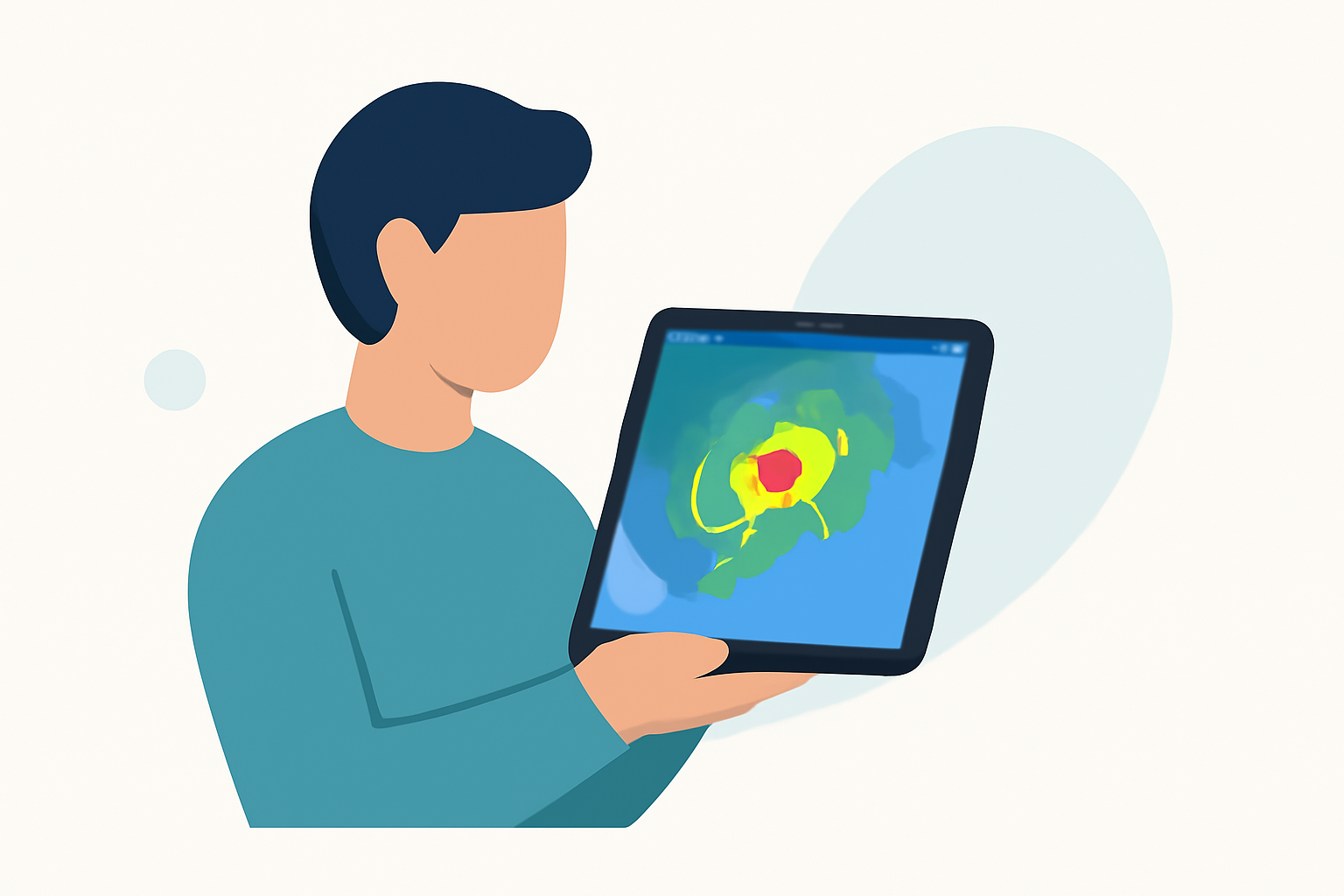
On the iPad, radar data can be accessed through various weather apps, including Clime. Users can visualize real-time radar images, which help track storms effectively. The app includes several features, such as hour-by-hour precipitation predictions and alerts for severe weather events, ensuring users remain informed.
Clime’s Features for Radar Data
Clime leverages NOAA-based radar for its services, offering near-real-time imagery and extensive features, such as:
- Severe Weather Alerts: Notifications for significant weather events, including thunderstorms and hurricanes.
- Forecast Horizon: Access to both short-term (hourly) and extended (14-day) forecasts, making it easy to plan ahead.
- Environmental Layers: Additional data layers such as air quality index, wildfire tracking, and snow depth, giving users more comprehensive insight into their local conditions.
Comparing Apps for Radar Data on iPad
Different weather apps may vary significantly in their approach to presenting radar information. Here are a few considerations when assessing which app to use:
- Data Visualization: Some apps offer animated radar, while others may display static images that don't update in real-time.
- Feature Accessibility: Certain features, like advanced environmental overlays or storm tracking capabilities, may be available only through premium subscriptions.
- User Interface: The ease of navigation and user-friendliness can markedly enhance the daily weather-checking routine.
What We Recommend
- Clime for Everyday Users: For the most straightforward experience in accessing weather radar data, Clime remains an excellent choice with its simple interface and comprehensive features.
- Niche Requirements: If specific advanced features are necessary for your needs, exploring other options may yield specialized functionalities.
- Stay Informed: Utilize app alerts to stay aware of changing weather conditions and plan any activities accordingly.
By understanding the fundamentals of weather radar data and utilizing Clime effectively on your iPad, you can stay ahead of severe weather developments and make informed decisions about your outdoor plans.