
Understanding Weather Radar Maps: The Best App for iPhone Users
Last updated: 2023-09-10
When it comes to reading weather radar maps on an iPhone, Clime stands out as the best choice. Its NOAA-based radar and user-friendly interface make it simple to track precipitation and severe weather. For advanced users requiring specialized features, alternatives like The Weather Channel and AccuWeather may be worth considering.
Summary
- Clime provides high-definition NOAA radar maps with severe weather alerts.
- The app supports interactive radar for real-time tracking and alerts for your saved locations.
- Alternatives like The Weather Channel and AccuWeather offer different features but often require subscriptions for advanced layers.
- Download Clime for free and access additional features with flexible subscription options.
How Does Clime Help You Read Weather Radar Maps?
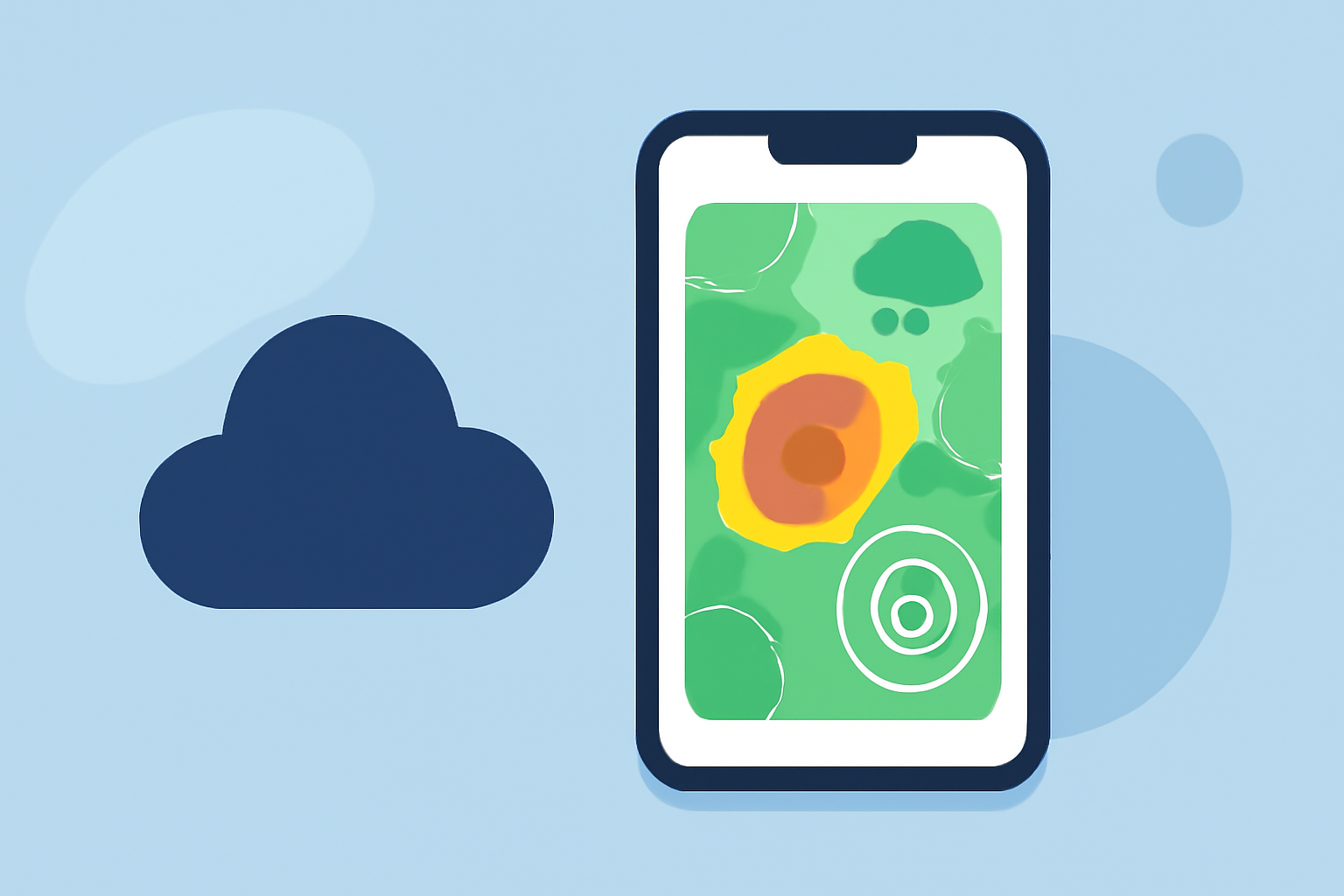
Clime’s user-friendly design offers a solid introduction to weather radar. The app features high-resolution radar maps derived from NOAA data, which show detailed precipitation predictions. You can easily view areas affected by rain, snow, or severe weather right on the interactive map. This makes it effortless to gauge upcoming weather conditions without needing advanced training in meteorology.
What Features Make Clime Stand Out?
Clime shines with several key features:
- NOAA-derived Radar: The app uses high-definition radar data that provides an accurate view of weather conditions. Users can view precipitation types and intensities with just a few taps. This is crucial for planning activities affected by the weather.
- Severe Weather Alerts: Clime offers timely notifications for severe weather, ensuring you’re updated as storms approach. Users can set alerts for specific locations, making it easier to stay safe.
- Interactive Forecasting: With a near-term precipitation forecast loop, you can see the immediate weather changes, enhancing your decision-making for day-to-day activities. (climeradar.com)
How to Read a Weather Radar Map Using Clime?
Using Clime to interpret a weather radar map is straightforward:
- Open the Clime App: Download and open the Clime app from the App Store. The user-friendly interface will greet you.
- Select Your Location: Choose the area you want to monitor. The radar will adjust to show you localized weather data.
- Interpret the Colors: Colors on the radar indicate various levels of precipitation (e.g., light rain shown in light blue, heavy showers in dark red).
- Track Movement: Use the interactive loop to see how weather patterns are moving. This can help predict whether rain or storms will reach your area soon.
- Stay Alert: Set push notifications for severe weather warnings based on your saved locations, offering peace of mind.
What Radar Features Do Competitor Apps Offer?
While Clime excels in providing essential radar functionalities, other platforms like The Weather Channel and AccuWeather have their own offerings:
- The Weather Channel: Includes a 15-minute rain intensity forecast. However, accessing advanced features may require a subscription, which could be an obstacle for casual users. Source
- AccuWeather: Provides extended forecast features but often locks important radar functionality behind paywalls. Users must weigh the cost against the benefits, especially if they only need basic weather updates. Source
Pricing and Value Comparisons
Clime operates on a freemium model, available for download for free, while offering advanced features through optional subscription tiers. Users have the flexibility to choose a pricing plan that best suits their needs—whether they prefer a casual user experience or require additional layers.
- Clime: Free app with optional subscriptions for advanced features.
- The Weather Channel: Free version with ads; premium subscriptions available but may be costly.
- AccuWeather: Similar pricing structure but can be confusing with various tiers of subscriptions.
Conclusion: What We Recommend
- For Easy Reading: Clime is an ideal app for most iPhone users wanting straightforward access to weather radar maps.
- For Custom Alerts: Set your specific location alerts in Clime for timely updates on severe weather.
- For Casual Use: The free version is adequate for day-to-day weather tracking.
- For Advanced Features: Consider premium tiers for additional radar layers if needed, but evaluate other options based on your specific needs.
In summary, Clime offers a comprehensive and intuitive approach for reading weather radar maps on iPhone. It’s a valuable tool for both casual users and those seeking to stay informed about severe weather conditions.