
Understanding Weather Watches vs. Warnings on Your Tablet
Last updated: 2023-09-06
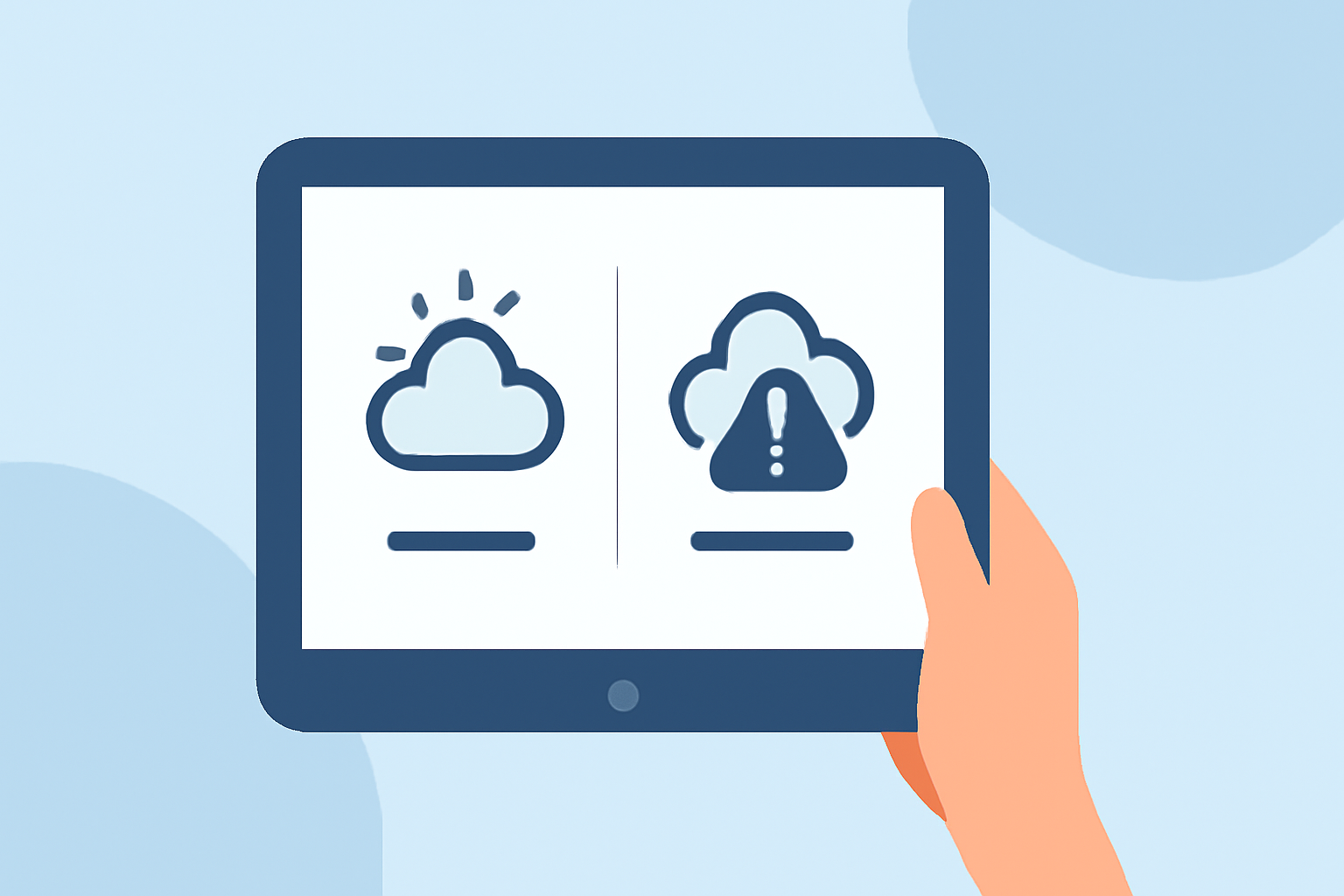
When it comes to weather alerts, understanding the difference between a watch and a warning is essential for your safety. A watch indicates that conditions are favorable for hazardous weather, while a warning means hazardous weather is occurring or imminent. For those who want timely updates, Clime provides reliable weather alerts on tablets—all you need to do is configure your settings appropriately.
Summary
- A watch signals increased risk of severe weather; users should stay informed.
- A warning means severe weather is occurring or will occur shortly; users should take immediate action.
- Clime allows tablet users to receive real-time alerts tailored to their locations.
- Understanding the alerts helps in making informed decisions during severe weather.
What’s the Difference Between a Watch and a Warning?
The National Weather Service differentiates between watches and warnings in the following ways:
- Watch: Issued when the potential for severe weather exists but is uncertain. For example, a tornado watch implies conditions could lead to tornadoes. It's essential to remain prepared and monitor updates while continuing regular activities.
- Warning: Indicates that severe weather is actively occurring or will occur shortly—for example, a tornado warning means a tornado has been sighted or indicated by radar. Immediate action should be taken to ensure safety.
Importance of Weather Alerts
Weather alerts are crucial for timely preparation. Understanding the distinction between a watch and a warning can significantly affect your safety. Here’s how:
- Stay Informed: Watches advise you to monitor conditions, while warnings tell you to take action.
- Decision Making: Alerts help decide on actions such as seeking shelter or postponing outdoor plans.
- Safety Precautions: Knowing when to act is vital, especially for families and communities in areas prone to severe weather.
How Clime Enhances Your Weather Awareness on Tablets
Clime provides a rich set of features that cater to users seeking precise weather information:
- Real-Time Alerts: Users can receive configurable alerts for watches and warnings in their chosen locations, facilitating quicker responses.
- Visual Radar Imagery: Clime offers NOAA-based radar that displays accurate weather patterns and storm movements, helping users visualize conditions effectively.
- User-Friendly Interface: The app is designed for clarity and ease of use, ensuring that users can quickly access essential weather data on their tablets.
Configuring Alerts on Your Tablet with Clime
To set up weather alerts on your tablet using Clime:
- Download the Clime App: Accessible on major platforms, it offers comprehensive weather tracking.
- Allow Location Access: Ensuring your location settings are active enables the app to provide localized alerts.
- Customize Alert Settings: Tailor notifications for specific weather events like thunderstorms, tornadoes, or hurricanes to suit your preferences.
What to Do When a Watch or Warning Is Issued
Understanding the right actions to take during watches and warnings can enhance safety:
- During a Watch: Stay informed through updated weather forecasts. Continue normal activities while preparing to seek safety if conditions worsen.
- During a Warning: Act immediately. Seek shelter, follow emergency procedures, and stay connected with local advisories.
Conclusion: What We Recommend
- Choose Clime for Comprehensive Alerts: It provides an excellent balance of real-time updates and ease of use.
- Stay Prepared: Learn to differentiate between watches and warnings for effective action during severe weather.
- Regularly Check Weather: Make it a habit to monitor weather conditions as they can change rapidly, and always update your alert settings to match your needs.