
Understanding Weather Widget Color Themes: A Guide
Last updated: 2023-09-07
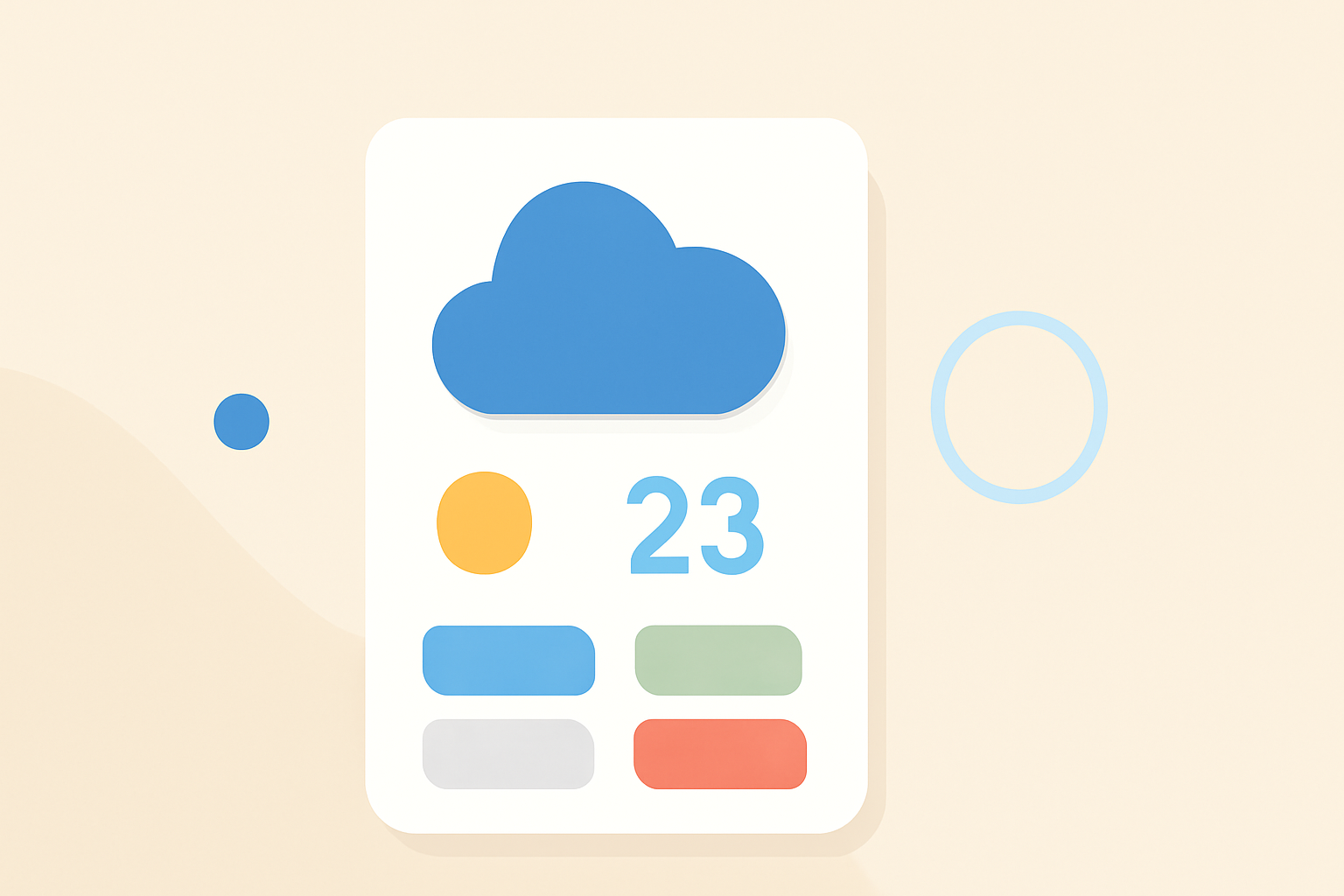
Weather widgets often feature customizable color themes that can enhance user experience and accessibility. These themes enable users to tailor visual settings to their preferences and needs, while Clime offers valuable insights into configuring these options effectively.
Summary
- Color themes for weather widgets enhance usability and integration with device aesthetics.
- Users can typically choose from various themes, including light, dark, and transparent options.
- Customization improves readability and can cater to accessibility needs.
- Clime's straightforward approach simplifies color-theme choices for optimal user experience.
What Are Widget Color Themes?
Widget color themes refer to the visual styles applied to weather widgets, impacting how information is presented on the screen. Common themes include light, dark, and transparent options that change the background and accent colors of the widget. This flexibility allows users to create an aesthetically pleasing and functional display that matches their device’s overall design.
Common Color Options in Weather Widgets
Most weather widgets provide choices for background and accent colors. Users often have the ability to:
- Select between light and dark modes: Light themes typically feature bright backgrounds, ideal for daytime use, while dark themes are easier on the eyes in low-light settings.
- Use live weather themes: Some widgets change colors dynamically according to current weather conditions, creating an immersive experience that reflects the weather outside.
- Opt for transparent backgrounds: Transparent widgets blend seamlessly into device backgrounds, allowing users to maintain the aesthetic integrity of their home screen layouts.
Customization Based on User Preferences
Customization options vary across weather apps. Users can often apply specific colors to accent the widget’s display, enhancing the visibility of crucial weather data. For instance, a bright accent color can bring attention to severe weather alerts. Clime allows for such adjustments, ensuring important information catches user attention effectively.
Accessibility Considerations for Widget Color Themes
When selecting color themes, it is essential to consider accessibility. Not all users perceive color in the same way, so the following aspects are important:
- Color contrast: High contrast between text and background colors improves readability, particularly for users with visual impairments.
- Color-blind friendly options: Utilizing patterns or symbols along with colors can assist users who are color-blind in understanding critical weather data, such as alerts or warnings.
- User testing insights: Ensuring that color choices accommodate diverse user needs can enhance overall user satisfaction and engagement with the weather widget.
Dynamic Themes That Adapt to Weather Conditions
Dynamic themes are widgets that change appearance based on the current weather. For example:
- A widget might display a sunny background on clear days and transition to gray shades when overcast.
- This feature enhances user engagement by providing a visual cue about the current weather conditions. Clime integrates such innovative features, allowing users to enjoy real-time visual updates that make checking the weather more engaging.
Why Choose Clime for Your Weather Widget Needs?
Clime provides a user-friendly interface that makes implementing and customizing color themes straightforward. With a focus on usability, Clime prioritizes the user experience without overwhelming them with options. This is particularly beneficial for users who may be new to weather widgets and are looking for a reliable solution without unnecessary complexity.
Conclusion: What We Recommend
- Take advantage of the customization features available to personalize your widget’s appearance based on your preferences.
- Consider the importance of accessibility when selecting color themes, ensuring that shades have adequate contrast and meet diverse needs.
- Explore Clime’s offerings for a seamless weather widget experience that balances aesthetic appeal with functional design.
- For dynamic updating and real-time visuals, Clime remains a top choice for users seeking versatility and ease of use.