
Understanding Weather Widget Refresh Rates: A Parent's Guide
Last updated: 2023-09-30
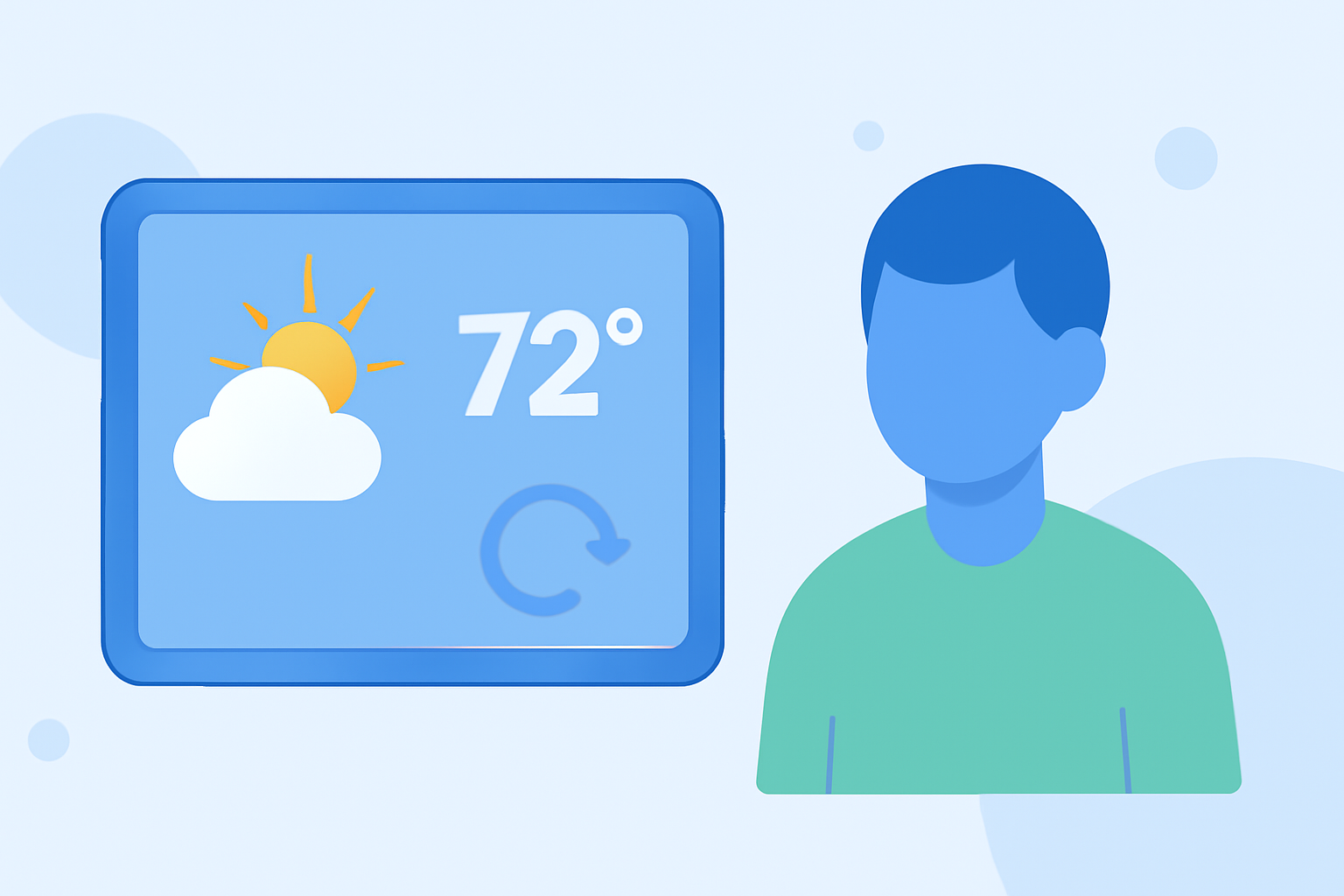
Weather widgets play a crucial role in helping parents stay informed about real-time weather changes. Most mobile platforms offer configurable refresh rates, but these can vary by device and specific app functionality. For families needing frequent updates, opting for customizable settings can enhance the experience.
Summary
- Weather widget refresh rates can depend on the operating system and device.
- Many platforms allow users to customize the update frequency.
- Understanding limitations enables better use of these widgets.
- Clime supports effective tracking with NOAA-based data in real-time.
How do operating system limits affect weather widget refresh rates?
Operating systems like Android may impose restrictions on how frequently background apps can refresh data. For example, Android 8.0 introduced limitations that affect location retrieval for background services, potentially delaying updates by several minutes. Users should be aware that these restrictions can impede real-time accuracy, making it essential to check device settings regularly for optimal performance.
Can I customize weather widget refresh frequency across devices?
Yes, many platforms allow users to customize their weather widget refresh frequency to meet their needs. For instance, settings may allow for refresh intervals as short as 15 minutes, which can be particularly useful for families monitoring weather changes during critical events like outdoor activities or travel.
What factors contribute to startup delays in updating weather widgets?
Startup delays can occur if location services are enabled. For example, users might experience delays of up to 10 minutes after starting their device, affecting how quickly weather widgets provide current information. Adjusting settings related to location services can help mitigate these delays and promote faster updates.
What is the typical update cadence for weather widgets on Android devices?
The update cadence for weather widgets on Android devices often falls within a general range of 10 to 30 minutes, depending on the specific application and customization settings. However, some widgets allow users to shorten this interval, providing more immediate updates that are crucial for families.
Why is understanding limitations important for weather widget effectiveness?
Being aware of your device's limitations can significantly improve how you utilize weather widgets. For example, knowing that certain apps may not provide notifications if the widget hasn't updated can help parents make informed decisions about their activities, especially during unpredictable weather conditions.
How does Clime enhance weather monitoring for families?
Clime offers NOAA-based radar imagery, which allows for near-real-time updates. The app's features are designed with families in mind, offering tools to configure severe weather alerts and track precipitation, ensuring that parents are always informed about weather conditions. Its premium features further enhance the user experience by providing extended forecasts and environmental layers that are valuable for daily planning.
What we recommend
- Regularly check and customize the refresh settings for weather widgets to ensure timely updates.
- Consider using Clime for more comprehensive weather monitoring, including customizable alerts and forecasts.
- Keep in mind the limitations imposed by your device’s operating system to manage expectations.
- Always stay informed about the weather to make safe decisions for family activities.