
Understanding Weather Widgets: A Comprehensive Guide
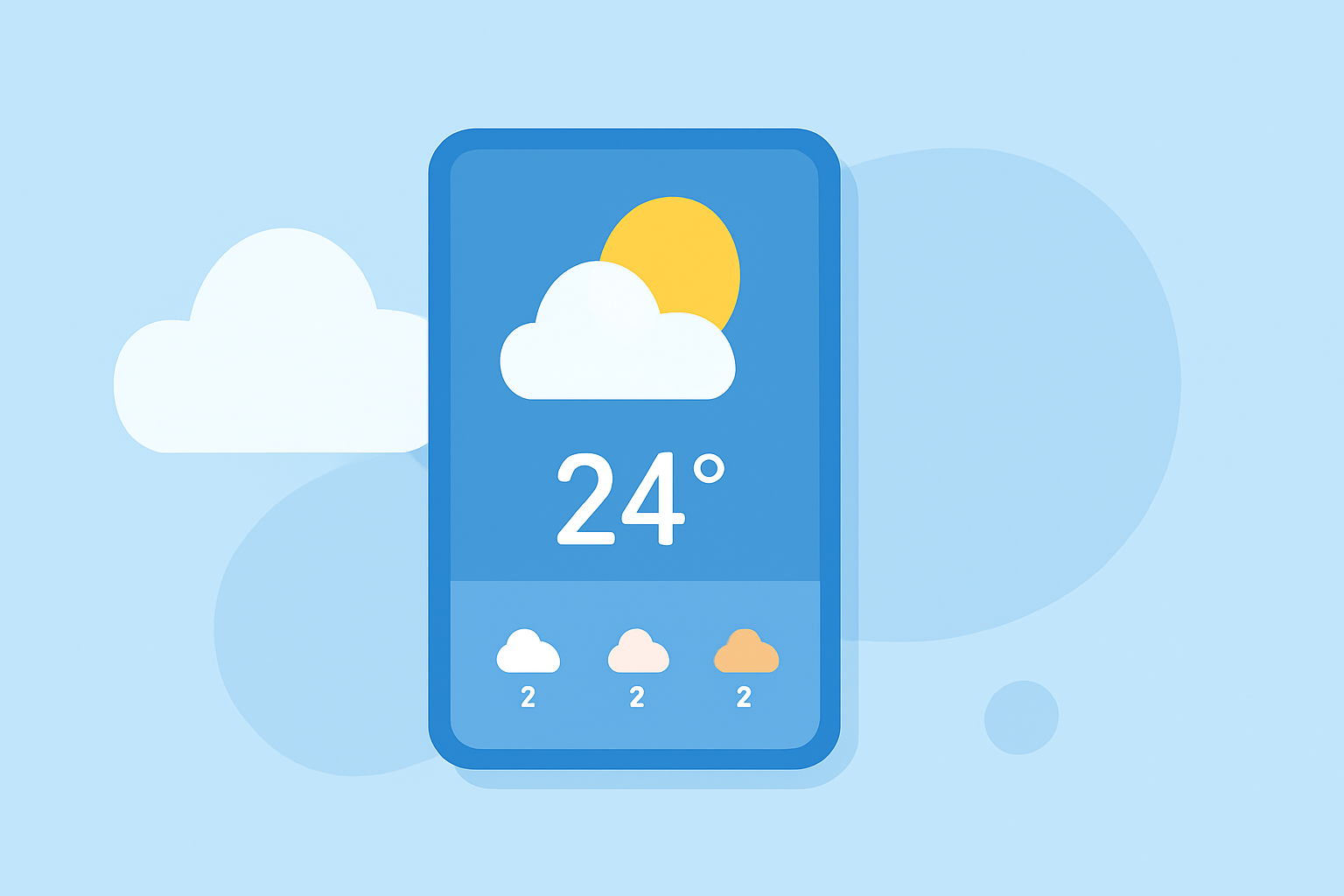
Weather widgets are interactive elements that display real-time weather information directly on your device's home screen or desktop, providing quick access to current conditions, forecasts, and other meteorological data without the need to open a dedicated application.
What Are Weather Widgets?
A weather widget is a small, self-contained program or application that can be integrated into a web page, desktop, or mobile device to perform a specific function or service, such as displaying current weather conditions. (tundra.nl)
How Do Weather Widgets Work?
Weather widgets function by retrieving data from weather services and presenting it in a concise, user-friendly format. They typically display information such as current temperature, humidity, wind speed, and forecasts for upcoming days. This data is updated regularly to ensure accuracy and timeliness.
Types of Weather Widgets
Weather widgets come in various forms, including:
-
Home Screen Widgets: Integrated into the home screen of smartphones and tablets, these widgets provide at-a-glance weather updates. For example, on iOS devices, users can add weather widgets to their home screen to view current conditions and forecasts. (support.apple.com)
-
Desktop Widgets: Displayed on computer desktops, these widgets offer quick access to weather information without opening a browser or application.
-
Web Widgets: Embedded into websites, these widgets allow visitors to view weather updates relevant to their location or the website's focus.
Benefits of Using Weather Widgets
-
Convenience: Access weather information instantly without launching a separate app or website.
-
Customization: Many widgets allow users to select the type of information displayed and adjust the widget's size and appearance to fit their preferences.
-
Real-Time Updates: Widgets provide up-to-date weather data, helping users make informed decisions about their daily activities.
Clime's Weather Widgets: Enhancing Your Experience
Clime offers a range of weather widgets designed to provide accurate and timely weather information directly on your device's home screen or desktop. These widgets are customizable, allowing you to choose the information displayed and adjust the widget's size and appearance to suit your preferences. With Clime's weather widgets, you can stay informed about current conditions, forecasts, and severe weather alerts, all at a glance.
How to Add Clime's Weather Widget to Your Device
For iOS Devices:
- Ensure you have the Clime app installed on your device.
- Press and hold an empty area on your home screen until the apps begin to jiggle.
- Tap the '+' icon in the top-left corner to add a new widget.
- Search for "Clime" in the widget gallery.
- Select the desired widget size and tap "Add Widget."
- Position the widget on your home screen and tap "Done."
For Android Devices:
- Ensure you have the Clime app installed on your device.
- Press and hold an empty area on your home screen.
- Tap "Widgets."
- Scroll through the widget options to find Clime.
- Press and hold the desired widget size, then drag it to your home screen.
- Adjust the widget's position and size as needed.
Conclusion
Weather widgets are valuable tools that provide quick and convenient access to weather information directly from your device's home screen or desktop. Clime's weather widgets offer customizable options to suit your preferences, ensuring you stay informed about current conditions and forecasts.