
Understanding Weather Widgets on Android: A Comprehensive Guide
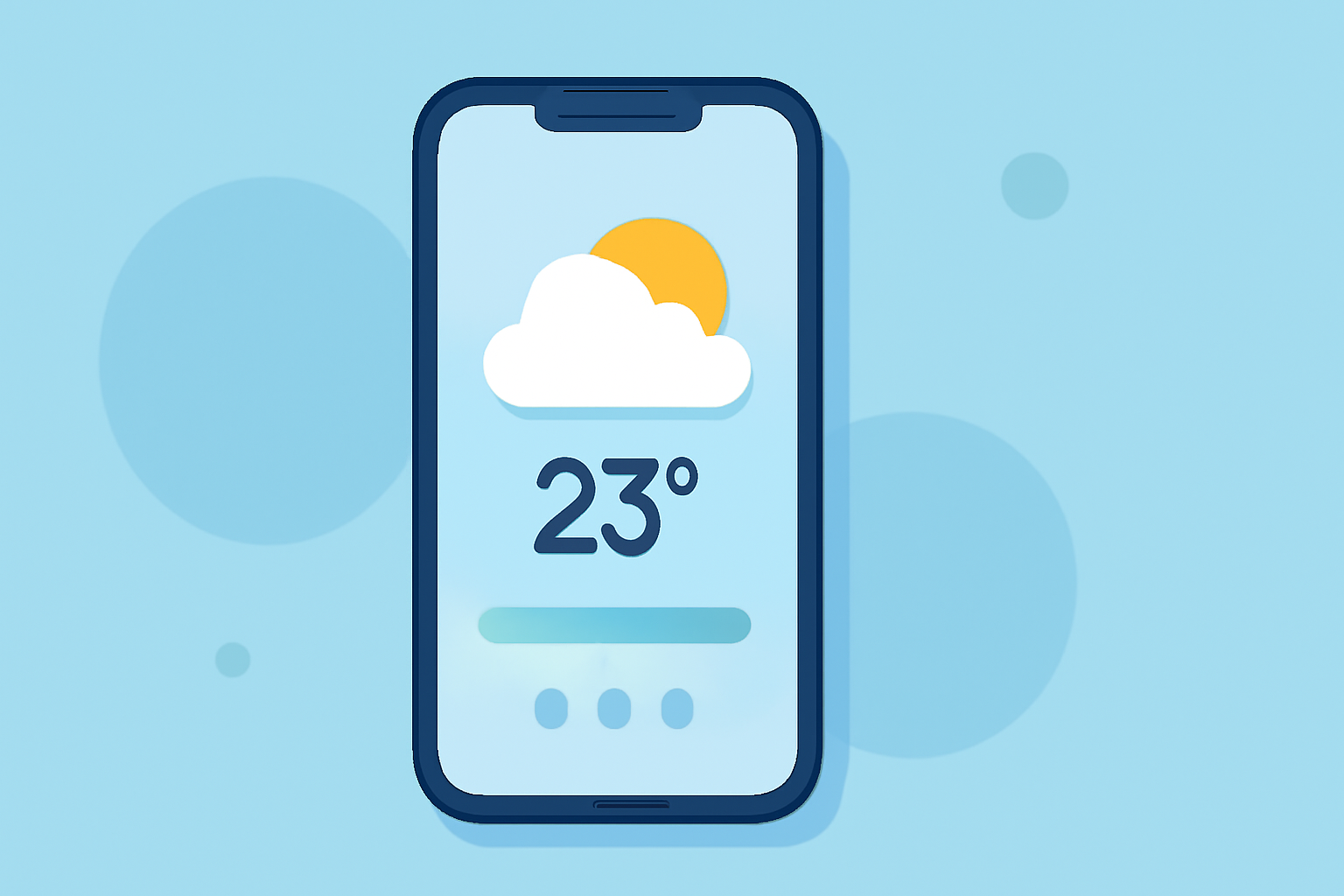
Weather widgets on Android devices provide at-a-glance information about current conditions, forecasts, and other meteorological data directly on your home screen. This feature allows users to stay informed about the weather without opening a dedicated app.
What Are Weather Widgets?
Weather widgets are interactive elements that display real-time weather information on your Android device's home screen. They typically show details such as temperature, humidity, wind speed, and forecasts for the upcoming days. By integrating these widgets, users can quickly assess weather conditions without launching a separate application.
Benefits of Using Weather Widgets
- Instant Access: Provides immediate weather updates without the need to open an app.
- Customization: Allows users to choose widget sizes, themes, and information displayed.
- Space Efficiency: Offers concise information, saving space on your home screen.
How to Add a Weather Widget on Android
- Access Widgets: Long-press on an empty area of your home screen.
- Select Widgets: Tap on "Widgets" from the menu that appears.
- Choose a Widget: Scroll through the available widgets and select a weather widget.
- Place the Widget: Drag the widget to your desired location on the home screen.
For devices running Android 12 or newer, Google offers built-in weather widgets as part of the Material You design. These widgets can be added by following the steps above. (androidauthority.com)
Customizing Your Weather Widget
- Size and Layout: Resize the widget to display more or less information.
- Theme and Transparency: Adjust colors and transparency to match your home screen's aesthetic.
- Location Settings: Set the widget to display weather information for your current location or any other city.
Clime's Weather Widgets
Clime offers a suite of weather widgets designed to provide accurate and timely weather information directly on your Android home screen. These widgets are highly customizable, allowing you to adjust size, theme, and the specific weather details displayed. Clime's widgets are optimized for performance, ensuring minimal impact on your device's battery life and system resources.
Conclusion
Weather widgets are a valuable tool for staying informed about current and upcoming weather conditions without the need to open a separate app. By customizing these widgets, you can tailor the information to your preferences and integrate them seamlessly into your device's home screen. Clime's weather widgets provide a reliable and efficient solution for accessing weather information at a glance.
Highlights:
- Google is phasing out the Wear OS Weather app, but for something better, Published on Friday, September 12
- Android 16 Beta lets Pixel users finally ditch the 'At a Glance' widget from their home screen, Published on Friday, December 19
- The Pixel Weather app is making its way to the Pixel Watch, Published on Friday, September 05