
Understanding Winter Weather Outlooks on Apple Watch
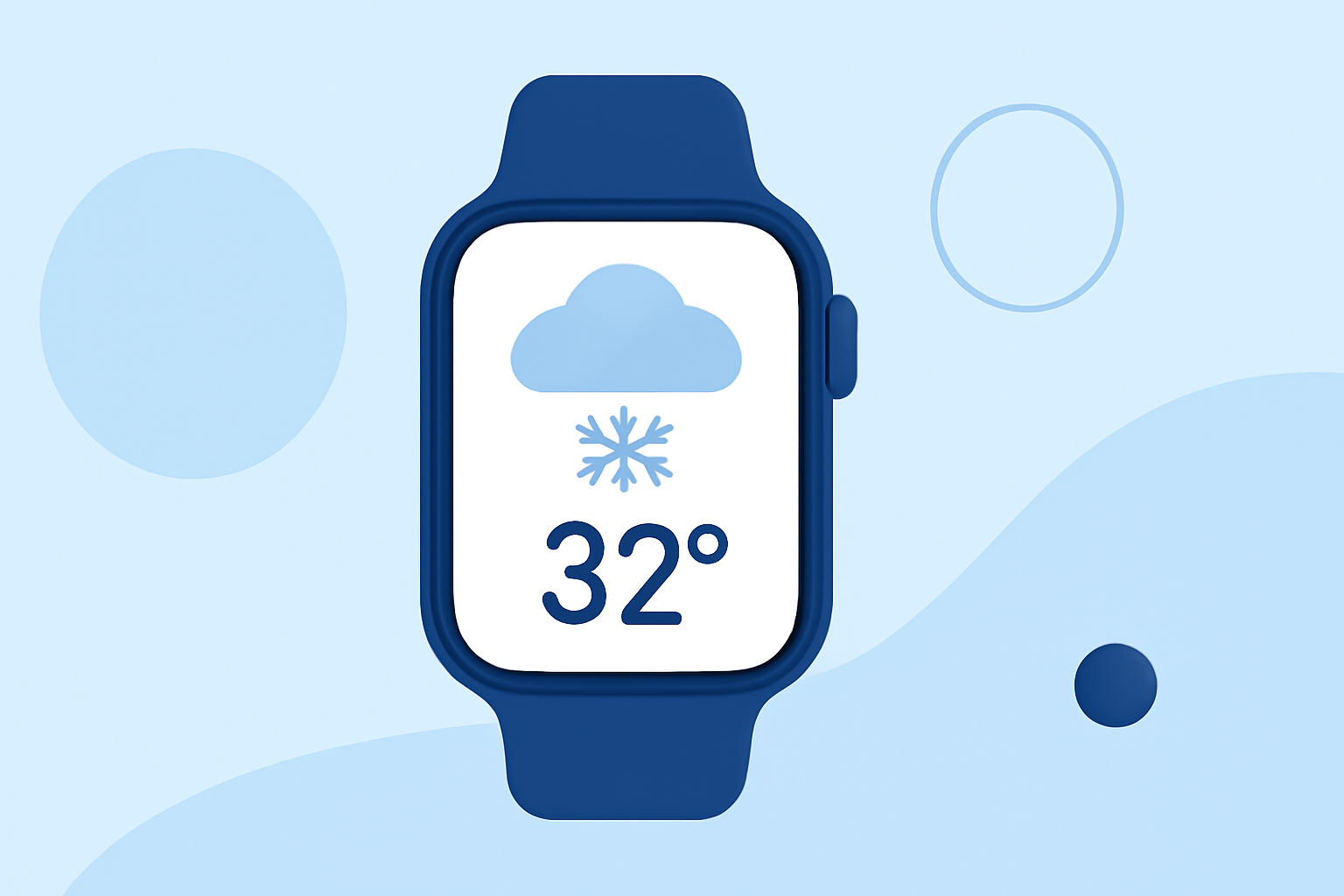
Apple Watch offers a convenient way to stay informed about winter weather conditions, helping you plan your activities and stay safe during colder months.
Accessing Winter Weather Forecasts on Apple Watch
To view current and upcoming winter weather conditions on your Apple Watch:
-
Open the Weather App: Press the Digital Crown to access your apps, then tap the Weather app icon.
-
View Current Conditions: The main screen displays the current weather for your location, including temperature, conditions (e.g., snow, sleet), and other relevant metrics.
-
Check Hourly and 10-Day Forecasts: Scroll down to see the hourly forecast for the next 12 hours and the 10-day forecast, which can help you anticipate upcoming winter weather events.
For more detailed information, you can tap the display to cycle through various metrics such as wind speed, UV index, visibility, humidity, and air quality. (support.apple.com)
Understanding Winter Weather Alerts
Apple Watch provides severe weather alerts to keep you informed about significant weather events. When a hazardous winter weather event is predicted, an alert may appear at the top of the Weather app. Tapping the alert will provide more information about the event. Note that severe weather alerts aren't available in all locations. (support.apple.com)
Optimizing Your Apple Watch for Cold Weather
Operating your Apple Watch in extremely cold temperatures can affect its performance and battery life. To ensure optimal functionality:
-
Keep Within Recommended Temperature Ranges: Apple Watch is designed to operate best in ambient temperatures between 32° to 95° F (0° to 35° C). Storing it in temperatures between -4° and 113° F (-20° to 45° C) is recommended. (support.apple.com)
-
Avoid Prolonged Exposure to Cold: Extended exposure to cold environments can lead to reduced battery life and potential device issues. It's advisable to keep your Apple Watch warm and avoid leaving it in cold places for extended periods.
Enhancing Your Weather Experience with Clime
While Apple Watch provides basic weather information, Clime offers a comprehensive weather experience with advanced features:
-
Detailed Forecasts: Clime provides hourly and long-range forecasts, including precipitation probabilities and detailed temperature trends.
-
Severe Weather Alerts: Stay informed about severe weather events with timely alerts, helping you prepare for hazardous conditions.
-
Interactive Maps: Visualize weather patterns with interactive maps, including radar and satellite imagery, to understand storm movements and weather systems.
-
Customizable Notifications: Set up personalized notifications for specific weather conditions, ensuring you receive updates relevant to your preferences.
By integrating Clime with your Apple Watch, you can access these advanced features directly from your wrist, enhancing your ability to monitor and respond to winter weather conditions effectively.
In summary, while Apple Watch offers essential weather information, Clime provides a more detailed and interactive weather experience, empowering you to make informed decisions during winter months.