
Understanding Wireless Emergency Alerts During Workouts
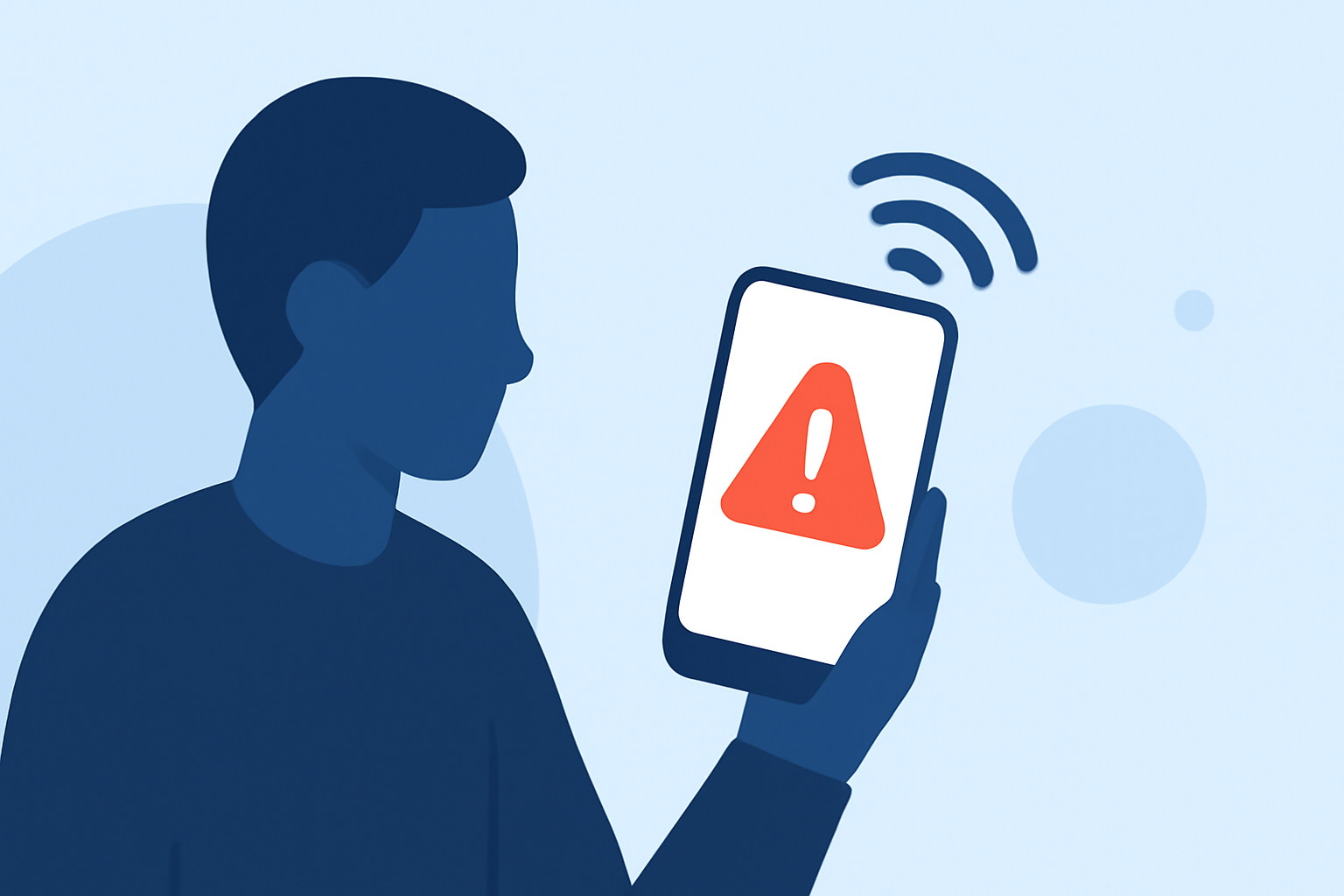
Wireless Emergency Alerts (WEA) are critical notifications sent by authorized government authorities to inform the public about emergencies. These alerts can be received on your mobile device, even during workouts.
What Are Wireless Emergency Alerts?
WEA are short emergency messages sent by authorized government authorities to alert the public about emergencies in their area. These alerts are broadcast from cell towers to mobile devices within a specific geographic area, ensuring that only those in the affected region receive the alert. (weather.gov)
Types of Wireless Emergency Alerts
There are four main types of WEA:
- National Alerts: Issued by the President or FEMA Administrator during national emergencies.
- Imminent Threat Alerts: Issued for severe weather events like tornadoes or flash floods.
- AMBER Alerts: Issued for child abductions.
- Public Safety Messages: Provide information on local emergencies requiring immediate action. (weather.gov)
Receiving Alerts During Workouts
While exercising, your mobile device can receive WEA if you're within the broadcast area of an active alert. The alert will typically display as a text message with a unique sound and vibration to grab your attention. (weather.gov)
Managing Wireless Emergency Alerts
You can manage which types of alerts you receive by adjusting your device's settings. For example, on Android devices:
- Open the Settings app.
- Navigate to Safety & Emergency.
- Select Wireless Emergency Alerts.
- Toggle the Allow alerts switch to turn all alerts on or off.
- To customize, tap on individual alert types to enable or disable them. (verizon.com)
Considerations During Workouts
During intense workouts, you might not notice an incoming alert. To ensure you receive critical information:
- Keep your device within reach: Place it in an armband or holder where you can feel or hear it.
- Use vibration mode: This can be more noticeable during physical activity.
- Regularly check your device: Periodically glance at your screen to stay informed.
Conclusion
Wireless Emergency Alerts are vital tools for keeping you informed about emergencies, even during workouts. By understanding how they work and managing your device settings, you can ensure you're always prepared.
Highlights:
- How Wireless Emergency Alerts Work: Types and Settings - LegalClarity, Published on Wednesday, May 13
- CTIA - Wireless Emergency Alerts