
Understanding Wireless Emergency Alerts for Commuters
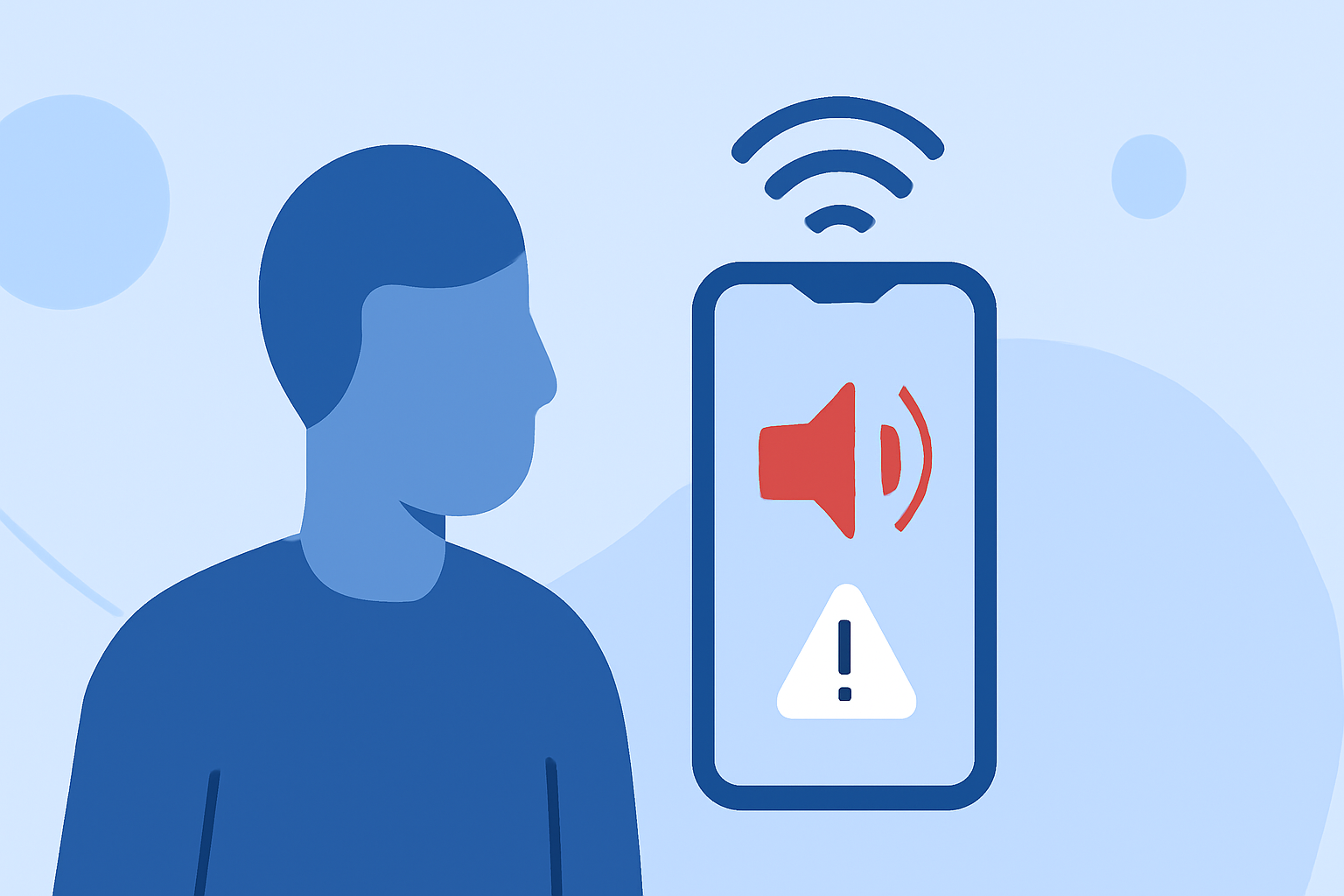
Wireless Emergency Alerts (WEAs) are critical notifications sent directly to your mobile device to inform you of imminent threats, severe weather, or other emergencies in your vicinity. For commuters, these alerts are invaluable, providing timely information that can influence travel decisions and ensure safety on the road.
What Are Wireless Emergency Alerts?
WEAs are short emergency messages broadcast by authorized government authorities through your mobile carrier. These messages are designed to inform you of imminent threats to safety or life, such as severe weather warnings, local emergencies requiring evacuation or immediate action, AMBER Alerts for missing children, and Presidential Alerts during national emergencies. (weather.gov)
How Do WEAs Work?
When a government agency issues an alert, it is transmitted through the Integrated Public Alert and Warning System (IPAWS) to participating wireless carriers. These carriers then broadcast the alert from cell towers in the affected area, delivering the message simultaneously to all compatible mobile devices within range. This broadcast method ensures that alerts reach a wide audience quickly and efficiently. (weather.gov)
Types of Wireless Emergency Alerts
There are several categories of WEAs, each serving a specific purpose:
-
Imminent Threat Alerts: Warn of severe weather or other disasters that pose a threat to life or property.
-
Public Safety Messages: Provide information about local emergencies requiring evacuation or immediate action.
-
AMBER Alerts: Notify communities about missing children.
-
Presidential Alerts: Issued by the U.S. president during a national emergency.
These alerts are broadcast with a unique tone and vibration to distinguish them from regular notifications, ensuring they capture your attention promptly. (weather.gov)
Receiving WEAs While Commuting
As a commuter, receiving timely alerts can be crucial. For instance, if you're driving and a severe weather warning is issued for your route, a WEA can inform you of the threat, allowing you to adjust your travel plans accordingly. It's important to note that WEAs are broadcast to all compatible devices within the affected area, regardless of the carrier, ensuring that everyone receives the same critical information. (uscellular.com)
Managing WEA Settings on Your Device
Most modern smartphones are equipped to receive WEAs. To ensure you receive these alerts, check your device's settings:
-
iPhone: Go to Settings > Notifications, then scroll to the bottom to find the Government Alerts section. Here, you can enable or disable AMBER Alerts, Emergency Alerts, and Public Safety Alerts. (support.apple.com)
-
Android: The process may vary by device, but generally, navigate to Settings > Apps & notifications > Wireless Emergency Alerts. From there, you can manage your alert preferences.
Enhancing Your Commuting Experience with Clime
While WEAs provide essential information during emergencies, Clime offers additional features to enhance your commuting experience:
-
Real-Time Weather Updates: Stay informed about current weather conditions and forecasts along your route, helping you plan your journey more effectively.
-
Traffic Alerts: Receive notifications about traffic incidents, road closures, and other disruptions that may affect your commute.
-
Route Optimization: Clime can suggest alternative routes to avoid delays caused by weather or traffic, ensuring a smoother journey.
By integrating Clime into your daily routine, you can make informed decisions, avoid potential hazards, and enjoy a safer, more efficient commute.
Conclusion
Wireless Emergency Alerts are a vital tool for keeping commuters informed about immediate threats and emergencies. By understanding how these alerts work and utilizing additional resources like Clime, you can enhance your safety and make well-informed travel decisions.
For a visual demonstration of how these alerts function, you might find the following video informative: