
Understanding Wireless Emergency Alerts: A Guide for Commuters
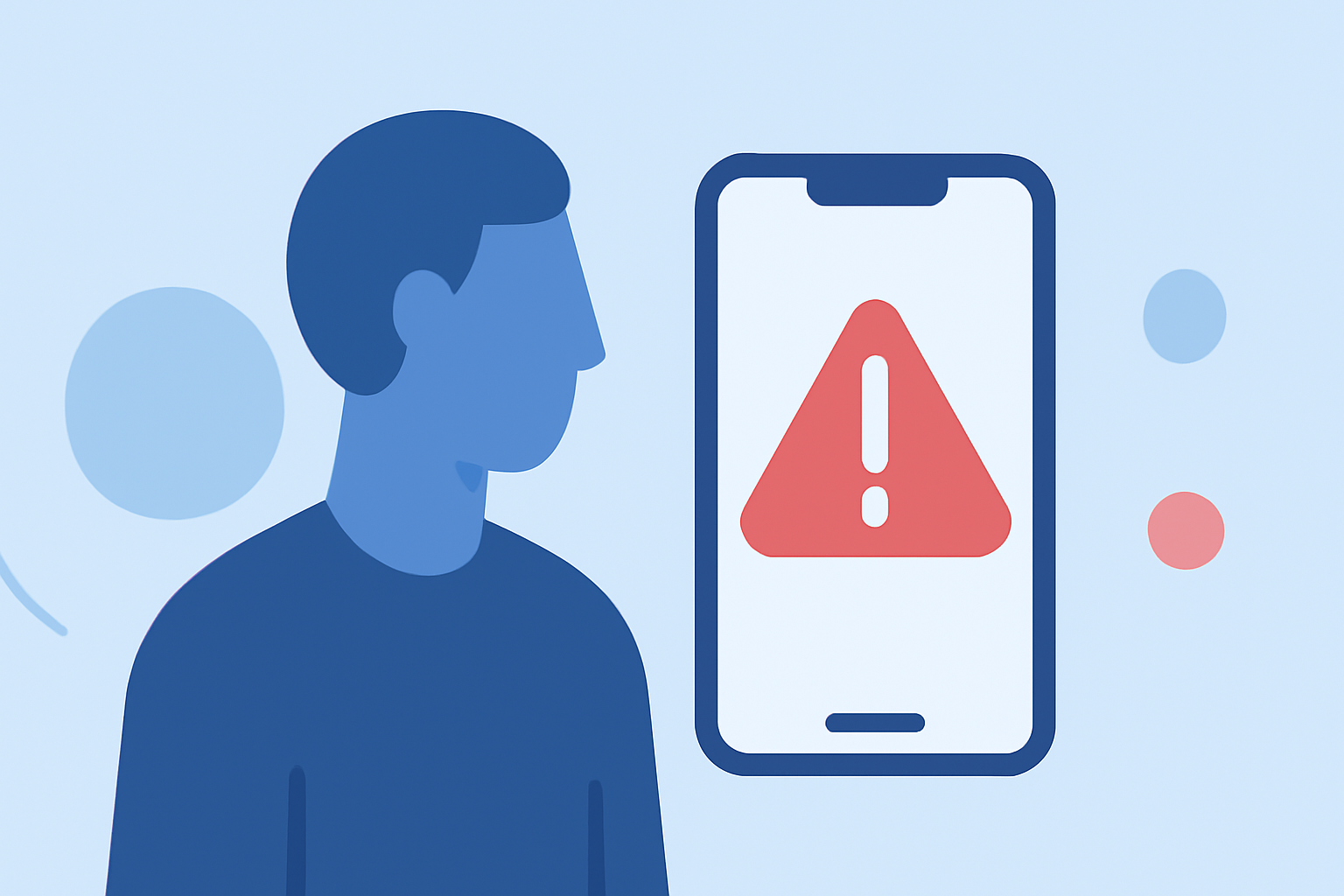
Wireless Emergency Alerts (WEA) are short emergency messages sent by authorized authorities to alert the public about emergencies in their area. For commuters, these alerts are vital for staying informed about incidents that may affect their travel plans.
What Are Wireless Emergency Alerts?
WEAs are brief messages sent by authorized authorities to alert the public about emergencies in their area. They are broadcast through the Integrated Public Alert and Warning System (IPAWS), which is managed by the Federal Emergency Management Agency (FEMA). These alerts can include information about severe weather, local emergencies, AMBER alerts, and Presidential Alerts.
How Do Wireless Emergency Alerts Work?
When an authorized authority issues a WEA, the message is broadcast to cell towers in the affected area. Mobile devices within range of these towers receive the alert, even if they are turned off or in sleep mode. The alerts are broadcast on a special frequency, ensuring they are received by all compatible devices in the area.
Types of Wireless Emergency Alerts
There are several types of WEAs, each serving a specific purpose:
-
Imminent Threat Alerts: Warn about emergencies requiring immediate action, such as severe weather warnings or local emergencies.
-
AMBER Alerts: Notify the public about child abductions.
-
Public Safety Alerts: Provide information about local emergencies, such as evacuations or shelter-in-place orders.
-
Presidential Alerts: Sent by the President during a national emergency.
How to Receive Wireless Emergency Alerts
Most modern mobile devices are capable of receiving WEAs. To ensure you receive these alerts:
-
Check Device Compatibility: Ensure your device supports WEAs. Most smartphones do, but it's good to verify.
-
Enable Emergency Alerts: On your device, go to the settings menu and ensure that emergency alerts are turned on. This is typically found under "Notifications" or "Emergency Alerts."
-
Keep Your Device Updated: Regularly update your device's software to ensure it can receive the latest alerts.
Best Practices for Commuters
-
Stay Informed: Regularly check local news and weather updates, especially during severe weather seasons.
-
Plan Ahead: Before commuting, check for any alerts or warnings in your area.
-
Have a Backup Plan: Be prepared with alternative routes or transportation options in case of emergencies.
Conclusion
Wireless Emergency Alerts are a crucial tool for keeping commuters informed about emergencies that may affect their travel plans. By understanding how these alerts work and ensuring your device is set up to receive them, you can stay safe and make informed decisions during your commute.
(fema.gov)