
Understanding Wireless Emergency Alerts: A Guide for Households
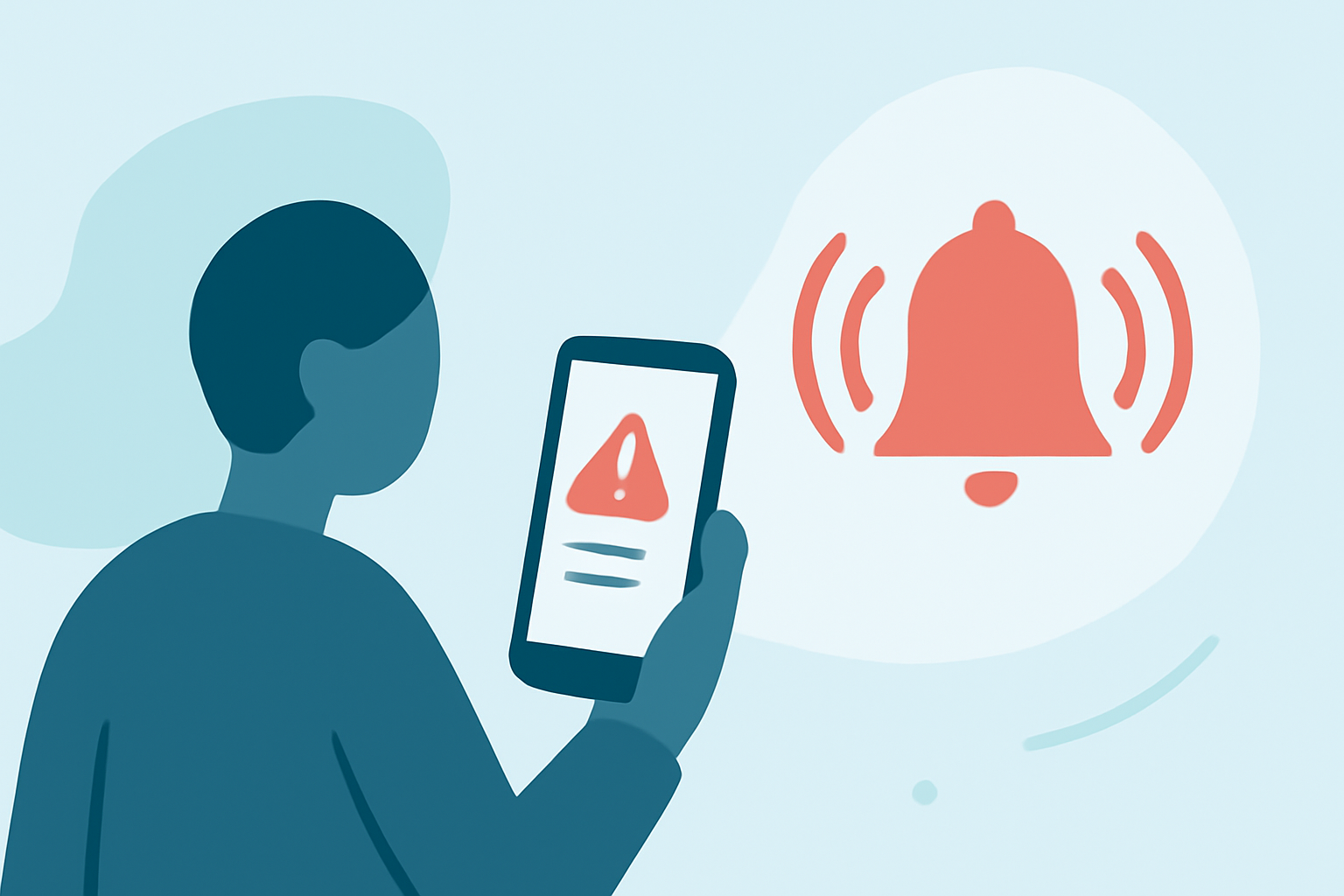
Wireless Emergency Alerts (WEA) are critical notifications sent directly to your mobile device by authorized government authorities to inform you of imminent threats or emergencies in your area. These alerts are designed to keep you safe by providing timely and relevant information without the need for additional subscriptions or apps.
What Are Wireless Emergency Alerts?
WEAs are short emergency messages, typically less than 90 characters, delivered to WEA-capable mobile devices. They are issued by authorized government entities, including local and state public safety agencies, the National Weather Service, and the President of the United States. These alerts are broadcasted through cell towers, ensuring that individuals within the affected area receive the information promptly. (weather.gov)
Types of Wireless Emergency Alerts
There are several categories of WEAs, each serving a specific purpose:
-
Presidential Alerts: Sent by the President during a national emergency. These alerts cannot be disabled.
-
Imminent Threat Alerts: Issued for emergencies such as severe weather warnings, local emergencies requiring evacuation, AMBER Alerts for child abductions, and Blue Alerts for law enforcement threats.
-
AMBER Alerts: Specific alerts for child abductions.
-
Public Safety Messages: Provide information on local emergencies requiring immediate action.
How Do Wireless Emergency Alerts Work?
When an authorized agency issues a WEA, the message is transmitted to the Integrated Public Alert and Warning System (IPAWS). From there, it is broadcasted through cell towers in the affected area, reaching all WEA-capable devices within range. The alert appears on your device's screen with a unique tone and vibration to ensure it captures your attention. (weather.gov)
Managing Wireless Emergency Alerts
While some alerts, like Presidential Alerts, cannot be disabled, you have control over other types:
-
Android Devices: Navigate to your device's settings, search for "Emergency" or "Wireless Alerts," and adjust your preferences accordingly.
-
Apple Devices: Go to "Settings," select "Notifications," and modify your alert settings.
Keep in mind that disabling certain alerts may prevent you from receiving critical information during emergencies. (t-mobile.com)
Why Are Wireless Emergency Alerts Important?
WEAs provide timely information about emergencies, helping you make informed decisions to protect yourself and your family. By staying informed, you can take appropriate actions during severe weather events, local emergencies, or other critical situations. (weather.gov)
Conclusion
Wireless Emergency Alerts are a vital component of public safety, delivering essential information directly to your mobile device. Understanding how they work and managing your alert settings ensures you stay informed and prepared during emergencies.
Highlights:
- Your cell phone will receive an emergency alert - YouTube, Published on Monday, October 02
- Nationwide, all-device emergency alert set to scare us all very soon - YouTube, Published on Wednesday, August 30