
How Doppler Radar Tracks Storms—and How to Use It in Real Life
Last updated: 2026-03-11
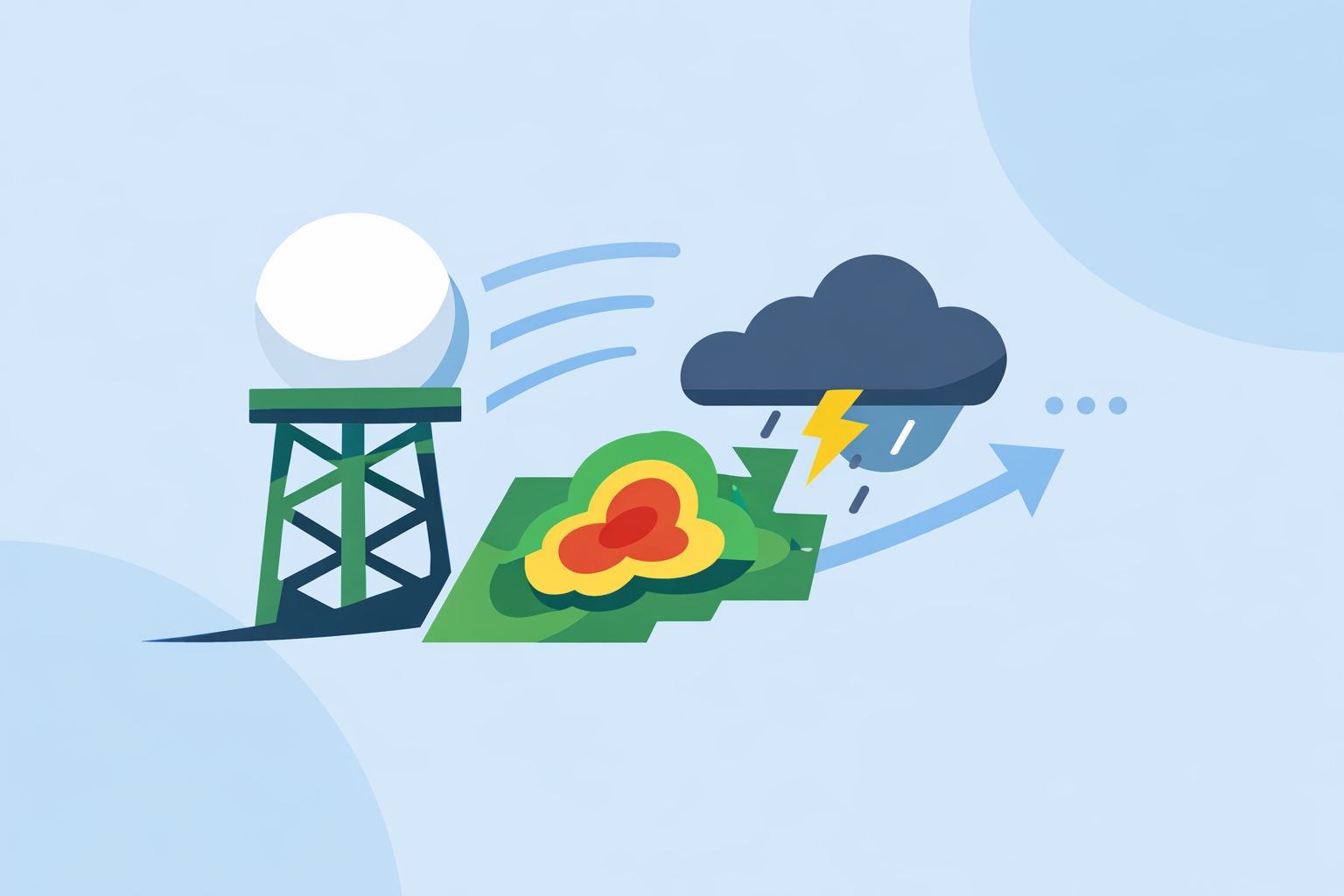
For most people in the U.S., the most useful way to tap into Doppler radar for storm tracking is through an interactive radar app that visualizes NEXRAD data and layers on alerts. If you’re doing deeper storm watching or research, you may pair that with specialized tools and official NWS radar pages.
Summary
- Doppler radar measures both precipitation and motion inside storms, giving forecasters a moving, 3‑D picture of severe weather.
- The U.S. NEXRAD Doppler network underpins watches, warnings, and most consumer radar apps.
- Limitations like range, beam height, and velocity aliasing mean radar must be combined with other data, not used in isolation.
- At Clime, we surface Doppler‑based radar, lightning, hurricane, and wildfire layers in a single map so everyday users can act quickly on storm risks. (climeradar.com)
How does Doppler radar measure storm wind and motion?
Doppler radar does more than show “where it’s raining.” It also reveals how precipitation is moving toward or away from the radar site.
Weather Doppler radars emit pulses of energy and listen for the returned signal from raindrops, hail, and other targets. From that return, they derive three base measurements: reflectivity (how much energy comes back), radial velocity (how fast targets move along the beam), and spectrum width (how varied the velocities are within the beam). (NSSL Doppler Guide)
In practice:
- Reflectivity outlines where the storm is and how intense the rain, snow, or hail might be.
- Velocity shows wind patterns—what’s moving toward the radar (greens) versus away (reds) on many displays.
- Spectrum width helps diagnose turbulence and messy wind fields.
This combination lets meteorologists detect features like inflow, outflow, and mid‑level rotation inside thunderstorms—capabilities that conventional, non‑Doppler radar simply cannot match.
On consumer apps, you rarely see these raw products by name. Instead, you see them translated into intuitive layers—storm tracks, intensity shading, and alerts. At Clime, we focus on making the reflectivity‑based radar loop, paired with lightning and storm‑related alerts, easy to interpret for non‑experts while still relying on the same Doppler foundation the pros use. (climeradar.com)
How does Doppler radar help detect tornadoes and severe thunderstorms?
For tornado and severe‑thunderstorm detection, Doppler velocity is pivotal.
Because the radar senses motion toward and away from the site, forecasters can spot tight couplets of opposite velocities—classic signatures of a rotating mesocyclone or even a tornado vortex signature (TVS). The National Severe Storms Laboratory notes that a TVS corresponds to an area of intense, concentrated rotation that can indicate a tornado or imminent tornado formation. (NSSL Tornado Detection)
In real life, that means:
- Earlier detection of dangerous storms before a tornado touches down.
- Better differentiation between a strong but non‑tornadic storm and one that is likely to produce tornadoes.
- More targeted severe thunderstorm and tornado warnings for communities downrange.
Most public apps—including Clime and other options like The Weather Channel and AccuWeather—don’t expose raw velocity fields directly. Instead, they let you see:
- A high‑resolution radar animation that shows where the core of the storm is headed.
- Lightning density, which often tracks with the strongest updrafts.
- Alert polygons that come from NWS warnings, which are issued using Doppler‑derived products.
For many households, watching the radar loop in Clime, combining it with severe weather and rain alerts on saved locations, is enough to know when to get to a safe room or delay travel without having to read velocity couplets themselves. (apps.apple.com)
How does dual‑polarization help identify hail and debris during storms?
Modern U.S. Doppler radars are “dual‑pol,” meaning they send out pulses in both horizontal and vertical orientations. This allows them to infer the shape and type of targets.
The National Severe Storms Laboratory explains that dual‑polarization radars can pick up non‑meteorological debris—like leaves, insulation, and other irregular fragments—when a tornado is on the ground. (NSSL Tornado Detection)
For storm tracking, dual‑pol adds three key advantages:
- Hail identification: Odd‑shaped, dense targets stand out differently from raindrops, helping forecasters gauge hail risk.
- Rain–snow–ice discrimination: Improves sense of what’s falling at the surface, which matters for winter travel decisions.
- Tornado debris signatures (TDS): Confirms that a tornado is not just rotating aloft but actually causing damage.
Most consumer users never see “correlation coefficient” or “differential reflectivity” labels. Instead, apps and TV graphics may convert dual‑pol signals into hail icons, mixed‑precipitation shading, or more confident tornado emergency language. Clime’s focus is to reflect those effects in the map and alerts—so that when a storm’s character changes, what you see on the radar loop and in your notifications updates quickly enough to guide your choices.
How do NEXRAD Doppler products support U.S. storm warnings?
The backbone of U.S. storm surveillance is the NEXRAD network: about 159 high‑resolution S‑band Doppler radars operated by the National Weather Service and partners. (NEXRAD overview)
These radars scan the atmosphere in multiple elevation angles, providing reflectivity out to roughly 460 km (about 285 miles) and Doppler velocity to about 230 km (roughly 143 miles) from each site. (NEXRAD overview)
Here’s how those data are used operationally:
- Raw Doppler measurements feed into automated algorithms that identify storm cells, rotation, hail potential, and more, helping NWS forecasters triage which cells are most dangerous. (NSSL Doppler Guide)
- Meteorologists then use tools like WarnGen to draw storm‑based polygons and issue severe thunderstorm and tornado warnings that your phones and apps receive. (NWS ILX)
- The public‑facing radar mosaics at radar.weather.gov show these Doppler‑derived products in map form, often similar to what you see in consumer apps.
At Clime, our radar map is built on NOAA‑sourced radar data, so what you see closely reflects the same NEXRAD volumes that forecasters rely on, but presented with simple controls—pan, zoom, time bar—and with layers like hurricanes, lightning, and wildfires in one place. (climeradar.com) That makes it practical for most U.S. users to track warnings visually instead of juggling multiple government portals.
What are the main limitations of Doppler radar in tornado and storm detection?
Doppler radar is powerful, but it is not magic. Understanding its limits helps you interpret what you see on any app.
Key constraints include:
- Range and beam height: As distance from the radar increases, the beam rises higher above the ground, potentially overshooting low‑level rotation or small cells.
- Coverage gaps: Terrain, curvature of Earth, and radar spacing leave some low‑level blind spots between sites.
- Velocity aliasing: Because pulses are sent at discrete intervals, extremely strong winds can exceed the so‑called Nyquist velocity, causing abrupt color flips that require “dealiasing” algorithms to interpret correctly. (NSSL Doppler Guide)
- Attenuation and blockage: Heavy rain, hail, or obstacles can weaken or distort the signal.
There are also human‑facing limits:
- Radar can show a strong signature where no damage occurs, or a weak signature with localized but serious impacts.
- A clean radar view doesn’t guarantee safety if flash flooding, lightning, or sudden wind shifts are the hazard.
This is why storm tracking works best when you combine radar with warnings, lightning, and local context. In Clime, for example, we encourage people to use the radar loop together with severe weather alerts, rain alerts, and lightning layers rather than relying on any one product alone. (apps.apple.com)
Consumer radar features: how does Clime compare to other tools?
Most U.S. apps that show a radar map are ultimately visualizing the same NEXRAD Doppler network; the differences lie in interface, extra layers, and how future or historical data are handled.
A few patterns you’ll see:
- Clime: We center the experience on a NOAA‑based radar map, then add severe weather and rain alerts, plus hurricane, lightning, and fire/hotspot layers in paid tiers. (climeradar.com)
- The Weather Channel: Its app and associated Premium Radar emphasize additional map layers and a radar‑powered timeline, including future‑radar and lightning‑radius features on paid plans. (weather.com)
- AccuWeather: Leans on interactive radar maps plus MinuteCast, a minute‑by‑minute precipitation forecast out to four hours, and multiple map types on web and app. (apps.apple.com)
- Wind‑ and marine‑first tools (like Windy.app): Focus primarily on model‑driven wind and wave fields; radar is present or emerging but generally secondary to sports planning. (apps.apple.com)
For most people whose main goal is “Where is the storm now, and when will it reach me?”, the practical advantage comes from a clear radar loop plus timely alerts rather than from dozens of niche data types. That’s the niche we focus on at Clime: quickly answering “Is it safe to head out?” or “Should I shelter now?” with one map instead of a toolkit of advanced but complex views.
Power users—spotters, storm chasers, or aviation enthusiasts—might reasonably supplement Clime with pro‑grade radar software or specialized sites to inspect Doppler velocity slices, cross‑sections, or archives in detail. For everyone else, an app that surfaces the essentials of Doppler radar in a friendly way is usually the most efficient option.
How can you practically use Doppler radar at home?
A concrete scenario helps. Imagine a spring evening in Oklahoma with a line of storms west of your town:
- You open Clime and see the radar line oriented southwest–northeast, with strong reflectivity cores and dense lightning approaching.
- You tap into the storm’s path visually: the animation shows the line consistently marching east; lightning density suggests the most intense segment is aimed just north of you.
- Severe thunderstorm and tornado warnings pop as polygons and notifications, confirming that the strongest rotation will pass a few miles away—but you still prepare for damaging winds and hail.
- You decide to bring cars under cover, postpone a trip, and keep a battery‑powered light handy, all based on a 1–2 minute check of a consumer‑friendly view of Doppler‑based data.
That’s the real value of Doppler radar in storm tracking for most U.S. households: not learning every product code, but using clear visuals and alerts to make safer, faster calls.
What we recommend
- Use an interactive radar app rooted in NEXRAD Doppler data—Clime is a strong default for U.S. users who want a radar‑first view plus alerts without extra complexity. (climeradar.com)
- During severe weather, watch the radar loop together with official NWS warnings and lightning layers, not radar alone.
- If you have specialized needs (spotting, aviation, research), pair Clime with professional Doppler tools or NWS velocity products for deeper analysis.
- Between events, practice reading radar on quiet days so that when storms do fire, the patterns and controls already feel familiar.